
 Lietuviškai
 Deutsch
 Français
 Русский
 Español
 Polski
 Italiano
 Українська
 Čeština
 Português
 日本語
 Latviešu valoda
 Eesti
 Magyar
 Bahasa Indonesia
 Türkçe
 हिन्दी
 Ελληνικά
 العربية
 ไทย
 Tiếng Việt
 Română
 Bahasa Melayu
 বাংলা
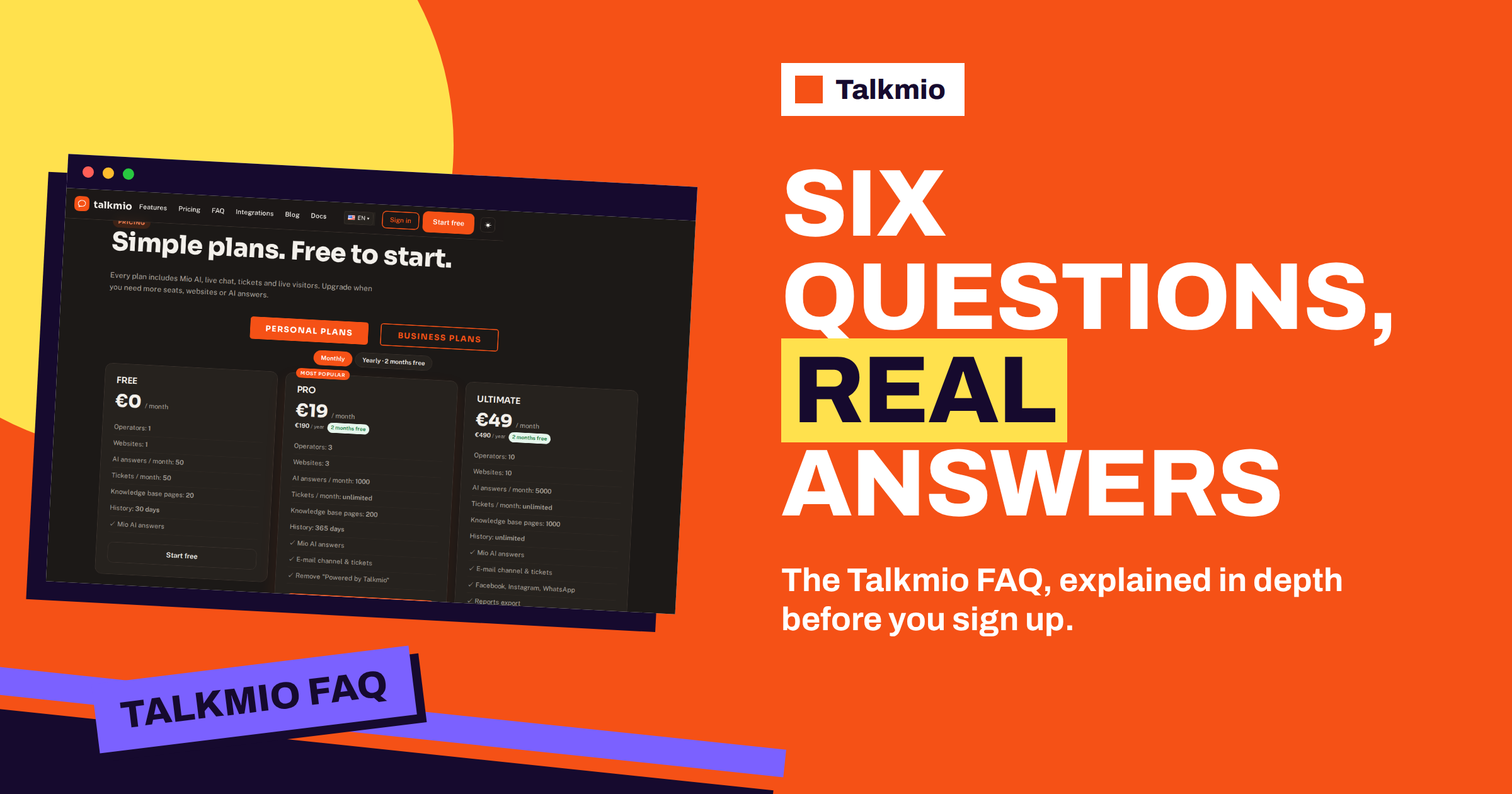
The Talkmio FAQ has six short questions, and each short answer hides a longer story. How does Mio know what to answer? What happens when it cannot help? Which languages does it speak? Does it work with your website? Is there a free plan? Where is your data stored? This guide takes the Talkmio FAQ one question at a time, repeats the official answer, then explains what it means in practice, what you should do about it and where the limits are. If you are deciding whether to sign up, it is the fastest way to understand the product before you spend any time on it.
Every claim here comes from the Talkmio FAQ, the documentation and the pricing page. Where those pages are silent on a detail, this guide says so instead of filling the gap, because an honest “the documentation does not say” is more useful than a confident guess.
The Talkmio FAQ at a Glance
The table gives each question, the short answer and the place to read more.
| Question | Short answer | Read more |
|---|---|---|
| How does Mio know what to answer? | From your website, FAQ and uploaded documents only | Documentation, Teaching Mio |
| What happens when Mio cannot help? | It hands the chat to your team with the full history | Documentation, How Mio hands off |
| Which languages are supported? | The language the visitor writes in, 30+ languages | FAQ and documentation |
| Does it work with my website? | Yes: one line of code or the WordPress plugin | Documentation, Getting started |
| Is there a free plan? | Yes: 1 operator, 1 website, 50 AI answers a month | Pricing |
| Where is my data stored? | On servers in the EU (Germany); export or delete any time | Documentation, Privacy and data |
Question 1: How Does Mio Know What to Answer?
The official answer is that Mio reads your website, FAQ and the documents you upload, and that every answer comes from that content. It never invents prices or policies, and when it is not sure it hands the conversation to your team. That is the most important sentence in the Talkmio FAQ, because it describes the difference between an assistant you can trust and one you cannot.
What Mio Reads
In the app, Mio AI has a Knowledge base. You add your website, and Mio reads every public page on the same domain, respecting robots.txt. You can also add single pages, question and answer pairs, free text and files in PDF, DOCX, TXT, MD, CSV or HTML, up to 15 MB each. Sources are re-read on demand, using Re-read, so when a page changes, you tell Mio to look again. The plan limits how many pages Mio can keep: 20 on Free, 200 on Pro and 1000 on Ultimate.
What It Means for You
The practical consequence is that the quality of the answers equals the quality of your content. A site with clear delivery, returns and price pages gives Mio plenty to say, and a site with vague pages gives it little. Before you launch, add business instructions, which tell Mio what you sell, the tone to use and what it must never promise, for example “never quote delivery dates, hand order questions to the team”. Then use Try Mio, which shows the answer, which knowledge pieces were used and how long it took. Our guide to testing answers in Try Mio shows how to do it properly.
The Limit to Remember
Mio answers only from content, so it cannot tell a visitor something that is not written down: today’s stock, a custom price or a decision that only you can make. That is a feature, not a flaw, since it is what stops it from inventing things. The way to handle such questions is the next one in the Talkmio FAQ.
Question 2: What Happens When Mio Cannot Help?
The official answer is that Mio tells the visitor it is connecting them with a person, and the chat appears in your Inbox with the full history. If your team is offline, the visitor leaves an e-mail and you reply from the Inbox; the answer goes out as an e-mail. The documentation adds the detail: Mio hands the chat over when it cannot answer from your content, when the visitor asks for a person, when the visitor complains or when the visitor asks about a specific order.
What you see is a conversation with a “needs human” badge, a browser notification in the Inbox and, if nobody is online, an e-mail and a push notification on the mobile app. Once a person replies, Mio stays out of that conversation. When your whole team is offline, visitors are asked for an e-mail before their first message, so you always have a way to reach them. Our guide to the hand-off to a human shows what visitors and agents see, step by step.
Two habits make this work well. First, write the cases that must always go to a person into the business instructions, such as refunds, legal questions or anything that needs a decision. Second, check the Inbox on a rhythm that matches your promises: the response time target, set in Settings, marks conversations without a first reply as overdue.
Question 3: Which Languages Are Supported?
The official answer is that Mio replies in the language the visitor writes in, including Lithuanian, English, German, Polish, Russian, Spanish and French and 30+ others, and that the chat window itself is translated too. The documentation adds an important detail: questions in one language find answers written in another, so a Lithuanian question can be answered from an English FAQ.
In practice this means you do not have to write your content in every language. Write it well in one or two and let Mio bridge the gap. It also means you should test the languages that matter to you: ask the same question in each of them in Try Mio, and read the answers, especially for prices, terms and anything with legal weight. In the Inbox, the Translate button turns your own draft into the visitor’s language, Polish fixes grammar and tone, and a “translate” link under a visitor message shows it in your language. Our guide to the multilingual knowledge base explains how to write once and answer in many languages.
The widget settings add a choice: the window language can be auto-detected or fixed. Auto-detect suits several markets, and a fixed language suits one.
Question 4: Does It Work With My Website?
The official answer is yes: paste one line of code before the closing body tag, or use the WordPress plugin. It works with WordPress, Shopify, Wix, Squarespace, Webflow and any custom site. The documentation lays out the steps in Getting started: create a free account, confirm your e-mail, add your website under Websites to get a site key and an install snippet, paste the snippet before the closing body tag on every page, or install the Talkmio WordPress plugin and enter the site key in Settings, then open your site and look for the chat bubble.
The documentation gives platform notes as well: on Shopify, the snippet goes into theme.liquid through Online Store, Themes, Edit code; on Wix, Squarespace and Webflow, it goes into the site’s custom code in the footer. It also mentions modules for PrestaShop, OpenCart, Magento, Joomla, Drupal and more. If your platform is not on any list, the one-line snippet is the universal route. Our guide to the script tag install shows how to add Talkmio to any site, listed or not.
Because the widget loads from one line, there is no need to change your site’s structure, and the widget settings, such as colour, position, texts and hours, apply within five minutes without touching the code again.
Question 5: Is There a Free Plan?
The official answer is yes: 1 operator, 1 website and 50 AI answers a month, forever, and paid plans add more operators, websites, AI answers, the e-mail channel and reports. The pricing page adds the rest of the Free plan: 50 tickets a month, 20 knowledge base pages and 30 days of history, with no card needed. The paid plans start with Pro at €19 a month, with 3 operators, 3 websites, 1000 AI answers a month, unlimited tickets, 200 pages, 365 days of history, the e-mail channel and removal of the “Powered by Talkmio” line. Ultimate costs €49 a month and adds more room and social channels, reports export and API access. Both paid plans offer a 14-day trial.
The Free plan is a real product, not a countdown. It suits a one-person business, a small site or a test of Talkmio against another tool. Our guide to the Talkmio free plan explains what it covers, what it leaves out and how to make 50 AI answers last the month. Prices are in euros, VAT is added at checkout, and you can pay with PayPal or bank transfer; the pricing page always has the current figures.
Question 6: Where Is My Data Stored?
The official answer is that data is on Talkmio’s servers in the EU, in Germany, that conversations belong to you and that you can export or delete them at any time. The documentation adds that only the conversation text and relevant knowledge base excerpts are sent to the AI model provider, and that visitors’ IP, country and device data are used to show context in the Inbox. To export or delete your data, you write to support.
For a business that falls under European data rules, this matters, and you should read it alongside your own obligations, such as your privacy policy and any agreement you need with suppliers. The overview of the General Data Protection Regulation is a useful starting point, though only your adviser can tell you what applies to you. The Talkmio FAQ gives the facts about where the data sits; it does not give legal advice, and neither does this guide.
Questions the Talkmio FAQ Does Not Answer
A six-question page cannot cover everything. A few questions come up often, and the places to look are these. For limits and prices, the pricing page lists every plan. For setup steps, the documentation is the reference. For a question about your own case, such as an unusual platform or a data request, write to support through the contact page. And for the questions that only your own business can answer, such as whether Mio’s tone matches your brand, nothing replaces a test: sign up on the Free plan, add your site, write your instructions and ask Mio twenty questions in Try Mio. The overview of frequently asked questions explains why short answers have their limits, and the Talkmio FAQ is a first step.
Frequently Asked Questions
Where is the Talkmio FAQ?
On the FAQ page of the Talkmio website, with six questions: how Mio knows what to answer, what happens when it cannot help, languages, whether it works with your website, whether there is a free plan and where data is stored. The pricing page repeats the same questions below the plans.
Does Mio ever make up an answer?
According to the Talkmio FAQ, every answer comes from your content, and Mio never invents prices or policies. When it is not sure, it hands the conversation to your team. Keep your pages current and test answers in Try Mio so that what Mio repeats is what you mean.
Do I need a developer to install Talkmio?
Usually not. You paste one line of code before the closing body tag, or install the Talkmio WordPress plugin and enter your site key. The documentation gives notes for Shopify, Wix, Squarespace and Webflow, and a script tag works on any custom site.
How many languages does Mio understand?
Mio replies in the language the visitor writes in, including Lithuanian, English, German, Polish, Russian, Spanish and French and 30+ others, and the chat window is translated too. Questions in one language can find answers written in another, so one set of content can serve several languages.
Is the free plan really free?
Yes. The Free plan gives 1 operator, 1 website and 50 AI answers a month, with 50 tickets, 20 knowledge base pages and 30 days of history, and needs no card. Paid plans add seats, sites, answers, the e-mail channel and reports. Prices on the pricing page are in euros, with VAT added at checkout.
Can I take my data with me?
Yes. The documentation says conversations belong to you and that you can export or delete your data at any time by writing to support. Data is stored on servers in the EU, in Germany, and only conversation text and relevant knowledge base excerpts go to the AI model provider.
The Bottom Line
The Talkmio FAQ is short because the idea is simple: Mio answers from your content, hands over what it cannot answer, speaks your visitors’ languages, installs with one line, starts free and keeps your data in the EU. The rest is detail, and this guide has given it. Start free with Talkmio, add your website and test the answers before a single visitor sees them.