
 Lietuviškai
 Deutsch
 Français
 Русский
 Español
 Polski
 Italiano
 Українська
 Čeština
 Português
 日本語
 Latviešu valoda
 Eesti
 Magyar
 Bahasa Indonesia
 Türkçe
 हिन्दी
 Ελληνικά
 العربية
 ไทย
 Tiếng Việt
 Română
 Bahasa Melayu
 বাংলা
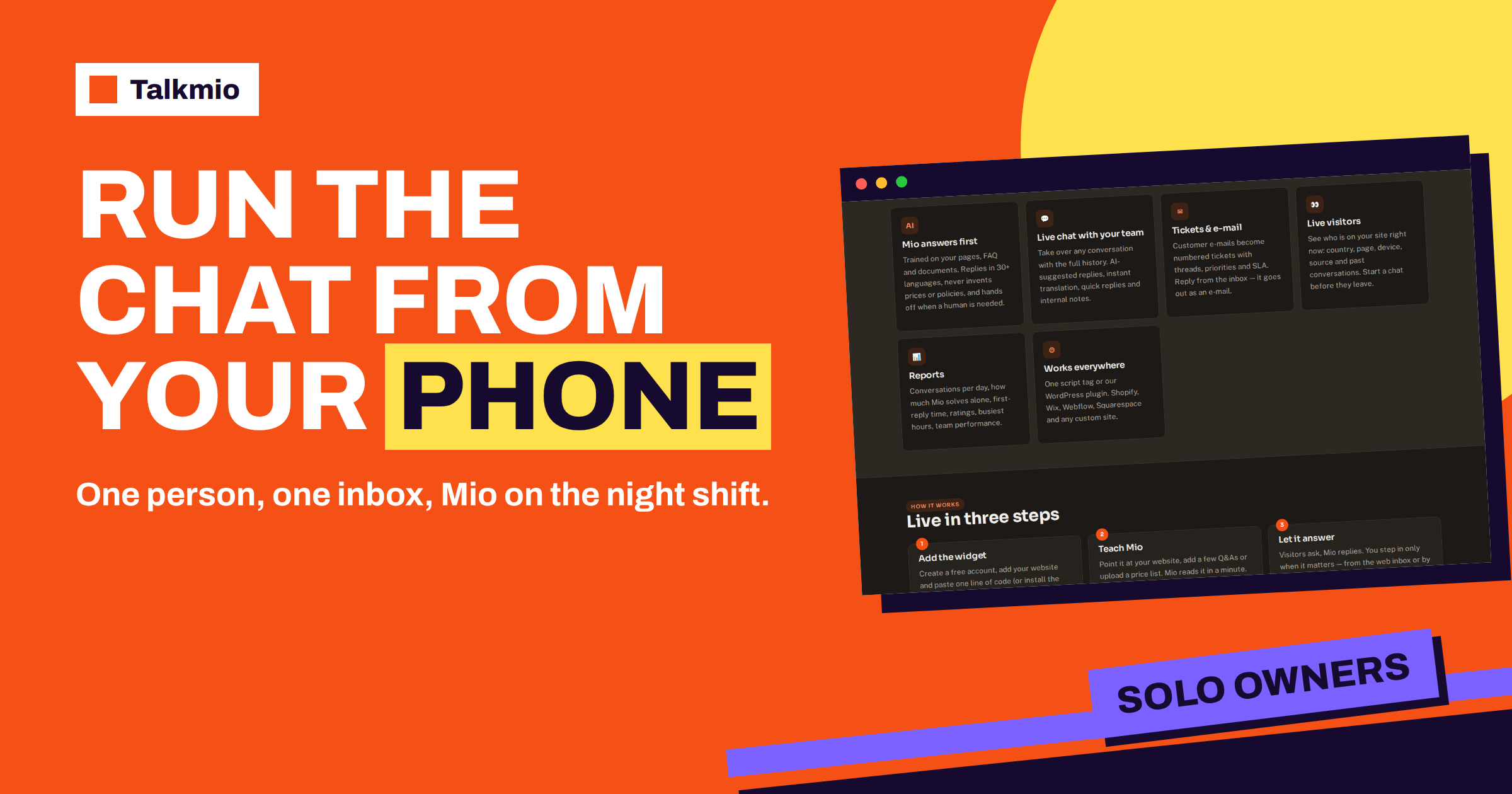
Talkmio for solo owners starts from an honest fact: you cannot sit next to a chat window all day. You are the person who does the work, answers the phone, sends the invoices and, between jobs, replies to customers. A website chat that expects someone to watch it all day will not fit that life. A chat that answers routine questions alone, passes the real ones to you and lets you reply from your phone when you have a minute can. This guide shows how a one-person business can set up Talkmio, using only what the documentation and the pricing page describe: the Free plan, the mobile app, the status switch, the offline flow and a few rules for Mio. It also says plainly when a solo owner should look at a paid plan.
The examples are invented for illustration. Your own business, prices and rules always come first, and a solo owner is not always a sole trader: a company with one person on the Inbox faces the same questions.
What a Solo Owner Needs From a Chat
A solo owner needs four things. First, the chat must answer the repeated questions without you: hours, prices, areas, how to book. Second, it must tell you quickly when a person is needed. Third, it must work from a phone, because that is where you spend the day. Fourth, it must not make promises you cannot keep. Talkmio is built around exactly those points. Mio reads your website, FAQ and uploaded documents and answers only from that content, according to the documentation, so it does not invent prices or policies. It hands the conversation to you when it cannot answer from your content, when the visitor asks for a person, when the visitor complains or when the visitor asks about a specific order.
Start on the Free Plan: What You Get
The pricing page lists the Free plan as one operator, one website, 50 AI answers a month, 50 tickets a month, 20 knowledge base pages and 30 days of history. It needs no card, and the plan is free forever, according to the FAQ. For many solo owners that is a good starting size. One operator is you, one website is your site and 50 answers a month is enough to see how customers use the chat. When you outgrow it, Pro adds three operators, three websites, 1000 AI answers a month, 200 knowledge base pages, 365 days of history, the e-mail channel and the removal of the “Powered by Talkmio” line. Our guide to the Talkmio Free plan explains what each limit means in practice.
The Phone Is Your Inbox
The documentation describes the Talkmio mobile app for iOS and Android: the Inbox, conversations with Mio assist, live visitors, your status and push notifications for new messages, hand-offs and tickets. You sign in with your Talkmio e-mail and password. For a solo owner, this is the heart of the setup. When Mio hands a chat over, you receive a notification on your phone. You open the conversation, read the history, see what Mio has already said and reply. Our guide to the live chat mobile app adds tips for answering on the go.
A few habits make it comfortable. Turn on notifications for hand-offs and tickets, but accept that not every message needs an instant reply. Keep quick replies short and use them: the reply box inserts one when you type a slash. If you are on a job, reply with a short holding message and promise a time you can meet. And when you need to concentrate, set your status accordingly.
Status and Hours: Tell the Truth
Each member of the team sets a status: Online, Away or Offline. For a solo owner that is a single switch, and it matters because it decides what visitors are told. When your whole team is offline, the documentation says, visitors are asked for an e-mail before their first message, and your later reply from the Inbox goes out as an e-mail. That flow is exactly what a solo owner needs: nobody is left waiting on a chat that nobody watches. Set business hours in the widget settings too, and write an offline text that says when you reply, for example “We reply within one working day”. Then keep the promise. Our guide to operator status in live chat shows how the three statuses work.
| Moment | Your status | What happens in the chat |
|---|---|---|
| At your desk, replying | Online | Visitors can reach you; Mio still answers routine questions |
| On a job, phone in pocket | Away | Hand-offs reach your phone; you reply when you can |
| Evening and weekend | Offline | Mio answers; others leave an e-mail and you reply next day |
| Holiday | Offline, with updated hours and offline text | Mio answers; the offline text says when you return |
Teach Mio So That You Are Needed Less
The more Mio can answer from your content, the fewer messages reach your phone. Open Mio AI and then the Knowledge base. Add your website, and Mio reads every public page on the same domain. Then add what the site does not say: question and answer pairs for hours, prices, areas and booking, free text for rules, and files such as a price list. The Free plan keeps 20 pages, so be economical: combine small facts into one note. Then write the business instructions, which tell Mio what you sell, which tone to use and what it must never promise. For a solo owner, three rules are especially useful: never quote a delivery or work date, never confirm availability and hand every order question to you. Test them in Try Mio, which shows the answer, which knowledge pieces were used and how long it took.
If you have no FAQ page yet, our guide to the Talkmio setup guide covers the first hour, and the knowledge base takes questions typed straight into Mio AI. For background on running a one-person business, see the overview of the sole proprietorship.
Talkmio for Solo Owners: A Day in Three Check-Ins
A solo owner does not need to watch the chat continuously. Three short check-ins are usually enough.
- Morning. Open the Inbox and the filter Unanswered. Reply to what arrived overnight, assign nothing, because you are the only operator, and set priorities if you use tickets.
- Midday. Look at the phone between jobs. Reply to hand-offs, or send a holding message with a time.
- Evening. Check what came in, switch your status to Offline and let Mio and the offline flow carry the night.
Once a week, spend ten minutes under Mio replied and read five answers. If one is wrong or vague, fix the source and use Re-read. Open Reports now and then: conversations per day, the share answered by Mio alone and hand-offs show whether the chat saves you time. That weekly habit costs little and keeps the chat accurate.
Boundaries: Protect Your Time and Your Promises
A chat can quietly steal your day if you let every question reach you. Protect your time with rules. Tell Mio to hand over only what needs you: complaints, specific orders, quotes and requests for a person. Tell it to answer everything else from your pages. Write your hours into the offline text so that nobody expects a reply at midnight. And never let Mio promise what only you can deliver: a date, a discount, an exception. Our guide to hand-off to a human in Talkmio lists the cases that should reach you.
When a Solo Owner Should Look at Pro
Stay on Free for as long as it fits. Watch for three signals. The first is the monthly limit: if Mio reaches 50 AI answers well before the month ends, the chat is useful and the plan is too small. The second is the knowledge base: if 20 pages no longer hold what customers ask, you need more room. The third is people: if a part-time helper joins and needs the Inbox, you need a second operator, which Pro includes. Pro also adds the e-mail channel, with a Talkmio address to which your support mailbox can be forwarded, so customer e-mails become tickets. The pricing page shows current prices in euros, with two months free on yearly billing. Our guide to when to upgrade a live chat plan shows how to decide on evidence. Talkmio for solo owners is meant to grow with the business, one step at a time.
Examples: Three Kinds of One-Person Business
A solo owner is a broad category, so here are three invented examples to show how the same setup bends to different work. A freelance photographer takes bookings through the website. Mio answers questions about packages, locations and delivery times from the pages, and hands every date request to the photographer, who replies from the phone between shoots. A mobile hairdresser travels to clients all day. The chat explains prices, areas and how to book, and the status stays Away while she works, with hand-offs arriving as push notifications that she answers in the car park. A small online shop owner packs orders in the morning and answers the Inbox at lunch. Mio handles questions about sizes and returns from the shop’s pages, and every order question goes to the owner, as the documentation recommends.
In all three cases the pattern is the same: Mio covers the repeated questions, the phone carries the exceptions and the status and hours tell visitors the truth. Talkmio for solo owners is not about answering faster than everyone else; it is about never leaving a customer without an answer while you are busy doing the work they hired you for.
Mistakes Solo Owners Make With a Website Chat
A few mistakes repeat. The first is leaving the status on Online after the working day, so visitors wait for a reply that never comes. Switch to Offline, or let business hours handle it. The second is writing an offline text that promises more than you can deliver, such as “we reply within minutes”. Promise what you can keep, such as one working day. The third is teaching Mio too little, so that every question reaches the phone; add the twenty questions you answer most. The fourth is teaching Mio too much, including old prices that nobody updated; check the sources each month. The fifth is ignoring the weekly read of Mio replied, which is the fastest way to catch a wrong answer. For the wider context, the overview of self-employment shows why every hour counts for a one-person business, and why a chat that saves even a few of them is worth setting up well.
Frequently Asked Questions
Can one person really run Talkmio alone?
Yes. The Free plan includes one operator, which is you, and the mobile app sends push notifications for new messages, hand-offs and tickets. Mio answers routine questions from your content, so you only handle what needs a person.
What happens when I am busy or asleep?
Set your status to Away or Offline. When the whole team is offline, visitors are asked for an e-mail before their first message, Mio still answers from your content and your later reply from the Inbox goes out as an e-mail.
Do I need the mobile app?
No, but it suits a solo owner. The app for iOS and Android shows the Inbox, conversations, live visitors and your status, and it sends push notifications. You can also use the web Inbox at app.talkmio.com from any computer.
How many AI answers does the Free plan include?
The Free plan includes 50 AI answers a month, 50 tickets a month and 20 knowledge base pages, with 30 days of history. If Mio reaches the limit early in the month, review what customers ask and consider Pro, which includes 1000 answers.
Can I stop Mio from promising things only I can deliver?
Yes, with business instructions. Write rules such as never quote dates, never confirm availability and hand order questions to the team. Test them in Try Mio, which shows the answer and which knowledge pieces were used, so you can fix a rule before a customer sees the mistake.
When should a solo owner upgrade to Pro?
When the monthly answer limit or the 20-page limit is too small, or when a helper needs access to the Inbox. Pro adds three operators, three websites, 1000 AI answers, 200 pages, 365 days of history and the e-mail channel.
The Bottom Line
Talkmio for solo owners comes down to a small setup: the Free plan, the mobile app, an honest status and hours, a taught Mio with a few firm rules and three check-ins a day. Let Mio handle the routine and keep your attention for the conversations that need you. Start free with Talkmio and take the chat off your to-do list.