
 Lietuviškai
 Deutsch
 Français
 Русский
 Español
 Polski
 Italiano
 Українська
 Čeština
 Português
 日本語
 Latviešu valoda
 Eesti
 Magyar
 Bahasa Indonesia
 Türkçe
 हिन्दी
 Ελληνικά
 العربية
 ไทย
 Tiếng Việt
 Română
 Bahasa Melayu
 বাংলা
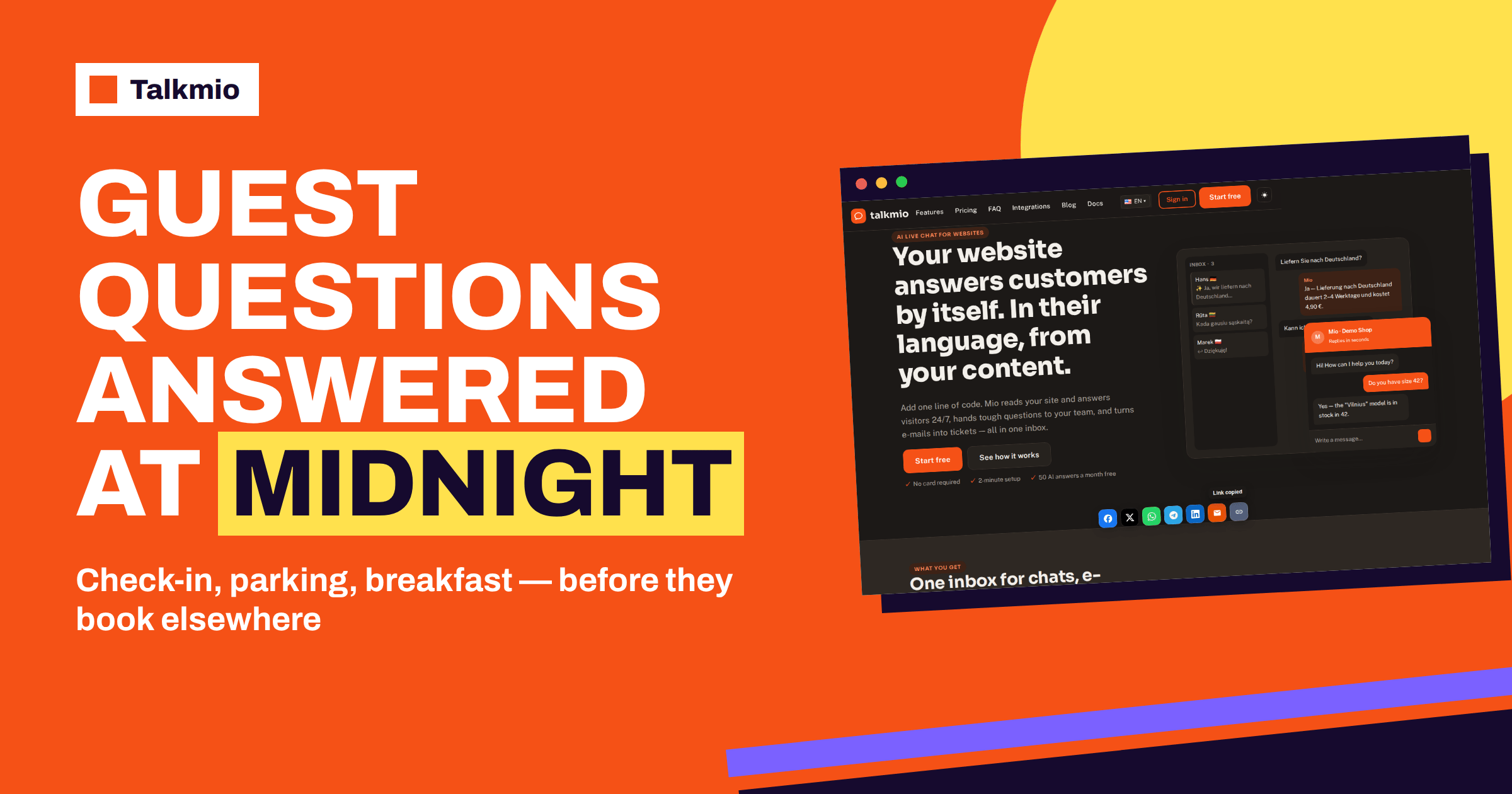
Guesthouse chat is useful for a simple reason: guests decide quickly, and they ask their questions when it suits them, often late in the evening, when the owner is cooking, cleaning or asleep. A visitor who cannot find out whether breakfast is included, whether there is parking or whether dogs are allowed opens another tab and books somewhere else. This guide shows how a small guesthouse, bed and breakfast or family hotel can use Talkmio to answer those questions at any hour, in the guest’s own language, from the facts already written on its website, and how to hand real booking requests to a person.
The product facts below come from the Talkmio documentation and pricing page. The hospitality examples are general and meant as a pattern to adapt, not as figures about any particular property.
What Guests Ask Before They Book
Look at the e-mails and phone calls you received last season. Most of them fall into a short list of questions, and most of the answers do not change from guest to guest. The table groups them and shows who should answer.
| Question group | Typical questions | Where the answer should live | Mio or a person? |
|---|---|---|---|
| Arrival and departure | Check-in and check-out times, late arrival, key handover | House rules page | Mio |
| Food | Breakfast hours, diets, other meals nearby | Breakfast page | Mio |
| Getting there | Directions, parking, public transport, airport transfers | Location page | Mio |
| Rules and extras | Pets, children, smoking, bikes, laundry, Wi-Fi | House rules page | Mio |
| Prices and conditions | Room prices, deposits, cancellation, tourist tax | Price page | Mio if written; a person if not |
| Availability and bookings | Free rooms on given dates, group requests, special requests | Your booking system or calendar | A person |
The last row matters most. Mio answers only from your content and does not check live availability, so a question about free rooms on particular dates is best handed to a person or answered with a link to your booking page. Everything above that row can be written once and answered every time.
Step 1: Put the Answers in Writing
Open Mio AI, then the Knowledge base, and add your website. Mio reads every public page on the same domain and respects robots.txt. Check first that your site contains the facts. Many small guesthouses keep important details only in a booking confirmation e-mail, a printed guest folder or the owner’s memory. Write them on a page, or add them in other ways the documentation lists: single pages, question and answer pairs, free text or files such as a PDF guest guide, up to 15 MB each.
A good starting set for a guesthouse is five sources: a house rules page, a breakfast page, a location and parking page, a prices and cancellation page and a short list of question and answer pairs for the oddities, such as “Can I store my bike?” or “Is there an elevator?”. If you run a business with an off season and a high season, state the dates for each, so that Mio does not quote summer prices in winter. Our guide to live chat for hotels covers the bigger properties; the principle is the same, only smaller.
Starter Question and Answer Pairs for a Guesthouse
If your pages are thin, question and answer pairs are the quickest way to give Mio the details. Write each answer as a plain sentence that states the fact, and avoid “see above”. A starter list might include: What time is check-in and what if I arrive late? Is breakfast included, and when is it served? Is there parking, and does it cost extra? Are pets welcome, and is there a fee? Is there Wi-Fi in all rooms? Can I store luggage after check-out? How do I get here from the station or the airport? What is the cancellation policy? Is there a tourist tax, and is it included in the price? Which languages do you speak at the desk? Ten pairs like these, written in your own words, answer the large majority of what guests ask before they book. Review them every season, and change them the day a rule changes. The documentation says you can also add free text, which suits seasonal notes such as “the garden is closed in winter”. For background on how a small guest house differs from a hotel, the points that matter here are size, personal service and limited desk hours, which is exactly where a chat helps.
Step 2: Write Business Instructions Like a Host
Business instructions tell Mio what you sell, which tone to use and what it must never promise. The documentation gives an example for a shop: never quote delivery dates, and hand order questions to the team. For a guesthouse, adapt the idea to bookings. A short brief might say that you run a small guesthouse, that the tone is warm and brief, that Mio never confirms availability or a price that is not on the website, and that booking requests, special requests and complaints go to the team. Mio hands the chat to a person when it cannot answer from your content, when the visitor asks for one, when the visitor complains or when the visitor asks about a specific order, so complaints and orders are covered by default. Booking questions you add yourself in the instructions.
Keep the tone consistent with your property. A family guesthouse sounds different from a boutique hotel. Give Mio two or three example phrases and avoid long, formal sentences.
Step 3: Guesthouse Chat at Night and in the Early Morning
A guesthouse chat earns the most when you are not at the desk. Guests plan trips in the evening and book on the weekend. When the whole team is offline, the visitor is asked for an e-mail address before the first message, and your reply from the Inbox goes out as an e-mail. Meanwhile Mio answers everything that your pages answer. Set your status to Offline when you stop work, write an offline text that says when you answer and check the Inbox with your coffee. Our guide to AI chatbot opening hours shows how to word the answer about your reception times.
Step 4: Welcome Guests in Their Own Language
Many guests come from abroad. Mio replies in the language the visitor writes in, including Lithuanian, English, German, Polish, Russian, Spanish and French, and 30+ others, and the chat window itself is translated too. The documentation notes that a question in one language finds answers written in another. You can therefore keep your house rules in one or two languages and still answer a guest in a third. Test it: ask in a language you do not use on your site, and check that the check-in time and the breakfast hours come out right. Our guide to multilingual live chat goes deeper.
Step 5: Test With Try Mio Before Guests Do
Try Mio shows the answer, which knowledge pieces were used and how long it took. Write fifteen questions as a guest would type them: “do you accept dogs”, “is breakfast included”, “what time is the latest check in”, “where can I park a van”, “can you hold my luggage on the last day”. Compare the answers with the truth. Fix gaps by adding a fact to a page or a question and answer pair, then use Re-read and ask again. Finally, open the site in a private window and test the real chat, including one question that Mio should hand over, such as a complaint.
Where the Guesthouse Chat Should Appear
For a guesthouse chat to be useful, guests must see it where they decide. The snippet goes before the closing body tag on every page, or you use the WordPress plugin and enter the site key. The chat bubble then appears on every page, including the booking page and the guest information page. If your booking engine is on a separate domain, the chat will not appear there unless that platform lets you add code; the documentation describes custom code areas for platforms such as Wix, Squarespace and Webflow. Visit your own booking path as a guest and note where the bubble is and is not visible.
Adjust the widget under Websites: colour, position, assistant name, welcome and offline texts, language and business hours. A welcome text like “Ask about rooms, breakfast and parking” invites the right questions. Changes apply within five minutes.
Plan Your Guesthouse Chat for the Season
Hospitality is seasonal, and your guesthouse chat volume will follow. Open Reports after the first weeks and read the conversations per day, the share answered by Mio alone and the busiest hours in your time zone. Compare them with your booking calendar. Before the high season, review the knowledge base: update prices, add event dates, check the cancellation rules and use Re-read so that Mio sees the changes. Also check the usage against your plan, since a busy summer can use the monthly AI answers faster than a quiet spring. A calendar reminder two weeks before each season is enough.
Which Talkmio Plan Suits a Guesthouse
A one-person guesthouse chat can start on the Free plan: one operator, one website, 50 AI answers a month, 20 knowledge base pages and 30 days of history. That is enough to learn what guests ask. A guesthouse with two or three people, with a booking mailbox that should become tickets, or with a high season that needs more answers, will look at Pro: three operators, three websites, 1000 AI answers a month, the e-mail channel, 200 pages and 365 days of history. A property with a restaurant or several sites may need more. Read the pricing page for the current plans, and use the 14-day trial on paid plans before you commit.
What the Chat Does Not Do
Be honest with yourself and with guests. According to the documentation, Mio answers from your content and hands over to people; it does not describe taking bookings, checking a room calendar or processing payments. Keep your booking system for those jobs, and let the chat point to it with a link written in your content. If a guest wants to reserve, the right answer is a link and an offer to help, and a person takes over for anything unusual. A guest who is told clearly what to do next is a guest who books, and a guesthouse chat that says “I do not know, a person will answer” earns more trust than one that guesses.
The bed and breakfast model has always depended on personal contact. The chat does not replace that; it protects it, by taking the repeated questions off your plate so that you have time for the guests who are already in your house.
Frequently Asked Questions
Can Mio check room availability for a guesthouse?
No. Mio answers from the content you give it, such as your website, FAQ and uploaded documents. The documentation does not describe a live availability or booking function. Add a link to your booking page in your content, and let a person handle special requests and unusual dates.
What happens when a guest writes at night?
Mio answers whatever your content covers. If the whole team is offline, the guest is asked for an e-mail address before the first message, and your reply from the Inbox goes out as an e-mail the next morning. You can set your status to Offline when you stop work.
Can Mio answer guests who write in another language?
Yes. Mio replies in the language the visitor writes in, including Lithuanian, English, German, Polish, Russian, Spanish and French, and 30+ others. A question in one language can find an answer written in another, so one set of house rules can serve many guests.
What should I put on my website for Mio to use?
Start with house rules, breakfast, location and parking, prices and cancellation, and a few question and answer pairs for details such as pets, luggage, bikes and Wi-Fi. You can also upload a PDF guest guide. State seasonal prices and dates clearly.
Which plan does a small guesthouse need?
Start on Free, which includes one operator, one website and 50 AI answers a month, to see what guests ask. Move to Pro if you have several people, want the e-mail channel with tickets or expect a busy season that needs more AI answers.
How do I test the answers before guests see them?
Use Try Mio, which shows the answer, the knowledge pieces used and the time taken. Write fifteen questions as guests would type them, compare the answers with the truth, add missing facts and use Re-read. Then test the real chat in a private window.
The Bottom Line
Guesthouse chat works when the facts are written down, the instructions are clear and the owner reads the Inbox each morning. Let Mio answer check-in, breakfast, parking and house rules at any hour and in any language, and keep bookings and special requests for yourself. Start free with Talkmio, add your website and test fifteen guest questions in Try Mio before the next season starts.