
 Lietuviškai
 Deutsch
 Français
 Русский
 Español
 Polski
 Italiano
 Українська
 Čeština
 Português
 日本語
 Latviešu valoda
 Eesti
 Magyar
 Bahasa Indonesia
 Türkçe
 हिन्दी
 Ελληνικά
 العربية
 ไทย
 Tiếng Việt
 Română
 Bahasa Melayu
 বাংলা
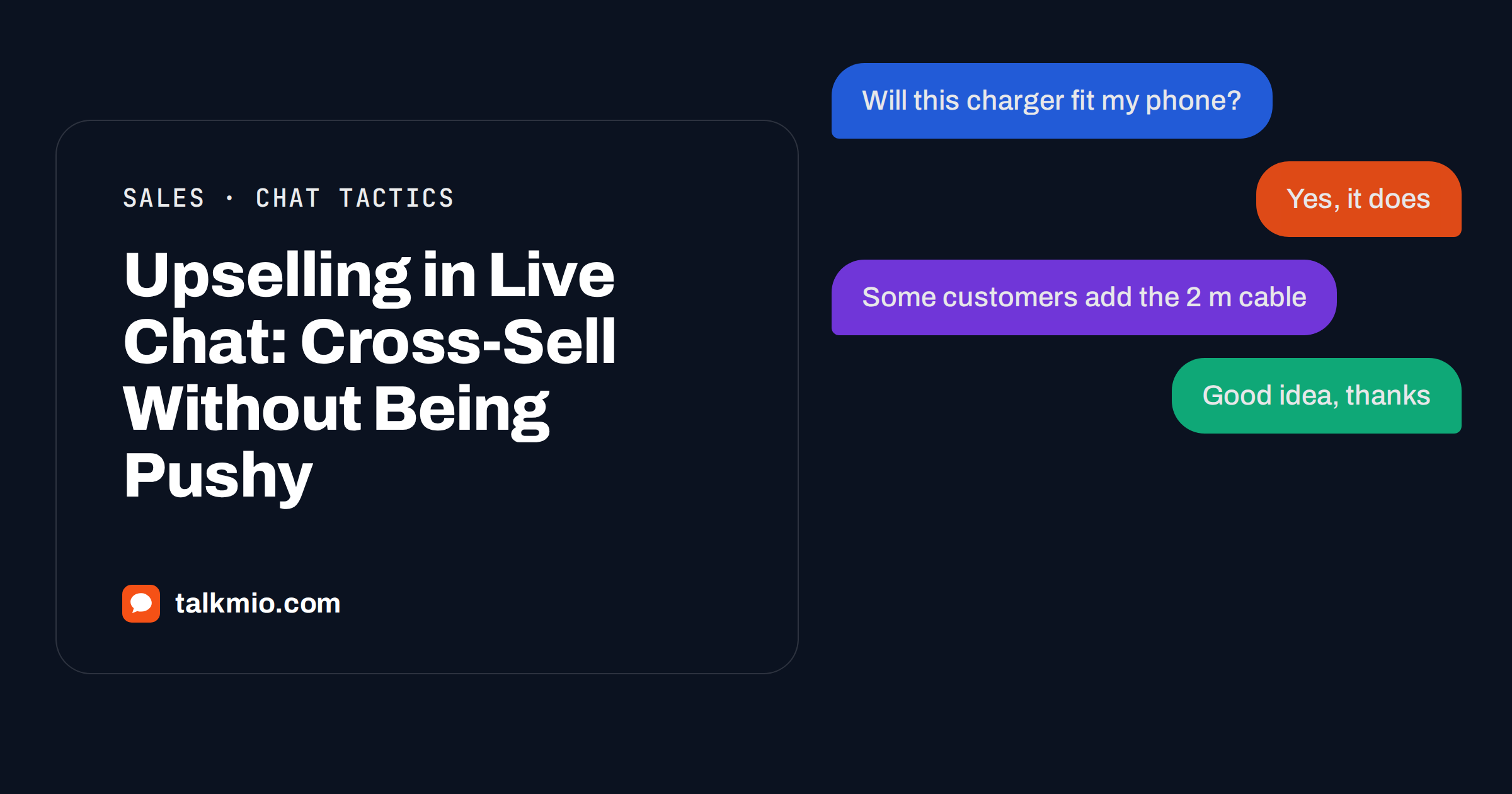
Upselling in live chat has a bad reputation, and it is earned. Everyone has met the chat that answers a simple question with “have you seen our premium plan?”, or a pop-up that interrupts a purchase to offer an extra. Visitors feel pushed, and the next time they ignore the bubble. Yet some of the best sales moments happen in a chat, because the visitor has just told you what they need. The difference between helpful and pushy is small and learnable. This guide shows when upselling in live chat works, how to word a suggestion, which rules to give Mio and your team, and how to measure whether it helps.
Talkmio is an AI live chat for websites. Its assistant, Mio, reads your website, FAQ and uploaded documents and answers only from that content, so it never invents prices or policies. When it cannot answer, the conversation goes to your team. That shapes how upselling works with Talkmio: Mio can mention products and options that exist in your content, in the visitor’s language, and your team can take over for anything that needs judgement or a promise.
Upselling, Cross-Selling and Plain Help
Three ideas are often mixed up, and separating them clears most of the confusion.
- Plain help. The visitor asks something and you answer it. No offer is involved.
- Cross-selling. You suggest something that goes with what the visitor already chose, such as a case for a phone or a refill for a pen. See the overview of cross-selling for the classic definitions.
- Upselling. You suggest a better, larger or longer version of what the visitor already chose, such as a bigger plan or a longer warranty.
Every upsell starts with plain help. A suggestion that follows a real answer is a recommendation. A suggestion that replaces an answer is a sales pitch. If you keep that order, you rarely go wrong.
When Upselling in Live Chat Works
Upselling in live chat works in a few situations, and it fails in others. Use the table as a quick test before you write any rule.
| Situation | Suggest? | Why |
|---|---|---|
| The visitor describes a need that the chosen product only half meets | Yes | The upgrade solves the stated problem |
| The visitor asks which of two options is better | Yes | They asked for a recommendation |
| The visitor is about to buy and asks about a missing accessory | Yes | The add-on completes the purchase |
| The visitor is angry about a delay or a defect | No | An offer now feels tone-deaf |
| The visitor asks a factual question about delivery | No | Answer it, and stop |
| The visitor says the budget is tight | No, or only a cheaper option | Pushing up breaks trust |
The pattern is simple: suggest when the visitor has shown a need, and stay silent when they have shown stress, hurry or a limit. Our guide to AI chatbot product comparison questions explains how to handle “which should I buy?” honestly.
How to Word a Helpful Suggestion
A good suggestion has four parts: it answers first, ties the offer to the visitor’s own words, gives one reason and leaves the choice open. Compare two replies to “Will this charger work with my phone?”
- Pushy: “Yes! Have you seen our bundle with the cable and case? Buy now and save.”
- Helpful: “Yes, it works with your phone model. If you charge at a desk, the two-metre cable is a popular add-on because the standard one is short. Would you like the details?”
The second reply answers the question, links the add-on to a real use, states one reason and asks permission. It also works across languages, because the structure does not depend on idioms. Write two or three of these examples into your internal guidelines, and use them to train new staff.
Keep the offer to one item. A list of five add-ons looks like a catalogue and reads like a script. If the visitor is interested, they will ask for more.
Rules for Mio
Mio answers from your content and does not see the visitor’s basket, order history or account. That limits what it can recommend, and it is a strength, because it cannot invent a product, a discount or a promise. To make upselling in live chat work with Mio, write the options into your content and rules into your business instructions.
- Publish the pairs. Write a page or question and answer pairs that say which accessories fit which products, which plan suits which need, and what an upgrade adds. Mio can only recommend what your pages describe.
- Write the rule of order. Business instructions tell Mio what you sell, the tone to use and what it must never promise. Add: “Answer the visitor’s question first. Mention an upgrade or accessory only if it solves a need the visitor has stated, and mention one item at most.”
- Write the limits. “Never mention an offer when the visitor is complaining, asks about a refund or says that the budget is limited. Never promise a discount or a delivery date.”
- Test the cases. Use Try Mio, which shows the answer, which knowledge pieces were used and how long it took, to ask the ten questions where an upsell could go wrong.
You can upload product tables as CSV, PDF, DOCX, TXT, MD or HTML files up to 15 MB each, and the plan limits how many pages Mio can keep. When prices or products change, edit the pages and use the re-read option so that Mio picks up the change. Our guide to AI chatbot pricing questions shows how to keep price answers accurate.
Rules for Your Team
People are better than Mio at judging mood and context, and they carry the responsibility for what is promised. When Mio hands a conversation over, because the visitor asks for a person, complains or asks about a specific order, the team takes it with a needs-human badge, and Mio stays out of that conversation. Give staff a short playbook.
- Resolve the question or the problem before any offer.
- Use the visitor’s own words when you suggest something.
- Never offer a discount that is not agreed, and send the visitor to the published terms when unsure.
- Use internal notes to record what you suggested, so a colleague does not repeat it.
- Convert the chat to a numbered ticket if a quote or a follow-up is needed.
Quick replies, inserted with a slash in the reply box, save time on standard suggestions, and the Suggest button drafts a reply from your knowledge base. Review the draft before you send it, and remove anything pushy. Our guide on live chat on the checkout page covers where an offer can distract from a purchase.
Proactive Offers: Handle With Care
Talkmio shows who is on your site right now, with country, city, page, device, browser, source and pages viewed, and lets you start a chat proactively. The widget opens on the visitor’s side within 30 seconds. It is tempting to use it to push an offer. Do the opposite: use it to help. A visitor who has spent minutes on a pricing page may welcome the question “Can I help you choose a plan?” and will resent “Buy today and save”. Our article on proactive live chat explains the difference and how to avoid annoying people.
Examples for Different Kinds of Business
The principle is the same everywhere, but the wording changes with the product. Here are examples of suggestions that follow a real answer.
An online shop
A visitor asks whether a jacket is waterproof. After the answer, a good reply adds: “If you walk in heavy rain, the trousers from the same range are also waterproof. They are sold separately.” The visitor sees a link between two products and decides. Do not add a third item.
A software product
A visitor on the Free plan asks how to add a second website. The honest answer is that the plan includes one website, and a paid plan includes more. A helpful reply states the fact, names the plan that fits and links to the pricing page. It does not hide the limit or add pressure. For Talkmio itself, the current plans and limits are on the pricing page, and Mio repeats what that page says.
A service business
A visitor asks about a single consultation. If your content says that a package of three sessions costs less per session, Mio can mention it once, as information, and offer the details. Anything that depends on the visitor’s situation, such as a custom quote, belongs to a person.
A subscription
A visitor asks how to pause a subscription. This is a retention moment, not a sales moment. Answer the question clearly, and if you have a lighter plan, mention it as an alternative, never as an obstacle. Our guide to live chat for e-commerce stores covers more shop examples.
Mistakes That Make Upselling Feel Pushy
- Offering before answering. The visitor came with a question, and the chat ignored it.
- Offering to everyone. A rule that fires on every conversation trains visitors to dismiss the chat.
- Offering several items. A list turns a recommendation into a catalogue.
- Using urgency that is not real. “Only two left” or “offer ends today” must be true and published. Otherwise it damages trust.
- Offering at the wrong emotional moment. A complaint, a refund request or a delay needs care, not a promotion.
- Forgetting the second visit. A visitor who was pushed once may not return. Judge the rule by the relationship, not by one sale.
Review these once a month with real conversations in front of you. The Inbox filters, such as Mio replied and Closed, make it easy to read a sample. If a suggestion would have annoyed you, change the instruction that caused it.
Measure What You Cannot See in the Chat
Talkmio reports conversations per day, the share answered by Mio alone, hand-offs, first-reply time, ratings and busiest hours. It does not see your orders, so match chats with your own sales data from the shop or the CRM. Compare the average order value for orders that started with a chat and those that did not, but be careful: people who chat differ from those who do not. A better measure is the rating. If ratings fall when you add upselling rules, the suggestions are hurting the experience. Read ten conversations each week and ask a simple question: would I be happy to receive this message?
Frequently Asked Questions
Is upselling in live chat annoying?
It is when it replaces an answer or arrives at the wrong moment. It works when you answer first, tie the suggestion to the visitor’s stated need, mention one item and leave the choice open. Never make an offer to a visitor who is complaining or has said the budget is limited.
Can Mio recommend accessories and upgrades?
Yes, only those described in your content. Mio answers from your website, FAQ and uploaded documents and does not invent products or prices. Publish which accessories fit which products and what an upgrade adds, and use business instructions to say when to mention them.
Does Mio see the visitor’s basket or past orders?
No. Mio answers from your content and does not connect to baskets, orders or accounts. When a visitor asks about a specific order, Mio hands the conversation to your team. Your staff can then look up the order in your own systems and make a suitable suggestion.
Should staff offer discounts in chat?
Only discounts that are agreed and published. Tell staff to send visitors to the published terms when unsure, and instruct Mio never to promise a discount. Record exceptions in an internal note, so colleagues do not contradict each other.
How do I stop Mio from pushing offers?
Write it into business instructions: answer first, mention at most one item, and never mention an offer to a complaining or budget-limited visitor. Then test those cases with Try Mio before launch and read real conversations in the Inbox after.
How can I measure whether upselling helps?
Match chat conversations with your own order data and watch ratings in the reports. If average order value rises and ratings hold, the suggestions help. If ratings fall, the suggestions feel pushy. Talkmio does not see your orders, so the sales comparison must come from your shop.
The Bottom Line
Upselling in live chat is a courtesy with a commercial side effect: answer first, suggest one relevant thing, explain why and let the visitor decide. Teach Mio through your content and instructions, give your team a short playbook and measure ratings as well as sales. Start free with Talkmio, publish your product pairs and see how helpful suggestions turn into better orders without pressure.