
 Lietuviškai
 Deutsch
 Français
 Русский
 Español
 Polski
 Italiano
 Українська
 Čeština
 Português
 日本語
日本語 Latviešu valoda
 Eesti
Eesti Magyar
 Bahasa Indonesia
 Türkçe
 हिन्दी
 Ελληνικά
 العربية
 ไทย
ไทย Tiếng Việt
 Română
 Bahasa Melayu
 বাংলা
বাংলা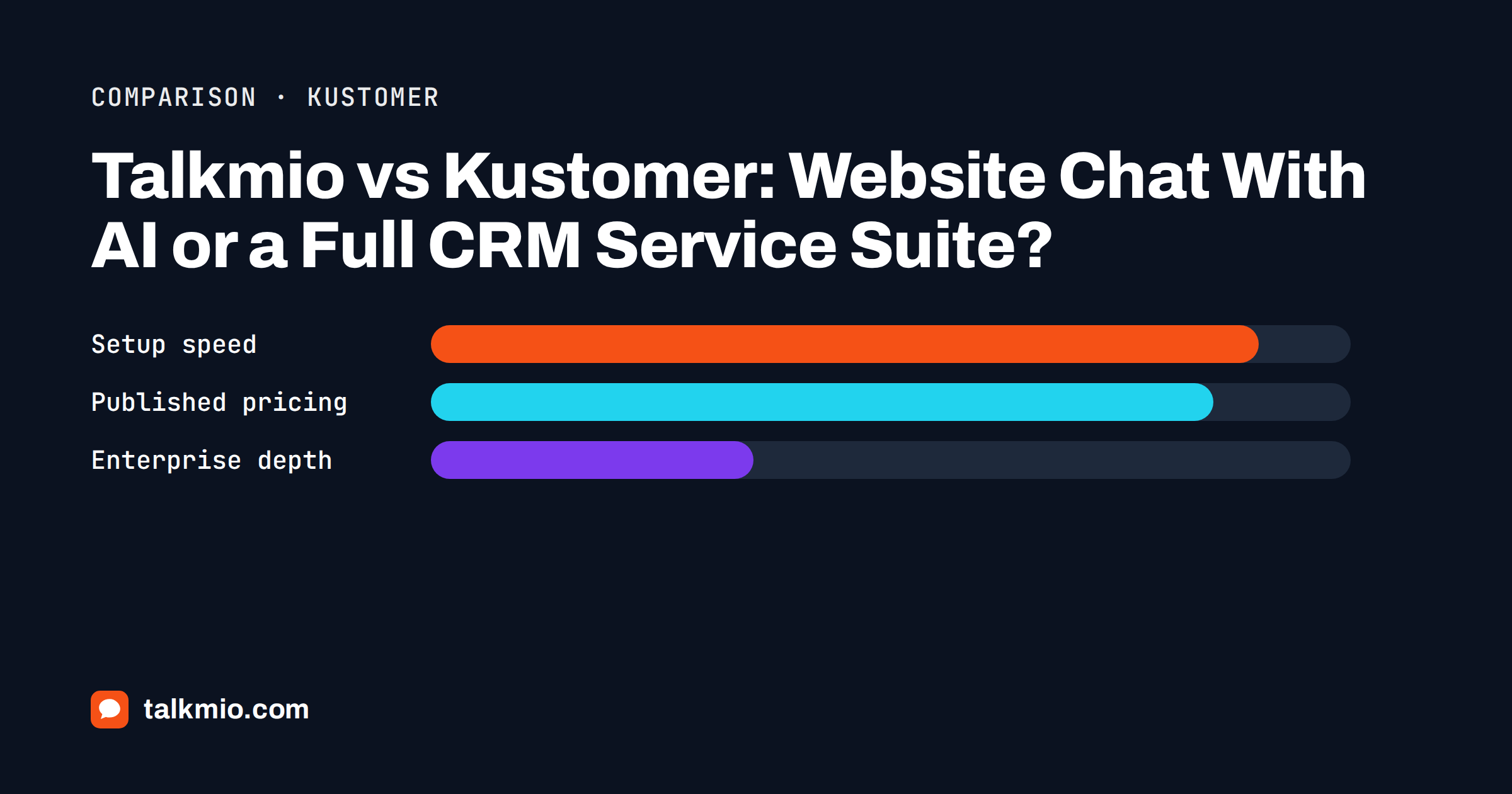
Talkmio vs Kustomer is a comparison between a small, fast-to-start website chat and a full customer service platform built around a CRM. Talkmio puts a chat widget on your site, lets an AI assistant called Mio answer from your own pages and documents, and gives your team an inbox with tickets and live visitors. Kustomer, according to its own website, is an enterprise customer service platform that treats every customer as a record and every channel as part of one timeline. The two overlap on the words “chat” and “AI”, and very little else. This article compares them on the points that decide a purchase and says plainly who should pick which.
Everything about Kustomer below comes from its public website at the time of writing, and everything about Talkmio from the live Talkmio pricing page. Check both before you decide, because plans and wording change.
Talkmio vs Kustomer at a Glance
| Question | Talkmio | Kustomer |
|---|---|---|
| Starting point | Website chat widget with an AI assistant, tickets and live visitors | Customer service CRM with omnichannel messaging and workflow automation |
| Published price | Yes: Free, Pro at 19 euro, Ultimate at 49 euro a month, plus larger Enterprise plans | No: its pricing page offers an assessment and a conversation with sales |
| Free plan | Yes: 1 operator, 1 website, 50 AI answers a month | Not listed |
| Time to first chat | Minutes: paste one snippet or use the WordPress plugin | A planned implementation; some configuration may need a statement of work and a fee |
| Customer data model | Contacts with conversation history | Custom objects, attributes and a full customer timeline |
| Channels | Website chat, e-mail channel, Messenger, Instagram, WhatsApp | Chat, e-mail, text, voice, Slack, forms and social channels |
| AI approach | Mio answers from your own content and hands off when unsure | A set of AI assistants and agents for routing, automation and quality review |
| Typical buyer | Small and mid-size websites and shops | Large consumer brands with complex service operations |
The table already points to the answer for most readers. If you need a chat that works this afternoon and costs a known amount, Talkmio is the simpler fit. If you run a service operation with many systems, many agents and a need to model every customer in detail, Kustomer is built for that scale.
What Talkmio Does
Talkmio is an AI live chat for websites. Mio reads your website, your FAQ and the documents you upload, such as PDF, DOCX, TXT, MD, CSV and HTML files, answers visitors in their own language and hands the conversation to your team when it cannot answer from your content, when the visitor asks for a person, complains or asks about a specific order. The Inbox has filters, assignment, priorities from Low to Urgent, statuses from Open to Closed, internal notes, quick replies and a first-reply target that flags overdue conversations.
Around the chat sit a few tools a small team actually uses. Every conversation can become a numbered ticket. The Visitors page shows who is on your site right now, with country, page, device and source, and lets you start a chat. Reports show the share answered by Mio alone, hand-offs, first-reply time, ratings and busiest hours. Plans from Pro add an e-mail channel that turns customer e-mails into tickets, and Ultimate adds Facebook, Instagram and WhatsApp, reports export and API access.
What Kustomer Does
Kustomer describes itself as a customer service platform for brands that want a complete view of each customer. Its public pages list a CRM at the centre, with custom objects, tasks and attributes, so an order, a subscription or a device can be modelled as data and shown inside the conversation. On top of that sit omnichannel messaging across chat, e-mail, text, voice, Slack and online forms, with social and messaging channels such as Facebook, Instagram and WhatsApp Business, plus queues, routing, SLA management, workflows and business rules.
Its AI layer is described as a family of assistants for different jobs: one for building workflows, one for answering customers, one for routing and quality review, and an observability view of how the AI behaves. Security pages list SOC 2, ISO 27001 and GDPR alignment, data redaction and, as an add-on, HIPAA support. This is a platform for organisations that have a service operations team, not just a support inbox.
Pricing: A Number on the Page or a Sales Conversation
This is the clearest difference. Talkmio shows prices in euro on its pricing page. The Free plan costs nothing and includes one operator, one website, 50 AI answers and 50 tickets a month. Pro is 19 euro a month with three operators, three websites, 1,000 AI answers and unlimited tickets. Ultimate is 49 euro a month with ten operators, ten websites and 5,000 AI answers, and larger Enterprise plans continue upward. Yearly billing gives two months free, and VAT is added at checkout.
Kustomer says on its pricing page that it does not post one-size-fits-all pricing. Instead it asks you to complete a short assessment about your industry, company size, number of agents and monthly conversations, and then connects you with someone who builds a quote. It also notes that voice, text and WhatsApp are pay as you go, and that some configuration may require a statement of work and an implementation fee. That is normal for enterprise software, and it means you cannot compare a figure until you have been through a sales process.
For a small business, a known price and a free plan are a feature in themselves. For a large brand, a custom quote that includes onboarding and a customer success manager may be exactly what the budget process expects.
Setup and Day-to-Day Effort
Talkmio is designed so that one person can finish setup in an afternoon. Create an account at app.talkmio.com, add your website, paste the snippet before the closing body tag or install the WordPress plugin, add your website and documents to the Knowledge base and write a few business instructions, for example never to quote delivery dates. Use Try Mio to test answers and see which knowledge pieces were used. Shopify, Wix, Squarespace and Webflow all accept the snippet through their custom code settings.
A CRM-centred platform asks for more up front. You decide which objects exist, connect order and billing systems, model queues, write workflows and train agents on a richer interface. The payoff is control: an agent sees the order, the plan and the previous conversations in one place, and automation can act on that data. The cost is time, and usually a person who owns the configuration. A team of three does not need that, and a team of three hundred often does.
AI: Answers From Your Content Versus a Set of Agents
Mio is deliberately narrow. It answers only from the content you provide, never invents prices or policies and hands over when it is unsure. You control it with business instructions and test it before launch. Our guide to grounded AI chatbot answers explains why that restraint matters more than clever phrasing.
Kustomer’s AI is broader and sits inside a larger system: assistants that help build automations, route conversations and review quality. That breadth is useful when you have thousands of conversations a day and want automation to act on structured customer data, not only to reply. It also means more to configure, review and govern. Whichever tool you choose, read what the AI is allowed to do, test it with awkward questions and keep a human path open.
Where Kustomer Is Stronger
An honest comparison has to say it: Kustomer is stronger wherever the problem is the scale and shape of the operation. It models customers and their objects in depth, covers voice and text alongside digital channels, offers queue-based routing and SLA management for large teams, lists enterprise security certifications and supports complex workflows across departments. If you handle returns, subscriptions and multi-step cases for a large consumer brand, those features are not optional.
Talkmio does not try to match them. It has no voice channel, no custom object model and no multi-queue contact center. Its contacts list keeps everyone who ever wrote with their conversation history, and its API access on higher plans lets you connect your own systems, but it is not a customer data platform.
Where Talkmio Is Stronger
Talkmio is stronger where simplicity and cost matter. You can start free, see a working chat on your website the same day and know what you will pay next month. The AI is included on every plan with clear monthly limits, the chat speaks the visitor’s language, and the live visitors view helps a small team start conversations at the right moment. Data is stored in the EU, in Germany, and you can export or delete it at any time.
It also asks less of your team. There is no implementation project, no statement of work and no need for an administrator whose job is the platform itself. For a shop, a clinic, an agency or a software company with one to ten people on support, that is the right level of tool. Our own Talkmio vs Zendesk article makes the same point for another large suite.
Who Should Choose Which
Choose Talkmio if your visitors arrive on a website, your team is small, you want AI answers from your own content and you want to know the price before talking to anyone. It suits web shops, local services, agencies and software companies.
Choose Kustomer if you are a large consumer brand with voice, text and social volume, complex customer records, several support teams and the budget and patience for an implementation. Ask for a demo with your own scenarios, such as a late order or a subscription change, and judge it by how many clicks an agent needs.
If you are between the two, the safe path is to start small. A free Talkmio account costs nothing, and the data you collect about what visitors ask is valuable whichever platform you grow into. Our overview of switching live chat software explains how to move later without losing history.
Questions to Ask Any Vendor Before You Sign
Whichever way you lean, ask each vendor the same short list. What is the total cost for my expected volume, including implementation, voice and messaging fees? Who configures the system and how long does it take? What exactly can the AI do without a human, and how do I test and limit it? Where is my data stored, and can I export it? What happens to my conversations if I leave? Write the answers in a table and compare them. For the general idea of how such systems are organised, the overview of customer relationship management is a useful reference, even though the right tool for you may be much smaller than a full CRM.
Frequently Asked Questions
Is Kustomer a live chat tool like Talkmio?
Kustomer includes chat, but it is a full customer service platform with a CRM, workflows, routing and voice, aimed at larger operations. Talkmio is a focused website chat with an AI assistant, tickets and live visitors, designed to be live within an afternoon.
Does Kustomer publish its prices?
Its pricing page says it does not post one-size-fits-all pricing. It asks you to complete a short assessment and then connects you with sales for a tailored estimate. Voice, text and WhatsApp are described as pay as you go, so ask for a full quote.
How much does Talkmio cost?
Talkmio has a Free plan, Pro at 19 euro a month and Ultimate at 49 euro a month, with larger Enterprise plans above them. Yearly billing gives two months free, VAT is added at checkout and payment is by PayPal or bank transfer. Check the pricing page for current figures.
Can Talkmio replace a CRM-centred service platform?
Not for complex operations. Talkmio has no voice channel, custom object model or multi-queue contact center. It replaces a platform when what you really use is chat, tickets, an AI assistant and a visitor view, which is the case for many small teams.
Which is better for a small team?
Talkmio, in most cases. It has a free plan, published prices and a short setup. A platform built for enterprise service operations usually adds implementation work and cost that a small team will not recover through better answers.
Can I start with Talkmio and move later?
Yes. Start on the Free plan, learn which questions visitors ask and what your team needs, and export your data when you outgrow it. The knowledge you write for Mio, such as FAQ pages and policy documents, is reusable in any tool.
The Bottom Line
Talkmio vs Kustomer is not a fair fight, because they solve different sizes of problem. Kustomer is a serious platform for large service operations and is priced and implemented that way. Talkmio is the lighter choice for a website that wants fast, honest AI answers, a shared inbox and a price you can read. If that describes you, start free with Talkmio, add your website and test it with your real questions this week.