
 Lietuviškai
 Deutsch
 Français
 Русский
 Español
 Polski
 Italiano
 Українська
 Čeština
 Português
 日本語
日本語 Latviešu valoda
 Eesti
Eesti Magyar
 Bahasa Indonesia
 Türkçe
 हिन्दी
 Ελληνικά
 العربية
 ไทย
ไทย Tiếng Việt
 Română
 Bahasa Melayu
 বাংলা
বাংলা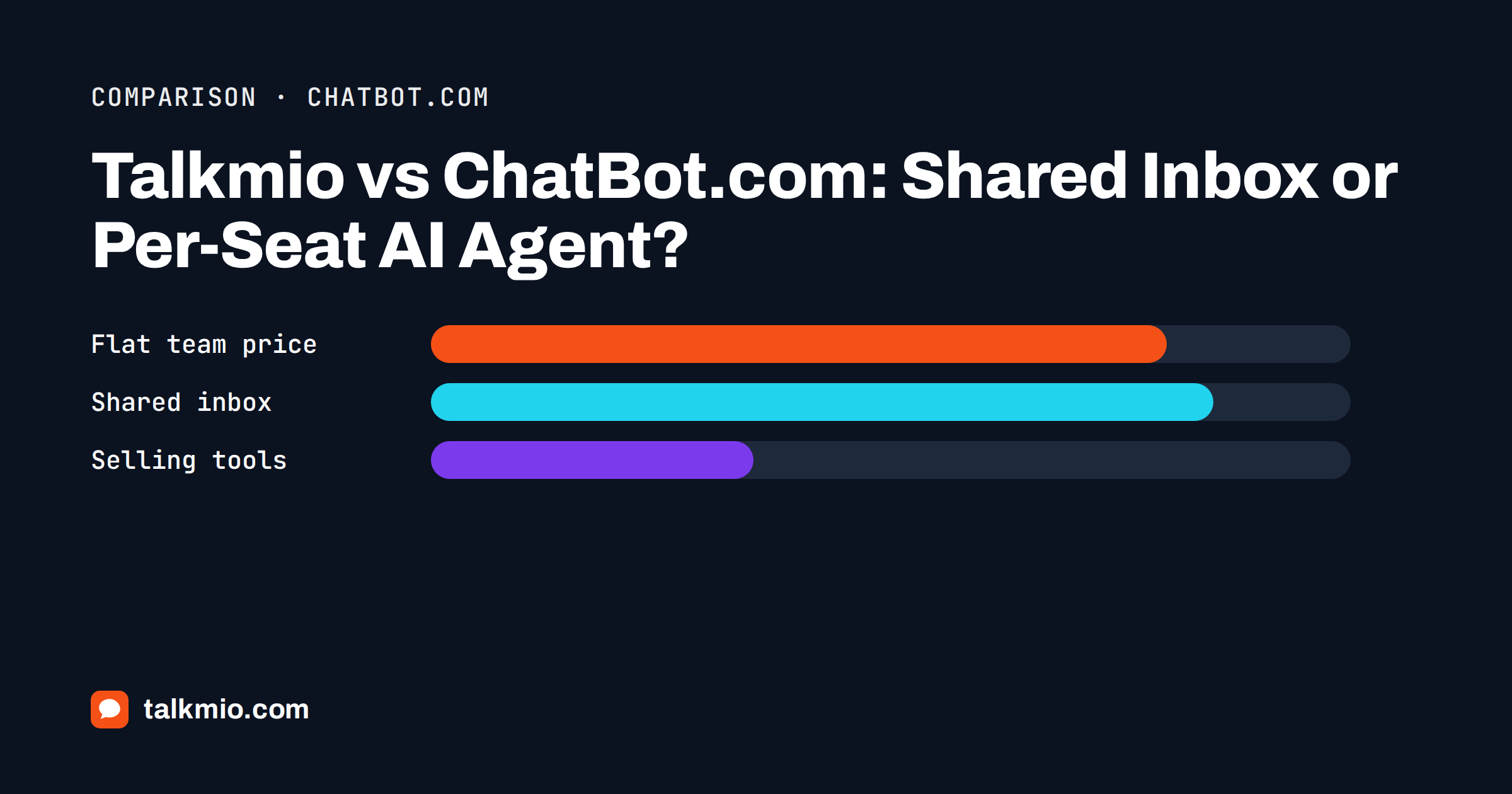
Talkmio vs ChatBot.com is a comparison between two products that both put an AI agent on your website, but start from different places. Talkmio is an AI live chat with a shared inbox: Mio answers from your own content and a person takes over inside the same product. ChatBot.com, made by Text, is an AI agent and chatbot builder priced per user, with skills, workflow rules, sales features and several messaging channels. This article compares them using the public pages of both products and says plainly where ChatBot.com is the stronger choice.
Prices and limits were read from the public pricing pages when this article was written. Vendors change them, so check the ChatBot.com pricing page and the live Talkmio pricing page before you decide.
Talkmio vs ChatBot.com at a Glance
The fastest way to see the difference is to line up the entry plans. The units differ: Talkmio plans are priced per workspace, ChatBot.com plans per user, and each counts AI work in its own way. Read the notes under the table before comparing numbers.
| Feature | Talkmio | ChatBot.com |
|---|---|---|
| Core idea | AI live chat with inbox, tickets and live visitors | AI agent builder with skills, workflows and selling tools |
| Free plan | Yes: 1 operator, 1 website, 50 AI answers a month | 14-day free trial, no card |
| Entry paid plan | Pro, €19 a month: 3 operators, 3 websites, 1000 AI answers | Essential, $19 per user a month billed yearly ($25 monthly): 1 AI agent, 10 AI resolutions |
| Next plan | Ultimate, €49 a month: 10 operators, 5000 AI answers | Growth, $79 per user a month billed yearly ($99 monthly): 10 AI agents, 200 AI resolutions |
| Pricing unit | Per workspace, with operator seats included | Per user, plus included AI resolutions |
| Shared inbox and tickets | Yes, on every plan | Yes, inbox and ticketing from Essential |
| Channels | Website chat, e-mail channel; Facebook, Instagram and WhatsApp on Ultimate and above | Website chat, Messenger, WhatsApp, SMS through Twilio |
| Workflow automation and skills | Business instructions and hand-off rules | Workflow rules and skills per agent |
| Selling tools | — | Product recommendations and Shopify selling |
| Data location | EU (Germany) | Check the vendor’s current documentation |
The honest summary of the table is that ChatBot.com is built to automate and to sell, while Talkmio is built to answer, hand over and keep a small team organised. Which of those is worth paying for depends on what your visitors actually ask.
What Talkmio Does
Talkmio is a live chat widget with an AI assistant called Mio. You add your website, and Mio reads every public page on the same domain, plus any FAQ entries, free text or files you upload (PDF, DOCX, TXT, MD, CSV, HTML). Mio then answers visitors only from that content and in the visitor’s language. It never invents prices or policies, and when it cannot answer, the visitor asks for a person, complains or asks about a specific order, the chat goes to your team.
The rest of the product is the work around the conversation. The Inbox has filters for mine, unassigned, unanswered and Mio-replied chats, internal notes, quick replies, assignment, priority from Low to Urgent and statuses from Open to Closed. Every conversation can become a numbered ticket, and on Pro and above a Talkmio e-mail address turns forwarded support mail into tickets. Visitors shows who is on the site right now, Contacts keeps everyone who ever wrote, and Reports covers conversations per day, the share Mio answered alone, first-reply time, ratings and busiest hours.
What ChatBot.com Does
ChatBot.com describes an AI agent that runs conversations on its own using the knowledge, tone and skills you give it. A skill is a rule for a specific situation, such as offering a discount, recommending a product or escalating to a person. You choose how the agent sounds, from professional to casual, and the page says the agent detects the customer’s language and replies in it, with 48 languages supported. Human takeover, a team inbox and ticketing sit next to the agent.
Beyond answering, ChatBot.com leans toward revenue. Its pages describe product recommendations, a live cart preview inside the chat, sales reports tied to chats, proactive campaigns and Shopify selling. Replies can be suggested to human agents, chats can be summarised and tags suggested. If your goal is to turn the chat into a sales channel with measurable revenue, that feature set is a real advantage.
Pricing: Per Workspace or Per User
The pricing models create the biggest practical difference. Talkmio prices the workspace. Pro at €19 a month includes three operators, three websites, 1000 AI answers a month, 200 knowledge base pages and 365 days of history. Ultimate at €49 includes ten operators and ten websites. Yearly billing gives two months free, a Free plan stays free, and paid plans start with a 14-day trial. Prices are in euros and 21% VAT is added at checkout.
ChatBot.com prices per user. Essential is $19 per user per month when billed yearly and $25 when billed monthly, and Growth is $79 or $99. A team of three on Essential therefore costs three times the single-seat price before any extra AI resolutions. For one person answering chats the two entry prices look alike. For a team of three to five, a flat workspace price usually stays lower, while the per-user model scales cleanly if only one or two people ever touch the inbox and you need the advanced features.
Also compare the AI allowance. Talkmio counts AI answers, ChatBot.com counts AI resolutions, which it defines as the AI directly solving a customer question, with several questions in one chat counting once. The definitions are close but not identical, so do not assume that 1000 answers equals 1000 resolutions. The sensible test is to run a normal month of your own chats through each trial and compare the counters.
Handoff and the Human Inbox
Both products let a person take over. The difference is where the human work happens. In Talkmio the handoff is the core loop: the chat gets a needs-human badge, a browser notification appears in the Inbox, and if nobody is online the visitor is asked for an e-mail before the first message and your reply goes out as an e-mail. After a person replies, Mio stays out of that conversation. Our article on the AI chatbot handoff rate explains how to read that number.
ChatBot.com offers human takeover and supervision tools, with chat supervision and team reports on the higher plan. If your support team is already organised and you want finer supervision, those tools are useful. If your team is two people who want one place for chats, tickets and e-mail, Talkmio’s smaller surface is easier to adopt.
Channels: Where Visitors Reach You
ChatBot.com lists website chat, Messenger, WhatsApp and SMS through Twilio on its entry plan. Talkmio has website chat and the e-mail channel on Pro, and Facebook, Instagram and WhatsApp on Ultimate and above. Talkmio has no SMS channel, so if text messaging is part of your support model, ChatBot.com wins that row outright.
For most small websites the website widget carries nearly all conversations, and extra channels matter only after you see real demand. Our guide to live chat versus WhatsApp explains how to decide.
Setup and Day-to-Day Effort
Talkmio setup is short: create a free account, add your website to get a site key, paste one snippet before the closing body tag or use the WordPress plugin, and let Mio read the site. Colour, position, assistant name, welcome and offline texts, pre-chat form and business hours live in one settings page, and changes apply within five minutes. Use Try Mio to test answers before going live; it shows which knowledge pieces were used.
A builder with skills, workflow rules and several agents asks for more decisions up front. That is a feature when you have a sales process to encode and a dedicated person to maintain it. It is a delay when you only want visitors to stop being ignored. Count the hours you can give to maintenance each month, and pick the tool that fits that number.
Security and Compliance
Talkmio stores data on servers in the EU (Germany), sends only the conversation text and relevant knowledge base excerpts to the AI model provider, and lets you export or delete data at any time by writing to support. It does not advertise formal certifications on its public pages, so a buyer with a strict procurement checklist should ask support for what they need in writing.
ChatBot.com lists SOC 2 Type 2, SLAs, SSO and audit logs under its Enterprise plan, which is a real advantage for larger organisations with formal vendor reviews. Our guide to a EU data residency in live chat explains why storage location matters, and a vendor that lists SOC 2 reports gives a reviewer something concrete to read.
Who Should Choose Which
A short rule keeps the talkmio vs chatbot decision practical. Pick ChatBot.com when your main goal is revenue from chat, when you need SMS, when you want several AI agents with separate skills, or when a formal vendor review requires the compliance items listed on its Enterprise plan. Pick Talkmio when your main goal is answering visitors well and reaching a person fast, when the team is small and shares one inbox, when you want tickets and e-mail in the same place, and when you prefer a flat workspace price and EU storage.
Many small sites sit in the second group. A florist, a dental practice, a web agency or a two-person online shop rarely needs a skill tree. It needs correct answers about opening hours, prices and delivery, a clean handoff when the question is personal, and a way to see what visitors asked last week. That is the job Mio and the Inbox are built for, and it is why this talkmio vs chatbot comparison ends in a split decision rather than a winner for everyone.
Switching or Trying Both
You can run both trials in parallel without much cost. Collect the ten questions visitors ask most, put your pages and documents into each product, and ask the same questions in both. Compare the answers, the handoff experience and how long it takes your team to find a conversation. If you decide to move, the valuable assets are your content and instructions, not the chatbot configuration. Our guide to switching live chat software has a checklist, and the comparison with Landbot shows the same builder-versus-inbox trade-off with a different vendor.
Frequently Asked Questions
Is ChatBot.com a live chat tool like Talkmio?
Partly. ChatBot.com is an AI agent and chatbot builder with a team inbox and human takeover, aimed at automation and selling. Talkmio is an AI live chat built around a shared inbox, tickets, live visitors and handoff. Both answer visitors with AI, but their strengths and priorities differ.
Which is cheaper, Talkmio or ChatBot.com?
For a single person the entry prices are close, €19 against $19 per user billed yearly. For a team, Talkmio Pro includes three operators for one price, while ChatBot.com charges per user. Compare your real team size, AI volume and billing period before deciding, using each vendor’s live pricing page.
Does Talkmio have SMS like ChatBot.com?
No. Talkmio supports website chat and the e-mail channel, with Facebook, Instagram and WhatsApp on Ultimate and above. ChatBot.com lists SMS through Twilio on its entry plan. If you need to reach customers by text message, ChatBot.com is the better fit on that point.
Can ChatBot.com sell products in the chat?
Its pages describe product recommendations, a cart preview in the chat, Shopify selling and sales reports. Talkmio focuses on answering and handoff and has no such selling features. If chat-driven revenue is your main goal, ChatBot.com is the stronger option.
Where does Talkmio store chat data?
On servers in the EU, in Germany. Only the conversation text and relevant knowledge base excerpts go to the AI model provider. You can export or delete your data at any time by writing to support. Check ChatBot.com’s documentation for where its data is stored.
Can I try both before paying?
Yes. Talkmio has a free plan with 50 AI answers a month and a 14-day trial on paid plans. ChatBot.com offers a free 14-day trial without a card, according to its pricing page. Use the same ten visitor questions in each and compare the results.
The Bottom Line
Choose ChatBot.com if you want an AI agent with skills, workflow rules, SMS and selling features, and you are happy to pay per user and maintain the setup. Choose Talkmio if you want Mio answering from your own pages, a shared inbox with tickets and a flat workspace price for a small team, with data stored in the EU. The quickest way to decide is to try both with your own questions. You can start free with Talkmio and have a first answer the same afternoon.