
 Lietuviškai
 Deutsch
 Français
 Русский
 Español
 Polski
 Italiano
 Українська
 Čeština
 Português
 日本語
日本語 Latviešu valoda
 Eesti
Eesti Magyar
 Bahasa Indonesia
 Türkçe
 हिन्दी
 Ελληνικά
 العربية
 ไทย
ไทย Tiếng Việt
 Română
 Bahasa Melayu
 বাংলা
বাংলা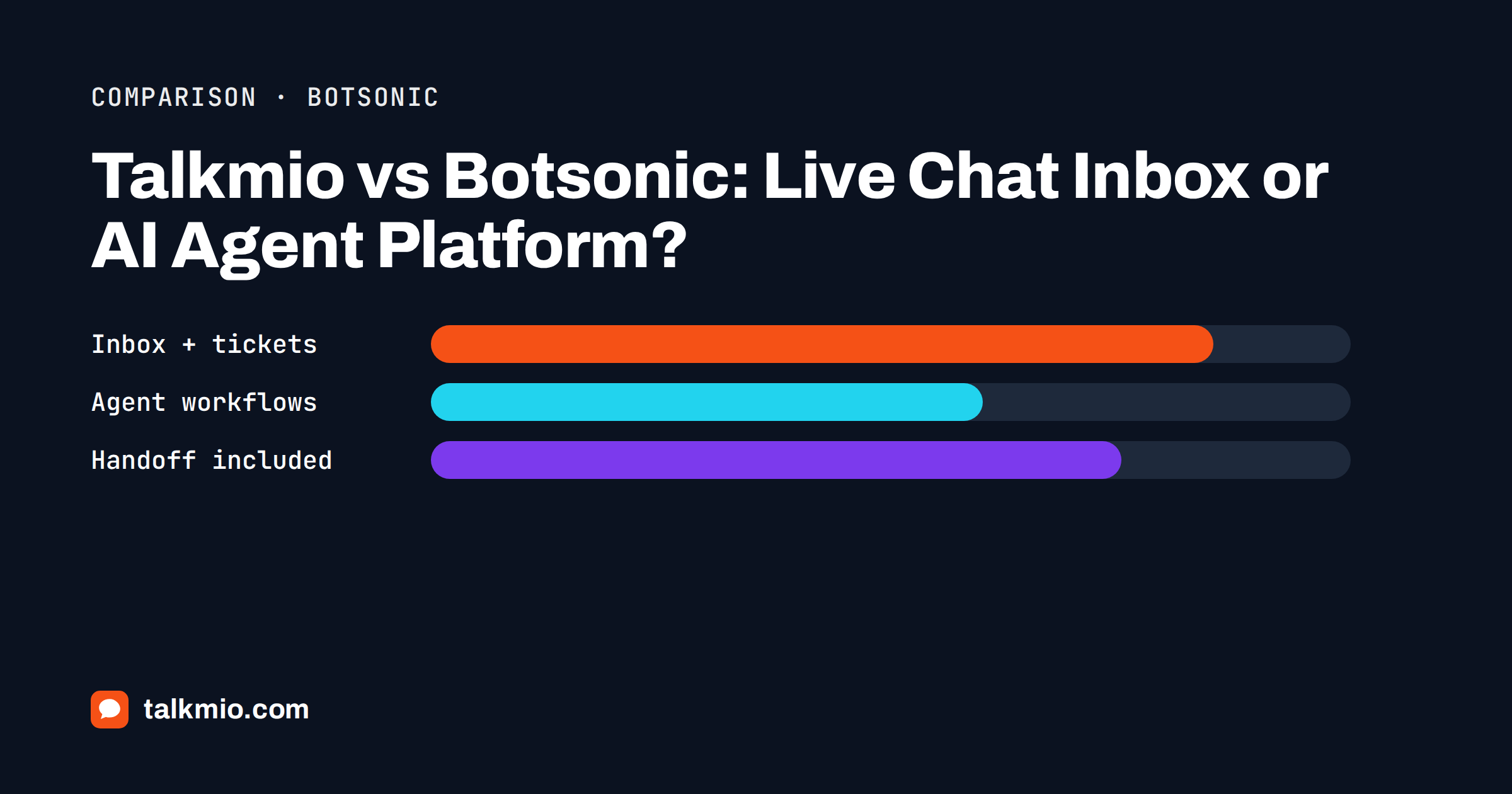
Talkmio vs Botsonic is a comparison between two different ideas of what a website chat should be. Talkmio is an AI live chat with a shared inbox: Mio answers from your content and a person takes over when needed, inside the same product. Botsonic is an AI agent platform from Writesonic: you build a chatbot trained on your data, add actions and workflows, and connect it to other tools. Both can sit on a website and answer questions, but they are built for different teams. This comparison uses each product’s public pages and says plainly where Botsonic is the stronger choice.
Prices and limits below were read from the public pricing pages when this article was written. Vendors change them, so check Botsonic’s pricing page and the live Talkmio pricing page before you decide.
Talkmio vs Botsonic at a Glance
The quickest way to see the difference is to line up what each plan includes at the entry level. The units are not identical, so read the notes under the table before comparing numbers.
| Feature | Talkmio | Botsonic |
|---|---|---|
| Core idea | AI live chat with inbox, tickets and live visitors | AI agent builder with actions and integrations |
| Free plan | Yes, 1 operator, 1 website, 50 AI answers a month | 7-day free trial on paid plans |
| First paid plan | Pro, €19 a month: 3 operators, 3 websites, 1000 AI answers | Starter, $19 a month: 1 team member, 1,000 messages, 1 chatbot |
| Next plan | Ultimate, €49 a month: 10 operators, 5000 AI answers | Professional, $49 a month: 2 team members, 3,000 messages, 2 chatbots |
| Human inbox in the product | Yes, on every plan | Handoff to other help desks; live agent handoff via Zendesk |
| Tickets and e-mail channel | Yes, from Pro | E-mail ticket handoff to other tools |
| Live visitors and contacts | Yes | — |
| Workflows and actions | Business instructions, hand-off rules | Agentic actions and workflows |
| Remove branding | Included from Pro | $49 a month add-on |
Talkmio counts AI answers and Botsonic counts messages, so 1,000 of one is not exactly 1,000 of the other. What the table does show is the structure: Talkmio prices seats and websites generously and puts the inbox in every plan, while Botsonic prices messages, bots and add-ons separately.
What Each Tool Is Built For
Talkmio is built for small and mid-sized teams that want to answer visitors fast and keep humans in the loop. The assistant, Mio, reads your website, FAQ and uploaded documents, answers in the visitor’s language and hands the conversation to your team when it cannot answer, when the visitor asks for a person, complains or asks about a specific order. The conversation then lives in the Inbox, with notes, priorities, statuses and tickets.
Botsonic is built for teams that want an AI agent to do work: answer questions, capture leads, call actions and connect to other systems. It is a chatbot platform first and a support desk second; its pricing page treats handoff to a help desk as an integration rather than a core part of the product. Neither approach is wrong. The question is whether your biggest need is a place for people to work conversations or an agent that automates tasks.
Pricing Compared
At the entry level the sticker prices look similar, about 19 in local currency, but they buy different things. Talkmio Pro includes three operators and three websites; Botsonic Starter includes one team member and one chatbot, and extra team members are listed as a monthly add-on. Botsonic’s pricing page also lists removing its branding as a separate monthly add-on and additional messages as a paid pack, while Talkmio removes the Powered by Talkmio line from Pro upwards.
Botsonic’s listed plans climb quickly: its Advanced tier is priced in the hundreds of dollars a month, which brings API access and workflows. Talkmio’s ladder is Free, Pro, Ultimate and then Enterprise tiers with more operators, websites and AI answers. If you are one person with a small site, either entry plan will do. If you need three people in the inbox, Talkmio’s seat count is the larger difference. Our guide on how to choose live chat software shows how to compare plans on total cost, not headline price.
Human Handoff and the Support Desk
This is the largest practical difference. In Talkmio the handoff is a built-in feature: the chat appears in the Inbox with its full history, you get a browser notification, and if nobody is online you get an e-mail and a push notification on the mobile app. When your team is offline, the visitor is asked for an e-mail and your later reply goes out by e-mail. Once a person replies, Mio stays out of that conversation.
On Botsonic’s public pricing, handoff to a live agent or an e-mail ticket is described as an integration with another help desk, such as Zendesk, and a handoff add-on is priced separately. If you already run a help desk and want the AI in front of it, that can fit. If you do not, you end up buying two products. Our article on when an AI chatbot should hand off explains why the handoff design matters more than the AI itself.
Tickets, E-Mail and Visitor Insight
Talkmio turns any conversation into a numbered ticket with priority and status, and from the Pro plan you get a Talkmio e-mail address: forward your support mailbox to it, and customer e-mails become tickets whose replies go back in the same thread. Live visitors shows country, city, page, device and source and lets you start a chat proactively, and Contacts keeps everyone who ever wrote. For the reasoning behind tickets and chat living together, read tickets vs live chat.
Botsonic’s public pages emphasise agents, actions and analytics rather than a visitor view or a native ticket desk. If you want to see who is on your site right now and start a conversation, that is a Talkmio strength. If you want the AI to act on other systems, that is where Botsonic’s design pays off.
Where Botsonic Is the Better Choice
Botsonic wins in several cases, and a fair comparison says so:
- Automation beyond answers. Its agentic actions and workflows are designed to do things, such as reasoning through steps or calling other tools. Talkmio answers and hands over; it does not run multi-step workflows.
- Integrations. Its pricing page lists Zapier, Slack, Calendly, Notion, Google Drive, Telegram and more, including enterprise connectors to CRM and knowledge systems. Talkmio’s channel list is website chat, plus Facebook, Instagram and WhatsApp on Ultimate and above.
- Messaging channels on lower plans. WhatsApp, Messenger and Telegram appear in Botsonic’s entry integration list, whereas Talkmio reserves its social channels for higher plans.
- Large content uploads. It lists generous uploaded character allowances and sitemap uploads with many URLs.
- Enterprise governance. It advertises SSO and audit-style features on its top tier, which some larger buyers require.
If your project is an automated agent inside a bigger stack and your team already has a help desk, Botsonic is a serious option.
Where Talkmio Is the Better Choice
Talkmio wins when the team wants one product for the whole conversation. You get the Inbox, tickets, the e-mail channel, live visitors, contacts, reports and a mobile app under one price, with three operators and three websites on Pro. The Free plan lets you test with real visitors before paying, and the plan limits are stated in plain numbers: operators, websites, AI answers, knowledge base pages and history.
Talkmio also states where data lives: on servers in the EU (Germany), with export and delete on request. Mio answers only from your content and never invents prices or policies, and you can test it in Try Mio, which shows the answer, the knowledge pieces used and how long it took. For many small businesses those simpler guarantees matter more than workflow depth.
Languages and Knowledge Sources
Both products train on your own content. Talkmio reads your website, single pages, Q&A pairs, free text and files such as PDF, DOCX, TXT, MD, CSV and HTML up to 15 MB, and it answers in the visitor’s language, with questions in one language finding answers written in another. The plan limits how many pages Mio can keep, from 20 on Free to 200 on Pro and 1000 on Ultimate. If you serve several markets, see multilingual live chat for how that works in practice.
Botsonic’s allowance is measured in uploaded characters rather than pages, which can be more generous for very large document sets. Measure your own content before assuming either limit is enough.
Setup and Time to First Answer
Setup effort is similar on paper and different in practice. With Talkmio you create an account, add your website to get a site key, paste one snippet before the closing body tag or use the WordPress plugin, and point Mio at your site so it reads every public page. A first useful answer usually exists the same afternoon, and the widget’s colour, position, name, welcome text and business hours are set in one place and apply within five minutes.
An agent platform asks for more decisions up front: which actions the agent may take, which integrations to connect and how to test each workflow. That is a feature when you need it and a delay when you do not. If your goal this week is simply to stop losing visitors who cannot reach anyone, start with the shortest path and add complexity only when a real need appears.
Switching Between Them
Moving is easier than it sounds, because the valuable part is your content, not the chatbot. Export or collect the pages, FAQs and documents you trained on, add them to Talkmio’s knowledge base, write business instructions for tone and limits, and use Try Mio to compare answers with your old bot. Install the Talkmio snippet and remove the old one on the same day. Our guide to switching live chat software has a checklist.
How to Choose in One Afternoon
Write down your ten most common visitor questions and the three tasks you wish a chat could do. Run the questions through each product’s free trial or plan. Then ask three plain questions. Who will answer when the AI cannot? Where will that person work? How many people need access? If the answers are your own team, one shared inbox and several seats, Talkmio is the simpler fit. If the answers are another help desk, an automation tool and one admin, Botsonic may suit better.
Frequently Asked Questions
Is Botsonic a live chat tool like Talkmio?
Not primarily. Botsonic is an AI agent platform where you build a chatbot trained on your data and connect it to other tools. Talkmio is an AI live chat with a built-in inbox, tickets and live visitors. Botsonic can hand off to a help desk; Talkmio includes the desk.
Which is cheaper, Talkmio or Botsonic?
At the entry level both sit near 19 a month, but the inclusions differ. Talkmio Pro includes three operators and three websites, while Botsonic Starter lists one team member and one chatbot, with extras as add-ons. Compare total cost for your team size on both pricing pages.
Can Talkmio run automated workflows like Botsonic?
No. Mio answers from your content, follows your business instructions and hands over to a person. It does not run multi-step workflows or call other systems. If you need that kind of automation, an agent platform is the better fit.
Does Talkmio have a free plan?
Yes. The Free plan includes one operator, one website, 50 AI answers a month, 50 tickets a month and 20 knowledge base pages, with no card needed. Botsonic offers a seven-day free trial on its paid plans, according to its public pricing page.
How does human handoff differ between them?
In Talkmio the chat moves to the Inbox with full history and notifications, and offline visitors are asked for an e-mail. Botsonic describes handoff to other help desks as an integration and lists a separate add-on for it. Check the current options before you buy.
Can I move from Botsonic to Talkmio easily?
Yes. Your content is what matters. Add your website, FAQ and documents to the Talkmio knowledge base, write business instructions, test with Try Mio, then replace the old snippet with the Talkmio one. Most setups take a few minutes plus time for testing.
The Bottom Line
Talkmio vs Botsonic comes down to what you want the chat to be. Choose Botsonic if you want an AI agent with actions and workflows inside a larger toolset. Choose Talkmio if you want fast answers from your own content, a shared Inbox, tickets and live visitors in one product, with a person taking over when needed. Start with the free Talkmio plan, ask Mio your ten hardest questions and compare the result with any other tool on your list.