
 Lietuviškai
 Deutsch
 Français
 Русский
 Español
 Polski
 Italiano
 Українська
 Čeština
 Português
 日本語
 Latviešu valoda
 Eesti
 Magyar
 Bahasa Indonesia
 Türkçe
 हिन्दी
 Ελληνικά
 العربية
 ไทย
 Tiếng Việt
 Română
 Bahasa Melayu
 বাংলা
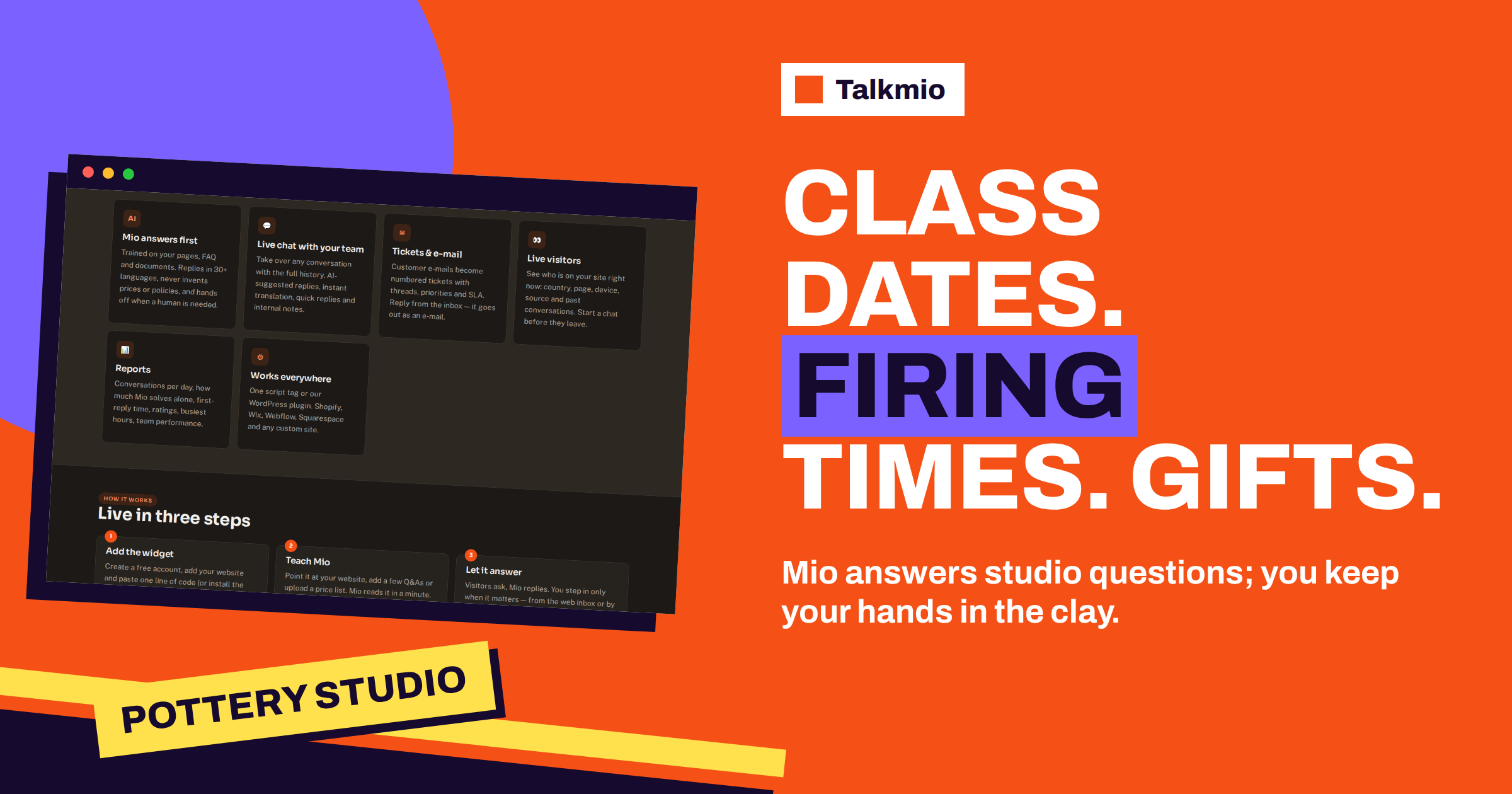
Pottery studio chat is a strange mix of the creative and the logistical. People are drawn by clay, but their messages are about practical things: is there a beginner class this month, what does it cost, do I need to bring anything, when will my piece be fired, can I buy a gift session. The studio owner is usually at the wheel or in the kiln room with wet hands, which is the worst time to answer a message. This guide shows how to use Talkmio so that Mio, the AI assistant, answers those repeated questions from your own pages at any hour, while class places, special orders and anything that needs your eye go to a person. The result is a chat that keeps you at the wheel and your customers informed.
Product facts come from the Talkmio documentation and the pricing page. The pottery examples are general patterns, and your own classes, prices, firing schedule and rules always come first. Mio does not see your class calendar or your kiln, and this guide shows how to make that clear to visitors.
What People Ask a Pottery Studio
Questions fall into a few groups, and sorting them tells you what to write down for Mio and what to leave to yourself. The table gives the usual list.
| Question group | Examples | Who should answer |
|---|---|---|
| Classes and levels | Taster, beginner course, wheel or hand-building, children’s classes | Mio, from your class pages |
| Prices and what is included | Price per class or course, clay, glazes, firing | Mio, from your price list |
| What to bring and wear | Apron, short nails, closed shoes | Mio, from your guest information |
| Firing and collection | How long until my piece is ready, where to collect, shipping | Mio for the usual timing; a person for a specific piece |
| Gifts and vouchers | Buying a session, validity, sending it by e-mail | Mio, from your voucher page |
| Places and dates | Is there space on Saturday? Can I join a waiting list? | A person, from your calendar |
| Groups and events | Birthday parties, team events, hen parties | Mio for the format; a person for dates and quotes |
| Special orders and complaints | A cracked piece, a custom set | A person |
The documentation says that Mio answers only from your content and never invents prices or policies. It lists the situations in which Mio hands the chat to a person: when it cannot answer from your content, when the visitor asks for a person, when the visitor complains or when the visitor asks about a specific order. In a pottery studio chat, a question about a particular piece that someone made is an order question and goes to you.
Teach Mio Your Classes, Prices and Firing Rules
Sign in, open Mio AI and then the Knowledge base. Add your website, and Mio reads every public page on the same domain while respecting robots.txt. Then check that your pages answer the questions above in plain words. A class page should say who the class is for, how long it lasts, how many people attend, what is included in the price and what a student takes home. A firing page should explain the stages in simple terms, the usual waiting time for each stage and how pieces are collected. A price list fits best in a table or a file; the documentation lists PDF, DOCX, TXT, MD, CSV and HTML up to 15 MB. Our guide to an AI chatbot with a CSV price list shows how to structure one.
Add question and answer pairs for facts that sit nowhere else: “Can children join the adult class? The children’s page lists the ages and the classes for them.” The documentation lists Q&A pairs and free text as knowledge sources, and the plan limits how many pages Mio keeps, so choose short, dense sources.
Firing Time: The Question Only You Can Answer Precisely
Students want to know when their piece will be ready, and the honest answer depends on the kiln, the glaze and the queue. Pottery usually passes through drying, a first firing and, after glazing, a second firing, and the process takes time, as the overview of pottery and of the kiln explain. Your studio has its own rhythm, so publish it: “Allow about four weeks from your class for pieces to be glazed and fired. We e-mail when they are ready.” If that is the truth, Mio can repeat it exactly. A question about one person’s piece, such as “is my bowl ready?”, needs a person who can look at the shelf, so write a rule that Mio hands those chats over and asks for the name and the class date first.
Never let the chat promise a date. Firing can fail, queues grow before holidays and a delay is a normal part of the craft. A rule such as “never promise a collection date, only the usual timing” protects both the customer’s trust and your calm. If your studio sends a message when pieces are ready, say so on the page, but do not claim that the chat does it, since the documentation does not describe such a feature.
Write the Rules: Places, Dates and Breakage
The business instructions tell Mio what you sell, which tone to use and what it must never promise. For a pottery studio chat, a short set of rules keeps it honest:
- Never confirm a place on a class or hold one; point to the booking page or hand the chat to a person.
- Never promise a collection date; repeat the usual timing and hand specific pieces to a person.
- Never promise that a piece will survive firing; explain that firing carries risk if that is your policy and hand complaints over.
- Never quote a price for custom work; hand the chat to a person.
- Use a warm, unhurried tone, matched to the studio.
Test the rules in Try Mio, which shows the answer, which knowledge pieces were used and how long it took. Ask the awkward ones: “Is there a place on Saturday?” and “My mug cracked in the kiln, what will you do?” The right behaviour is a kind answer, a statement that you will reply and a hand-off. Our guide to writing AI chatbot instructions shows how to word rules that hold.
A Sample Evening
It is eight in the evening, and the studio is closed after the last class. A visitor asks whether the beginner wheel course suits someone with no experience and what it costs. Mio answers from the class and price pages. Another asks about a gift for her sister’s birthday, and Mio explains the voucher from the voucher page. A third writes that he took a class last month and asks whether his mug is ready. The rule applies: Mio asks for the name and class date and says that a person will check. The chat reaches the Inbox with a “needs human” badge. Nobody is online, so the visitor is asked for an e-mail before the first message, and the reply the next morning goes out as an e-mail. Three conversations, one human reply, and you did not touch a message with wet hands.
Gifts, Vouchers and Seasonal Peaks
Pottery is a popular gift, and vouchers spike before holidays. The questions are predictable: how to buy, who receives it, how long it lasts, whether it can be used for any class, whether it can be e-mailed on a chosen date. Write one voucher page with the answers and let Mio repeat it. Check it before each season, use Re-read on the sources and test five voucher questions in Try Mio. Our guide to gift card questions in live chat covers the usual wording, and the same habits help for class bundles and memberships.
Peaks also affect firing times: before a holiday, the kiln queue is longer. Add a short note to the knowledge base, such as “Pieces made in December are ready in January”, if it is true, use Re-read and remove it afterwards. The note is advice, not a live signal.
Parties, Groups and Team Events
Many studios earn a large share from groups: birthdays, hen parties, company events. These customers ask about numbers, formats, food, prices per head and dates. Publish a page for each format with the minimum and maximum group size, the length, what is included and how to request a quote. Mio repeats the page, and a request with a date goes to a person. Ask in the rules that Mio collects the date, the group size and the contact before the hand-off, so that you can answer with a quote in one message. For related trades, see our guides to appointment booking in live chat and to live chat for dance studios.
Plan, Test and Launch Your Pottery Studio Chat
Write twenty questions as customers would type them: beginner class, price, what to bring, children, the firing time, collection, shipping, a voucher, a place on Saturday, a party, a custom set and a cracked piece. Run them in Try Mio and fix gaps in your pages. Then test the hand-off in a private window with a request for a person. A small studio can start on the Free plan, with one operator, one website, 50 AI answers a month and 20 knowledge base pages. A studio with several teachers sharing the Inbox will look at Pro, with three operators, 1000 AI answers a month, 200 pages and the e-mail channel. Check the pricing page for current plans.
Reading the Week From the Inbox
Once your pottery studio chat is live, spend ten minutes a week in the Inbox. Open the Mio replied filter and read five conversations the assistant handled, checking that prices and class dates are current and that no promise slipped in. Then open Unanswered and clear what waits for you. Reports show conversations per day, the share answered by Mio alone, hand-offs and the busiest hours in your time zone, and for a studio the busiest hours are usually in the evening, when people think about a hobby. If most hand-offs are about places and pieces, the rules are working. If many are about prices or what to bring, a page needs work. Update it, use Re-read and ask the question again in Try Mio. A studio changes with the seasons, and a short weekly look keeps the chat in step.
Frequently Asked Questions
Can Mio tell a student when a piece will be ready?
Only the usual timing you have written on your pages, such as the typical wait after a class. A question about one person’s piece goes to you, because Mio does not see your shelves or your kiln. Write a rule that Mio never promises a collection date.
Can Mio check whether a class has places?
No. Mio answers from your content, and the documentation does not describe a calendar or booking integration. It explains how booking works and links your booking page, while a person confirms places and waiting lists from the Inbox.
How should the chat handle a cracked or damaged piece?
As a complaint, which the documentation says Mio hands to a person. Write a rule that it responds kindly, asks for the name and the class date and passes the chat to you. Convert it to a numbered ticket if the follow-up will take time.
Can the chat sell gift vouchers?
Mio explains how your vouchers work from your voucher page, such as who receives them and how long they last. The documentation does not describe taking payments in the chat, so link the page where customers buy and let a person handle exceptions.
What happens in the evening when nobody is online?
Mio answers from your content. Questions that need a person arrive in the Inbox with a “needs human” badge, and you get an e-mail and a mobile push notification. Visitors are asked for an e-mail before the first message, and your reply goes out by e-mail.
Which plan fits a small pottery studio?
Start on Free: one operator, one website, 50 AI answers a month and 20 knowledge base pages. When several teachers share the Inbox, or the pre-holiday season uses more answers, look at Pro with three operators, 1000 answers a month and the e-mail channel.
The Bottom Line
A pottery studio chat should keep you at the wheel: it answers classes, prices, firing timing and vouchers from your pages, and it sends places, special orders and breakage to you. Write the rules, publish your usual timings and test twenty customer questions before launch. Start free with Talkmio and let customers hear from you even while your hands are in the clay.