
 Lietuviškai
 Deutsch
 Français
 Русский
 Español
 Polski
 Italiano
 Українська
 Čeština
 Português
 日本語
 Latviešu valoda
 Eesti
 Magyar
 Bahasa Indonesia
 Türkçe
 हिन्दी
 Ελληνικά
 العربية
 ไทย
 Tiếng Việt
 Română
 Bahasa Melayu
 বাংলা
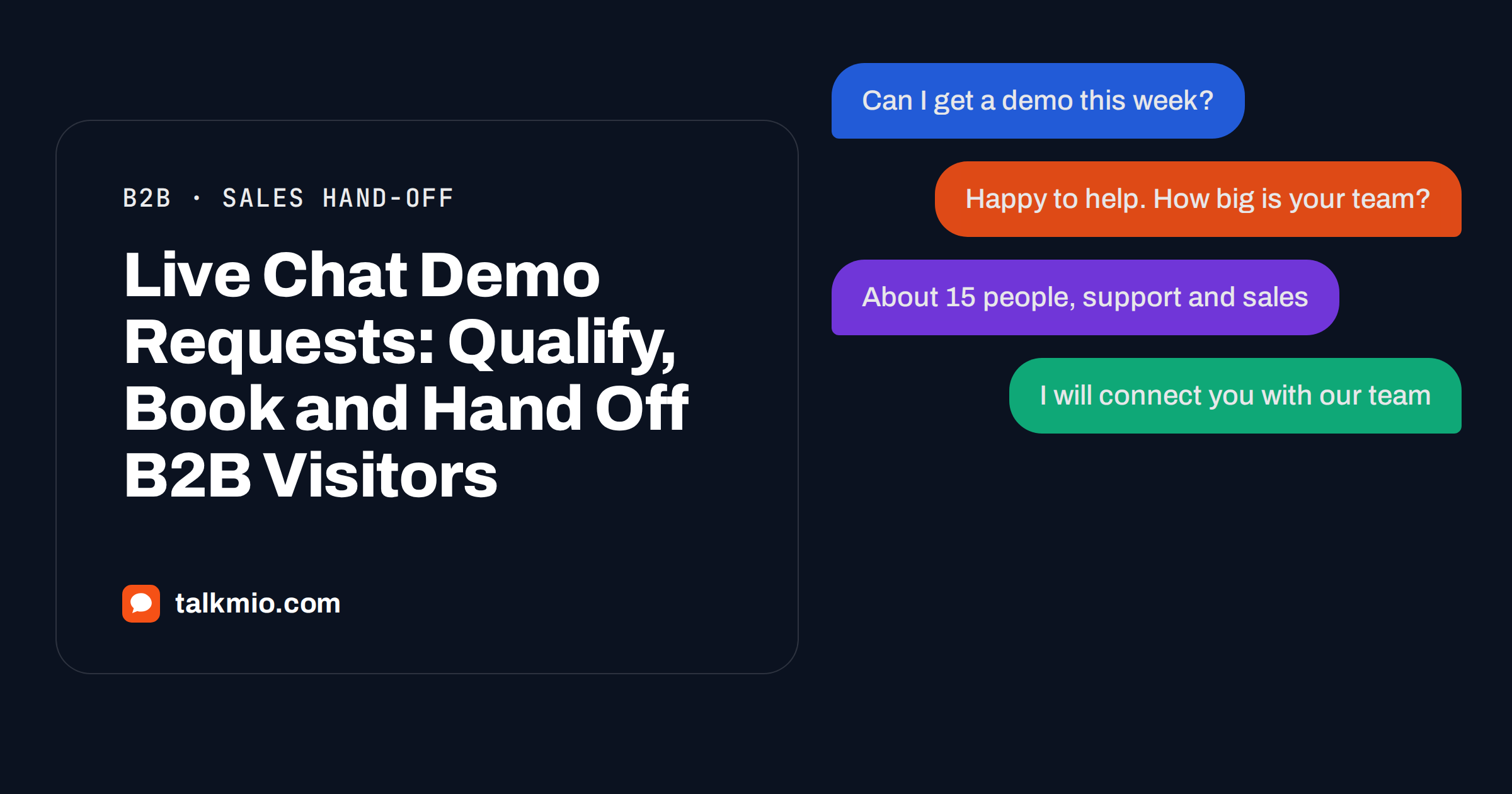
Live chat demo requests are some of the most valuable messages a B2B website receives, and some of the most mishandled. A visitor who types “can I book a demo?” has already decided that your product might solve a problem. If the answer is a contact form with eight required fields, a promise to reply within three working days or silence at ten in the evening, the visitor opens a competitor’s page. This guide shows how to treat live chat demo requests as what they are: a short conversation that needs an instant answer, a few honest questions and a clean hand-off to a person.
Talkmio is an AI live chat for websites. Its assistant, Mio, reads your website, FAQ and uploaded documents and answers only from that content, and it passes the conversation to your team when a person is needed. That split fits demo requests well. Mio can handle the questions that come before the demo, and your sales team can take the conversation the moment the visitor is ready to talk. The principles apply to business-to-business software and services of any size.
What Visitors Mean When They Ask for a Demo
The word demo covers several different wishes, and a good chat tells them apart quickly. Read a month of messages and you will usually find these types.
- The ready buyer. They have a need, a budget and a deadline, and want to talk to someone this week.
- The researcher. They are building a shortlist and want to see the product without a sales call.
- The curious user. They want to try it, not watch a presentation.
- The non-buyer. A student, a competitor or a job seeker who clicked the wrong button.
- The existing customer. They are really asking for support or a training session.
Each type needs a different next step. The ready buyer needs a person fast. The researcher needs a recorded tour, a page or a free plan. The curious user needs a sign-up link. The existing customer needs support. A chat that sends all five to the same booking form wastes four of them.
Where Live Chat Demo Requests Come From
Look at the pages where the conversations start. They are not evenly spread, and each source suggests a different opening line.
| Page | What the visitor wants | Good first response |
|---|---|---|
| Pricing | To know if the price fits and what is included | Answer the price question from the page, then ask what they want to achieve |
| Product or features | To see whether a specific need is covered | Answer from the feature pages, then offer a person if the case is unusual |
| Contact or demo page | To book now | Ask two short questions and hand off |
| Blog article | To learn, not to buy | Answer the question, and mention the demo only if the visitor asks |
| Comparison page | To check you against a competitor | State the differences honestly and offer a person for details |
Our guide to live chat on a pricing page covers the first row in more detail, and the article on proactive live chat explains when it is worth starting the conversation yourself.
Answer Before You Ask
The most common mistake in handling live chat demo requests is to answer a question with a form. A visitor who asks “does it work with our CRM?” and receives “please enter your name, company, phone and budget” learns that the chat is a gate, not a help. Reverse the order. Answer the question from your content first, then ask for something small.
That is what Mio does. It reads your website, FAQ and uploaded documents (PDF, DOCX, TXT, MD, CSV and HTML, up to 15 MB each) and answers from them, in the visitor’s language. It never invents prices or policies. Feed it the material that sales usually sends after a demo: a features overview, a security summary, an implementation outline and a short document on how onboarding works. Then a visitor can learn the answers to the usual pre-demo questions without waiting for a person.
Qualify With Two or Three Honest Questions
Qualification does not need a long questionnaire. Two or three questions are enough to decide who should take the conversation and how fast.
- What are you trying to solve? The answer tells you whether the visitor has a real problem and whether you can help.
- How big is your team or business? It decides whether you offer a sales call, a self-service sign-up or a partner.
- When do you want to start? It separates the ready buyer from the researcher.
A pre-chat form can collect basic details before the conversation starts, and you can set it to none, optional or required for each website. For demo requests, optional is usually best: required fields lose visitors, and a visitor who is interested will give an e-mail when asked at the right moment. When your whole team is offline, Talkmio asks the visitor for an e-mail before the first message, so you can reply later from the Inbox and the answer goes out as an e-mail. For a deeper treatment of qualification, read our guide to live chat lead qualification.
Write the questions into your business instructions, which tell Mio what you sell, the tone to use and what it must never promise. For example: “When a visitor asks for a demo, ask what they want to solve and how many people will use the product, then tell them a person will take over.” Use Try Mio to test the flow before launch. You see the answer, the knowledge pieces used and the time it took.
Be Clear About What the Chat Cannot Do
Honesty prevents most disappointments. Mio does not look inside your calendar and does not book a time slot. If you have a booking page, publish its address in your content, and Mio can point visitors to it. If you do not, the simplest route is a hand-off: the visitor leaves an e-mail and a person proposes times. Do not let the chat promise a time you have not confirmed.
The same applies to price and terms. If your price depends on volume, say so in the content and let Mio repeat it. Never let it invent a discount, a trial extension or a custom feature. Anything that requires a commitment belongs to a person. For booking flows in general, see our guide to live chat appointment booking.
Hand Off Fast and With Context
The hand-off is the moment of truth. Mio hands the chat to your team when it cannot answer, when the visitor asks for a person, complains or asks about a specific order. For a demo request you can add the rule to your business instructions: “When a visitor asks to speak to sales or to book a demo, hand over.” The conversation gets a needs-human badge, and your team receives a browser notification in the Inbox. If nobody is online, you receive an e-mail and a push notification on the mobile app. Once a person replies, Mio stays out of that conversation.
In the Inbox, the person who takes the chat can read the whole history, so the visitor never has to repeat themselves. The header lets you assign a team member, set a priority from Low to Urgent and a status of Open, Pending, Solved or Closed, convert the chat into a numbered ticket and see visitor details. Use internal notes to leave a message for a colleague that the visitor cannot see, for example “wants a demo for 15 users, mentioned a deadline in January”. Our article on routing chats to the right agent explains how to decide who takes which conversation.
Response Time Is the Whole Game
With live chat demo requests, speed matters more than polish. A reply in a minute converts far better than a perfect reply tomorrow. Set a response target under Settings, Response time target, and conversations without a first reply within that time get an overdue badge. Use the Inbox filters, Unassigned and Unanswered, at the start of every day, and decide who watches the chat during working hours. The mobile app for iOS and Android lets a salesperson answer from a train or a client meeting.
Outside working hours, set honest expectations. Write the offline text under Websites so that it says when the team will reply, and use business hours that match reality. A visitor who knows that someone will write back tomorrow morning is a visitor who waits.
Mistakes That Lose a Ready Buyer
A few patterns repeat in almost every business that struggles with live chat demo requests. Check your own set-up against this list.
- Asking for a phone number first. Many visitors will not give one to a stranger. Ask for an e-mail, or for nothing, and let the person on your team ask later if a call is needed.
- Treating every visitor as a sales lead. Students, job seekers and existing customers use the chat too. A friendly pointer to the right page costs nothing.
- Hiding the chat on the pages that matter. If the bubble is missing from the pricing and contact pages, you lose the visitors with the strongest intent.
- Replying with a brochure. A link to a generic page does not answer a specific question. Answer first, then link.
- Letting the first reply wait. A reply that arrives after the visitor has left is a note, not a conversation.
Review the last ten demo conversations once a month. Read them as a visitor would, and note where the answer was slow, vague or too pushy. Turn each lesson into a change in the content, the business instructions or the staffing, and test it again with Try Mio.
Measure What Happens After the Chat
Reports in Talkmio show conversations per day, the share answered by Mio alone, hand-offs, first-reply time, ratings and busiest hours. For demo requests, the numbers to follow are the number of hand-offs, the time to first reply by a person and the busiest hours, which tell you when to have someone present. Match the chat with your own booked-demo count, from your calendar or CRM, because Talkmio does not see what happens after the visitor leaves. If hand-offs are high and booked demos are low, the problem is in the follow-up. If hand-offs are low, look at the first answers and the chat’s visibility on the pricing and contact pages. Our guide to chat-to-lead conversion rate shows a simple way to count.
Frequently Asked Questions
Can the chat book a demo directly into my calendar?
No. Mio does not connect to calendars or book time slots. If you have a booking page, publish its address in your content and Mio can point visitors to it. Otherwise, hand the conversation to a person who proposes times by chat or by e-mail.
How many questions should I ask before handing off?
Two or three are enough: what the visitor wants to solve, how big their team or business is and when they want to start. More questions lose visitors. Answer the visitor’s own question first, and keep the pre-chat form optional unless you truly need the details.
What happens if nobody on the sales team is online?
The visitor is asked for an e-mail before the first message, and your later reply from the Inbox goes out as an e-mail. You also get an e-mail and a push notification on the mobile app. Write an honest offline text that says when someone will reply.
Can I give Mio sales material to read?
Yes. Mio reads your website and the files you upload, in PDF, DOCX, TXT, MD, CSV or HTML up to 15 MB each, and answers only from that content. Upload feature overviews, security summaries and onboarding outlines, and re-read them when they change.
How do I stop the chat from promising discounts or custom work?
Write it into your business instructions: tell Mio what you sell, the tone to use and what it must never promise, for example discounts, deadlines or custom features. Then test those cases with Try Mio before going live, and hand any commitment to a person.
Can I track which page the demo request came from?
The Visitors view shows who is on your site now, with country, city, page, device, browser and source, and the Inbox shows visitor details for each conversation. Talkmio does not see what happens after the chat, so match your own booked-demo data with the conversations.
The Bottom Line
Handle live chat demo requests like a short conversation, not a form: answer the question, ask two or three honest questions, tell the visitor what happens next and hand over to a person with the context. Keep Mio inside what your content says, and leave every commitment to your team. Start free with Talkmio, upload your sales material and see how many pre-demo questions Mio can answer before a person joins.