
 Lietuviškai
 Deutsch
 Français
 Русский
 Español
 Polski
 Italiano
 Українська
 Čeština
 Português
 日本語
 Latviešu valoda
 Eesti
 Magyar
 Bahasa Indonesia
 Türkçe
 हिन्दी
 Ελληνικά
 العربية
 ไทย
 Tiếng Việt
 Română
 Bahasa Melayu
 বাংলা
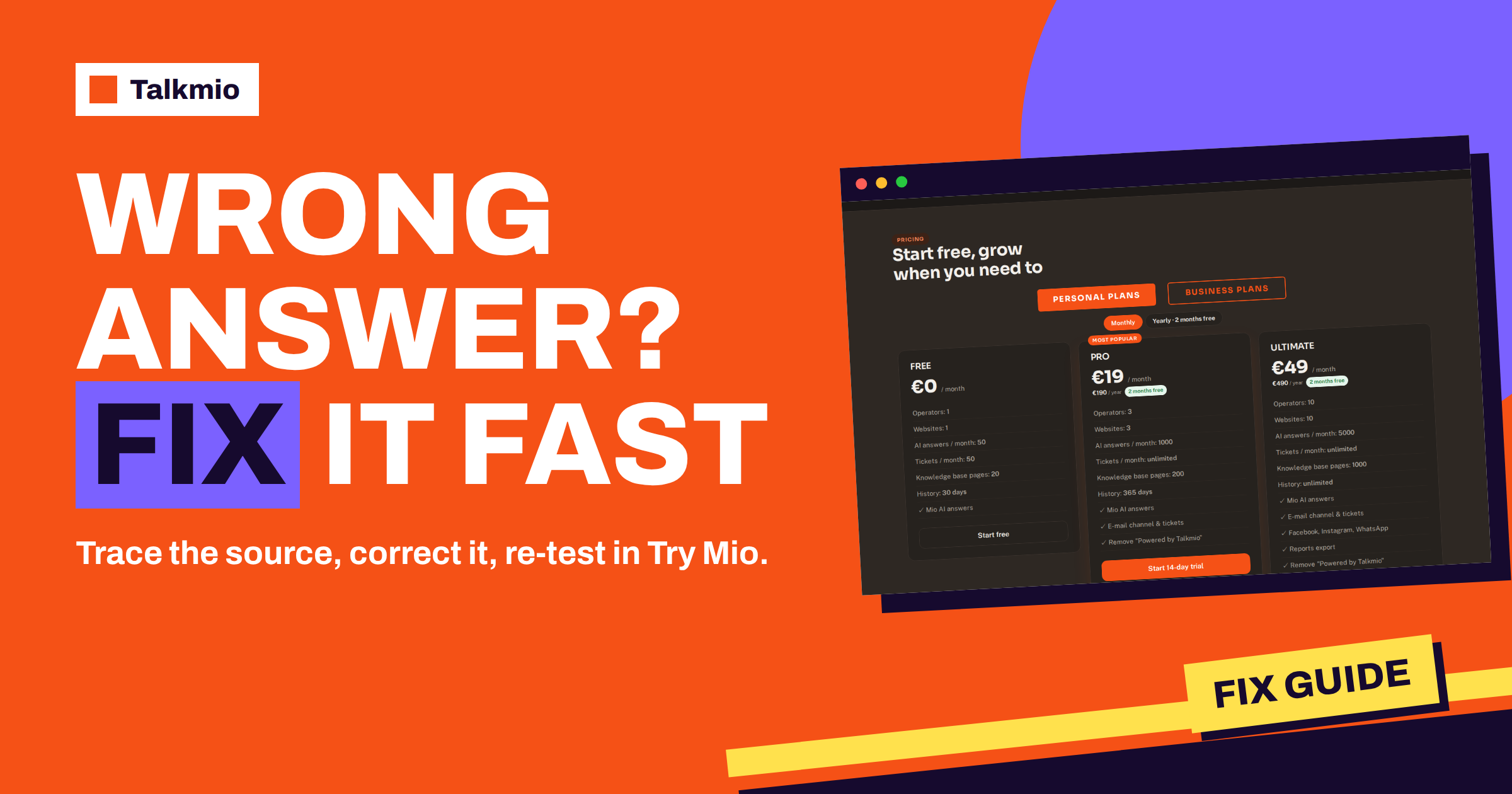
Sooner or later you will read a chat and see a wrong Mio answer. A price that changed last month. A delivery time from an old page. A policy that Mio explained a little too confidently. This is not a reason to panic and it is not proof that AI chat does not work. It is the normal feedback loop of any knowledge-based assistant, and Talkmio gives you the tools to close it in a few minutes. The documentation says that Mio answers only from your content, which is exactly why a wrong Mio answer almost always has a findable cause: a page that is out of date, a gap, two pages that disagree or an instruction that is too loose. This guide shows a routine of five steps for finding the cause, choosing the right correction and proving that it worked.
Product facts come from the Talkmio documentation and pricing page. The examples are invented for illustration. Your own content, rules and plan limits always decide what is right for your business.
Why a Wrong Mio Answer Is Usually a Content Problem
Mio does not invent facts. According to the documentation, it reads the website pages, question and answer pairs, free text and files that you add, and it replies only from that material. So when an answer is wrong, the first question is not “why is the AI broken?” but “what did Mio read?”. There are five common causes. The source page is out of date. The page was changed but never re-read. Two sources say different things. The needed fact exists nowhere, so Mio gave a general reply or handed off. Or the business instructions are vague about what Mio may promise. Each cause has a different fix, and the routine below sorts them quickly. Treat every wrong answer as a free lesson about your content, because the same gap would otherwise mislead the next visitor too.
Step 1: Reproduce the Wrong Mio Answer in Try Mio
Do not fix anything from memory. Open Mio AI and use Try Mio, copy the visitor’s exact question from the Inbox and ask it again. Try Mio shows the answer, which knowledge pieces were used and how long it took. If the answer is wrong again, you have a reliable test case. If it is now right, check whether you changed content since the chat; the answer may already be fixed, or the visitor may have phrased the question in a way that you should also test. Write the question in a notebook or a spreadsheet, because it becomes part of your regression list later. A routine for testing before launch is described in our guide to testing answers in Try Mio.
Step 2: Read the Pieces Behind the Answer
The list of knowledge pieces is the most useful part of the test. Open each piece that Mio used and read it as the visitor would. Ask three things. Is the fact there? Is it current? Does another piece say something different? Most of the time the answer is on the screen within a minute. A shipping page that still lists last year’s carrier is a typical find. So is a pricing page with a “from” price that is no longer true, or a blog post that describes an old policy and sits next to the new policy page. If the used pieces look right and the answer is still wrong, the cause is more likely the instructions or a missing fact, which the next steps cover.
| What you find | Likely cause | Best fix |
|---|---|---|
| Old fact in a page | Content out of date | Edit the page, then Re-read the source |
| Page is right, answer is old | Source not re-read | Use Re-read on that source |
| Two pieces disagree | Conflicting sources | Remove or correct the older one |
| No piece contains the fact | Content gap | Add a question and answer pair |
| Facts right, promise too strong | Loose instructions | Add a rule to business instructions |
Step 3: Choose the Smallest Correct Fix
Pick the smallest change that removes the cause. If the fact is wrong on your website, fix the website first, because visitors read it too, and then use Re-read on that source so that Mio takes the new version. The documentation describes sources as re-read on demand. If the fact lives only in an old document, upload the new version and remove the old one. If the fact is missing, add a question and answer pair with the exact wording you want Mio to repeat. Pairs are the right tool for short, important facts such as a returns window or a callout fee, and our guide to question and answer pairs explains how to write them so that they last.
If the facts are right but the answer sounded too sure, change the business instructions instead. The documentation gives the example “never quote delivery dates, hand order questions to the team”. A good rule is specific, short and testable. “Never promise a repair date” is better than “be careful with dates”. Resist the urge to patch every wrong answer with a new rule; a long list of rules is hard to keep consistent. Fix content first, and use instructions for behaviour. For wording advice, see our guide to chatbot instructions.
Step 4: Re-Read, Then Re-Test the Same Question
After the fix, run the same question in Try Mio again. Check the answer, but also check which pieces were used, because a correct answer from a wrong piece is a delayed problem. Then try two or three variations: shorter, longer, with a typo and in another language if your visitors use several. The documentation says that Mio answers in the visitor’s language and that questions in one language find answers written in another, so a Lithuanian question can use an English page. A fix that works in English only is a half fix. Finally, run five questions from your regression list to make sure the change did not break something else. This takes minutes, and it turns a one-off repair into a habit.
Step 5: Watch the Next Conversations
A fix is not proven until real visitors have used it. Over the next days, open the Inbox, filter by Mio replied and read the chats that touch the corrected topic. If a visitor corrected Mio, or asked for a person right after an answer, that is a signal worth a second look. Also look at hand-offs on the same topic. If the chat now hands off instead of answering wrongly, that is an acceptable result for a topic that needs a person, and you can decide later whether to teach Mio more. Our guide to hand-offs to a human shows what visitors and agents see when it happens.
Keep a Short Fix Log
A fix log is a page with four columns: date, question, cause and fix. It takes thirty seconds per entry and pays back quickly. After a month you can see patterns. If most entries say “page out of date”, the problem is your content process, not Mio, and the cure is a monthly review of pricing, delivery and policy pages. If most say “missing fact”, add a section to your website or a set of pairs. If entries cluster around one topic, such as warranty, consider a rule that hands that topic to a person. The log also protects you when the team grows, because a new colleague can see why a rule exists before deleting it. A good log is a simple form of root cause analysis, and it is the cheapest quality system you can run.
When a Wrong Mio Answer Is Really a Hand-Off Case
Some topics should never be answered by Mio alone, even with perfect content: a complaint, a legal dispute, a specific order, a medical or safety question. The documentation says that Mio hands the chat over when it cannot answer from your content, when the visitor asks for a person, complains or asks about a specific order. If a wrong Mio answer came from a topic that you would rather not automate, do not try to teach it harder. Write a rule that hands the topic to a person, test it in Try Mio and move on. Mio staying out once a person replies means the visitor does not get a mixed message. Choosing what not to automate is part of good setup, and it is a sign of maturity rather than weakness.
Prevent the Next Wrong Mio Answer
Prevention is cheaper than repair. Review the pages Mio reads whenever prices, delivery rules, opening hours or policies change, and use Re-read the same day. Keep one source of truth for each fact; if the same price appears on three pages, one of them will eventually be wrong. Avoid uploading old brochures or drafts, and delete files that are no longer true. Use Try Mio before big changes such as a sale or a new product line. If you run several websites, give each its own review day. And remember that your plan sets how many pages Mio can keep, 20 on Free and 200 on Pro according to the pricing page, so use the space for pages that are current, not for archives. A clean knowledge base is the best defence against a wrong Mio answer.
A Worked Example With Invented Numbers
Imagine a small online shop. A visitor asks whether an order placed today ships tomorrow, and Mio answers “within one working day”. The owner reads the chat in the Inbox and knows that shipping now takes two working days. She opens Try Mio, repeats the question and sees the same answer, built from two pieces: the shipping page, which says two working days, and an old blog post about a holiday promotion that says one. The cause is a conflict between sources. She edits the blog post to remove the promise, uses Re-read on the blog source and tests again. Now Mio says two working days and lists only the shipping page. She adds a short pair for the cut-off time, tests a typo version and a German version and adds the case to her list.
Two days later she filters the Inbox by Mio replied, finds three chats on shipping and sees that all three are correct. The whole repair took about ten minutes, and it fixed a problem that a person might have repeated for weeks. The same routine works for any topic. Notice that she changed content, not the AI: this is the usual and the best kind of correction. A good quality assurance habit is simply to repeat this loop whenever you find a problem.
Frequently Asked Questions
Why did Mio give a wrong answer if it only uses my content?
Because the content it read was out of date, incomplete or in conflict. Open Try Mio, repeat the question and look at the pieces used. In most cases a page needs editing, a source needs a Re-read or a short question and answer pair is missing.
Do I need to retrain Mio after I change a page?
There is no separate training step. Use Re-read on the changed source so that Mio takes the new version, then test the same question in Try Mio. The documentation says sources are re-read on demand, so the update is in your hands.
Is a question and answer pair better than editing a page?
Use both when needed. Edit the page if visitors read it too. Add a pair for a short, important fact where you want exact wording, such as a fee or a returns window. Avoid keeping the same fact in several places, because copies drift apart.
Should I add a rule for every wrong answer?
No. Fix the content first. Rules in business instructions are for behaviour, such as never quoting delivery dates or always handing complaints to a person. A long list of narrow rules is hard to maintain and can conflict with itself.
How do I find wrong answers I have not noticed?
Open the Inbox, filter by Mio replied and read a sample each week. Look for visitors who correct Mio or ask for a person right after an answer. Reports show hand-offs and Mio usage, which help you spot topics that need attention.
Does fixing answers cost anything on the Free plan?
Try Mio and editing your content need no extra purchase. The Free plan includes one operator, one website, 50 AI answers a month and 20 knowledge base pages, and no card is needed. Check the pricing page for current limits.
The Bottom Line
A wrong Mio answer is a signal, not a failure: reproduce it in Try Mio, read the pieces used, make the smallest correct fix, re-read and re-test, then watch real chats. Keep a short fix log and review your pages when facts change. Start free with Talkmio and teach Mio your content today.