
 Lietuviškai
 Deutsch
 Français
 Русский
 Español
 Polski
 Italiano
 Українська
 Čeština
 Português
 日本語
 Latviešu valoda
 Eesti
 Magyar
 Bahasa Indonesia
 Türkçe
 हिन्दी
 Ελληνικά
 العربية
 ไทย
 Tiếng Việt
 Română
 Bahasa Melayu
 বাংলা
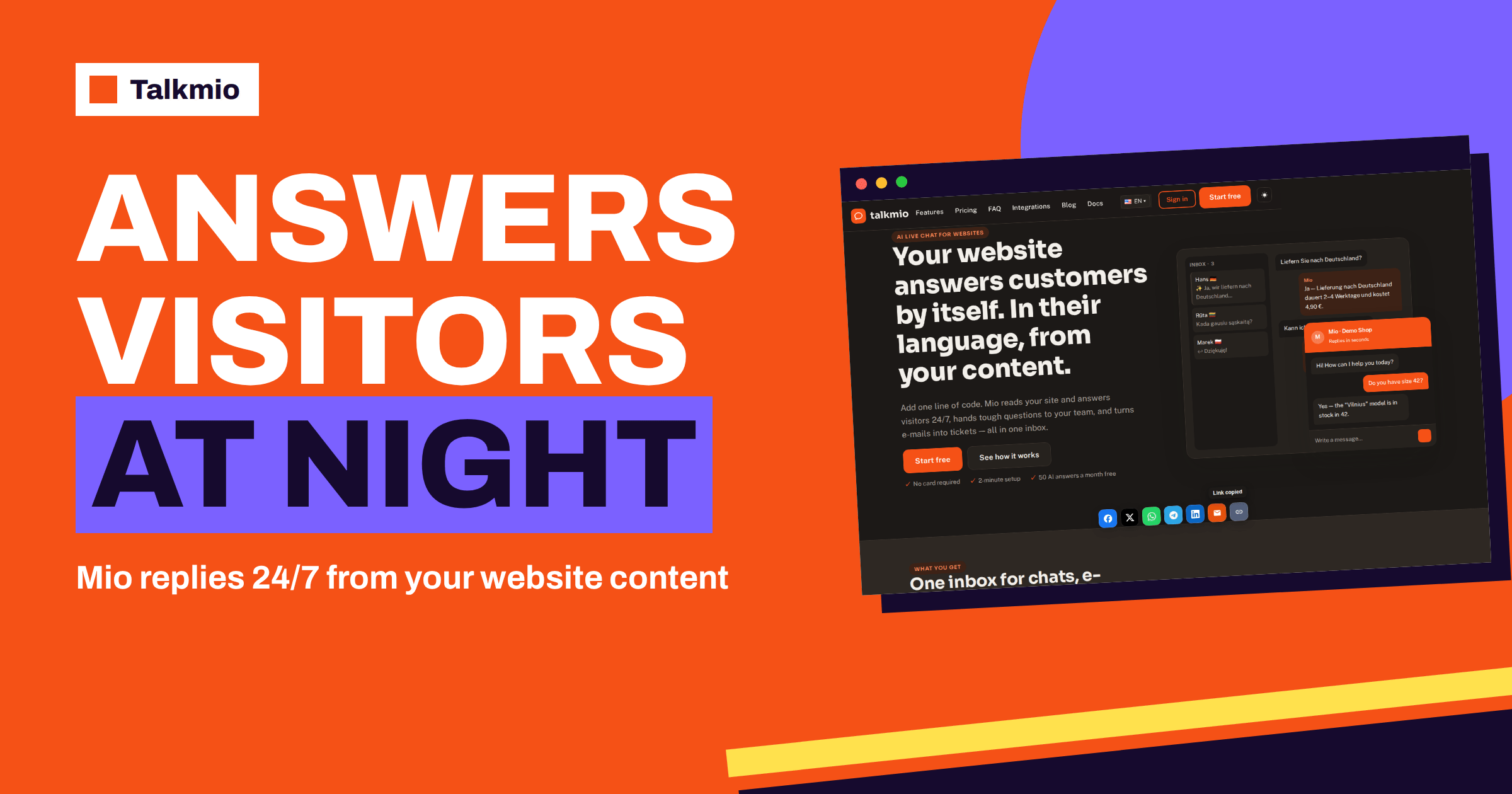
Website chat at night is the difference between a visitor who gets an answer and a visitor who closes the tab. Your office is dark, your team is asleep, and someone in another time zone, or just a customer who shops after supper, is looking at your delivery page with a question the page does not quite answer. This guide explains how Talkmio handles that moment: what Mio, the AI assistant, can answer on its own, when it passes the chat to a person, what the visitor sees when your whole team is offline and how to read the night’s conversations over coffee the next morning.
Everything here is based on the live Talkmio documentation and pricing page. Where the documentation is silent, this article says so instead of guessing, because a promise you cannot keep at three in the morning is worse than no promise at all.
What Really Happens on a Website at Night
Most small business websites are visited around the clock, but they are staffed for eight or ten hours. The gap is larger than it looks. Visitors in other time zones arrive during your night. People who work all day browse in the evening, when the shop is closed. Others read your page on a train at six in the morning, before anybody has switched on a computer. Each of them has the same small question: is this in stock, how long does delivery take, do you ship to my country, what does the cheaper plan include, can I change my booking.
When there is no answer, three things happen. Some visitors search for the answer elsewhere, often on a competitor’s site. Some write an e-mail and wait, and the sale may be gone by the time you reply. Some simply leave. You never see any of these people, because they do not show up in your inbox. That is why night coverage is rarely missed until it is measured.
A traditional fix is a night shift, which is expensive, or an outsourced agency, which is less expensive but still a cost. A simpler fix is to let software answer the questions that are already written on your website and to collect the rest for the morning. That is what Mio does in Talkmio.
How Website Chat at Night Works in Talkmio
The documentation describes four building blocks that together make night coverage work. First, Mio reads your website, your FAQ and the documents you upload, such as PDF, DOCX, TXT, MD, CSV and HTML files, and answers only from that content. It does not invent prices or policies. Second, Mio replies in the visitor’s language, so a question in Lithuanian can be answered from an English page. Third, Mio hands the chat to your team when it cannot answer from your content, when the visitor asks for a person, when the visitor complains or when the visitor asks about a specific order. Fourth, when your whole team is offline, the visitor is asked for an e-mail address before the first message, and your later reply from the Inbox goes out as an e-mail.
Put together, a night conversation can end in one of three ways, as the table shows.
| Night situation | What the visitor sees | What reaches your team | Your next step |
|---|---|---|---|
| The answer is on your website or in your documents | Mio answers at once, in the visitor’s language | A finished conversation labelled as answered by Mio | Read a sample; fix wording if needed |
| Mio cannot answer from your content | A message that a person will be involved, plus a request for an e-mail address | A conversation with a “needs human” badge, and an e-mail or push notification if nobody is online | Reply from the Inbox in the morning; the reply goes out as an e-mail |
| The visitor asks for a person, complains or asks about an order | The same hand-off flow | The same badge and notification | Reply first thing, ahead of the routine questions |
None of this needs a person to be awake. It does need a little preparation, which is the subject of the next sections. If you want the fuller picture of the offline flow, our guide to live chat offline messages covers the e-mail capture in detail.
Set Up Website Chat at Night in Six Steps
Step 1: Teach Mio the Questions People Ask After Hours
Open Mio AI, then the Knowledge base, and add your website. Mio reads every public page on the same domain and respects your robots.txt file. Then add what the site does not say clearly: single pages, question and answer pairs, free text or files up to 15 MB. For night coverage, think about the questions that arrive when nobody can phone you. Delivery times and cut-off hours, opening hours, returns, how to book or cancel, where to find an invoice, which countries you serve, what a plan includes and what happens after you sign up. If a fact exists only in somebody’s head, it will not be available at night.
Step 2: Write Business Instructions for the Night
Business instructions tell Mio what you sell, which tone to use and what it must never promise. The documentation gives an example: “never quote delivery dates, hand order questions to the team”. At night, add rules about time. For example, tell Mio not to promise a reply within a specific number of minutes, because nobody is online, and to say that the team will answer by e-mail when the office opens. Keep rules short and concrete. Our guide to AI chatbot instructions shows how to word them.
Step 3: Set Business Hours and the Offline Text
Under Websites, open your site and review the widget settings: welcome text, offline text, the pre-chat form, language and business hours. The documentation lists these as the widget’s customization options, and says changes apply within five minutes. Write the offline text for a person who is reading it at midnight. Say when your team returns, in a clear form, and what will happen to the message. Avoid long apologies; a visitor wants to know two things, whether anyone has seen the question and when to expect an answer.
Step 4: Decide Who Is Online, Away or Offline
Each team member sets a status: Online, Away or Offline. When everyone is Offline, the offline flow applies. The practical rule is simple: set yourself to Offline when you stop working, and do not leave the status on Online as you go to bed, because visitors will wait for a reply that cannot come. Our guide to operator status explains the three states.
Step 5: Choose How You Are Told About Hand-Offs
When a hand-off happens, the conversation gets a “needs human” badge. You receive a browser notification in the Inbox and, if nobody is online, an e-mail and a push notification on the mobile app. At night this matters in two ways. You can turn off sound, so the phone stays quiet while you sleep, and you can decide that hand-offs are read in the morning. Or, for a business where a missed question has a high cost, you can keep push notifications on and answer urgent ones. Our guide to live chat notifications helps you pick.
Step 6: Test With Try Mio and a Private Window
Before you rely on it, ask Mio the questions your night visitors ask. Try Mio in the Mio AI section shows the answer, which knowledge pieces were used and how long it took. Then open your website in a private browser window and ask the same questions in the real chat. If an answer is wrong or missing, add the fact to your website or knowledge base and ask again. Test at least one question in a second language, since Mio finds answers written in another language.
What Your Content Needs for the Night Shift
Mio can only repeat what is written. The more complete your content, the more of the night is covered. A short checklist helps you see the gaps.
- Opening hours and response times: when the team is back and how long e-mail replies usually take, in words that are true.
- Delivery and returns: countries, carriers, typical times and the return window, stated on a page Mio can read.
- Prices and what is included: if prices change often, keep one page that is always correct; Mio never invents prices.
- How to book, change or cancel: the steps, not just the policy.
- Contact routes: an e-mail address that is monitored, and what to include in the message.
When something changes, use the Re-read option to refresh the sources, so that a price change on Monday is not contradicted by an old answer on Tuesday night. Our guide to knowledge base updates describes a simple routine.
What Mio Should Not Promise After Hours
Night coverage fails when the assistant promises more than the business can deliver. Three habits protect you. First, never let the chat promise a time. Say “the team answers by e-mail on the next working day” if that is true, and nothing more precise. Second, hand order questions to people. The documentation lists specific orders among the hand-off triggers, since an order needs access to your systems and a person’s judgment. Third, keep sensitive topics out. Complaints, refunds in dispute and legal questions should go to a person, and the visitor should be told so honestly. Our guide to sensitive topics for an AI chatbot goes deeper.
Honesty is also good business. A visitor who is told “I cannot answer this, a person will reply by e-mail tomorrow morning” often leaves an e-mail address and waits. A visitor who is given a confident wrong answer does not come back.
Your Morning Routine: Reading the Night’s Chats
The Inbox turns the night into a short list. Start with the filters. Unanswered shows conversations that still need a reply, and Mio replied shows what the assistant handled alone. Tabs separate chats from tickets, and the search box finds conversations by name, e-mail, text or ticket number. A good morning routine takes ten to fifteen minutes.
- Open Unanswered and sort out the hand-offs: assign each to a person, set a priority, and reply. Replies to visitors who left an e-mail go out as e-mails.
- Skim Mio replied. Read five or six conversations and look for answers that were vague, outdated or too long.
- Write down questions Mio could not answer. Each one is a missing page or a missing question and answer pair.
- Add the missing content before lunch, so the next night is better than the last.
Our guide to live chat inbox filters explains each filter and when to use it.
Measure the Night With Reports
You do not need to guess how busy the night is. The Reports section shows conversations per day, the share answered by Mio alone, hand-offs, first-reply time and the busiest hours in your time zone. Look at the busiest hours first. If a clear bump appears outside your office hours, that is the part of the day your website was silent before. Then check the share answered by Mio alone. A rising share means your content is filling the gaps, and a falling share means new questions need new pages.
The first-reply time deserves a careful reading, since overnight hand-offs wait for people. Use the response time target in the settings to mark conversations that have waited too long, and decide whether your morning routine is fast enough. A visitor who left an e-mail at midnight does not mind a reply at nine, but a reply at three in the afternoon feels late.
Which Plan Fits Website Chat at Night
The Free plan includes one operator, one website and 50 AI answers a month, with 20 knowledge base pages and 30 days of history. That is enough to test night coverage on a small site. Pro adds three operators, three websites, 1000 AI answers a month, 200 knowledge base pages, 365 days of history and the e-mail channel with tickets, and it removes “Powered by Talkmio”. Ultimate and the Enterprise tiers add more seats, websites and answers, plus Facebook, Instagram and WhatsApp channels, reports export and API access. Prices and limits change, so read the pricing page before you decide. The AI answers allowance is the number to watch: each night answer counts, so a busy site should compare its expected volume with the monthly limit.
For another view on the same decision, our guide to busiest hours and staffing shows how to match coverage to demand.
Common Mistakes With After-Hours Chat
- Leaving the status on Online: visitors wait for a person who is asleep. Set Offline when you leave.
- An offline text that says nothing: “We are away” without a time frame gives no comfort.
- Content that lives only in people’s heads: the answers must be on pages, in documents or in question and answer pairs.
- No morning routine: the hand-offs pile up, and the night’s value is lost.
- Ignoring other languages: test at least one question in another language, since night visitors often come from other countries.
The general theory behind this is old: time zones split the world into hours, and a customer service desk can sit in only one of them. A small team cannot be awake in all of them, but its website can still be useful in every one.
Frequently Asked Questions
Does Mio really answer when my whole team is offline?
Yes. Mio answers from your website, FAQ and uploaded documents without a person being online. When it cannot answer, the chat is handed over; if nobody is online, the visitor is asked for an e-mail address and your reply from the Inbox goes out as an e-mail.
What does the visitor see if Mio cannot answer at night?
The visitor is told that a person will be involved and, when the whole team is offline, is asked to leave an e-mail address before the first message. Your later reply from the Inbox is sent to that address as an e-mail.
How will I know about a night hand-off?
The conversation gets a “needs human” badge. You get a browser notification in the Inbox, and if nobody is online, an e-mail and a push notification on the mobile app. You decide whether to read them at night or in the morning.
Can Mio answer visitors who write in another language?
Yes. The documentation says Mio replies in the language the visitor writes in, including Lithuanian, English, German, Polish, Russian, Spanish and French, and 30+ others. Questions in one language can find answers written in another, such as a Lithuanian question and an English FAQ.
Which plan do I need for website chat at night?
Start on Free, which includes 50 AI answers a month and one operator, to see how many night questions arrive. If the allowance runs out or you need the e-mail channel and tickets, compare Pro and Ultimate on the pricing page.
How do I see how busy my nights are?
Open Reports. It shows conversations per day, the share answered by Mio alone, hand-offs, first-reply time and the busiest hours in your time zone, so you can see whether visitors write outside your office hours. It is the quickest way to learn how much of the night your website used to waste.
The Bottom Line
Website chat at night does not need a night shift. It needs complete content, short instructions, honest offline texts and a ten-minute morning routine. Let Mio answer what your pages already say, let the rest wait for a person, and read the night’s conversations before the day begins. Start free with Talkmio, test your own night questions in Try Mio and see how many of them your content already answers.