
 Lietuviškai
 Deutsch
 Français
 Русский
 Español
 Polski
 Italiano
 Українська
 Čeština
 Português
 日本語
 Latviešu valoda
 Eesti
 Magyar
 Bahasa Indonesia
 Türkçe
 हिन्दी
 Ελληνικά
 العربية
 ไทย
 Tiếng Việt
 Română
 Bahasa Melayu
 বাংলা
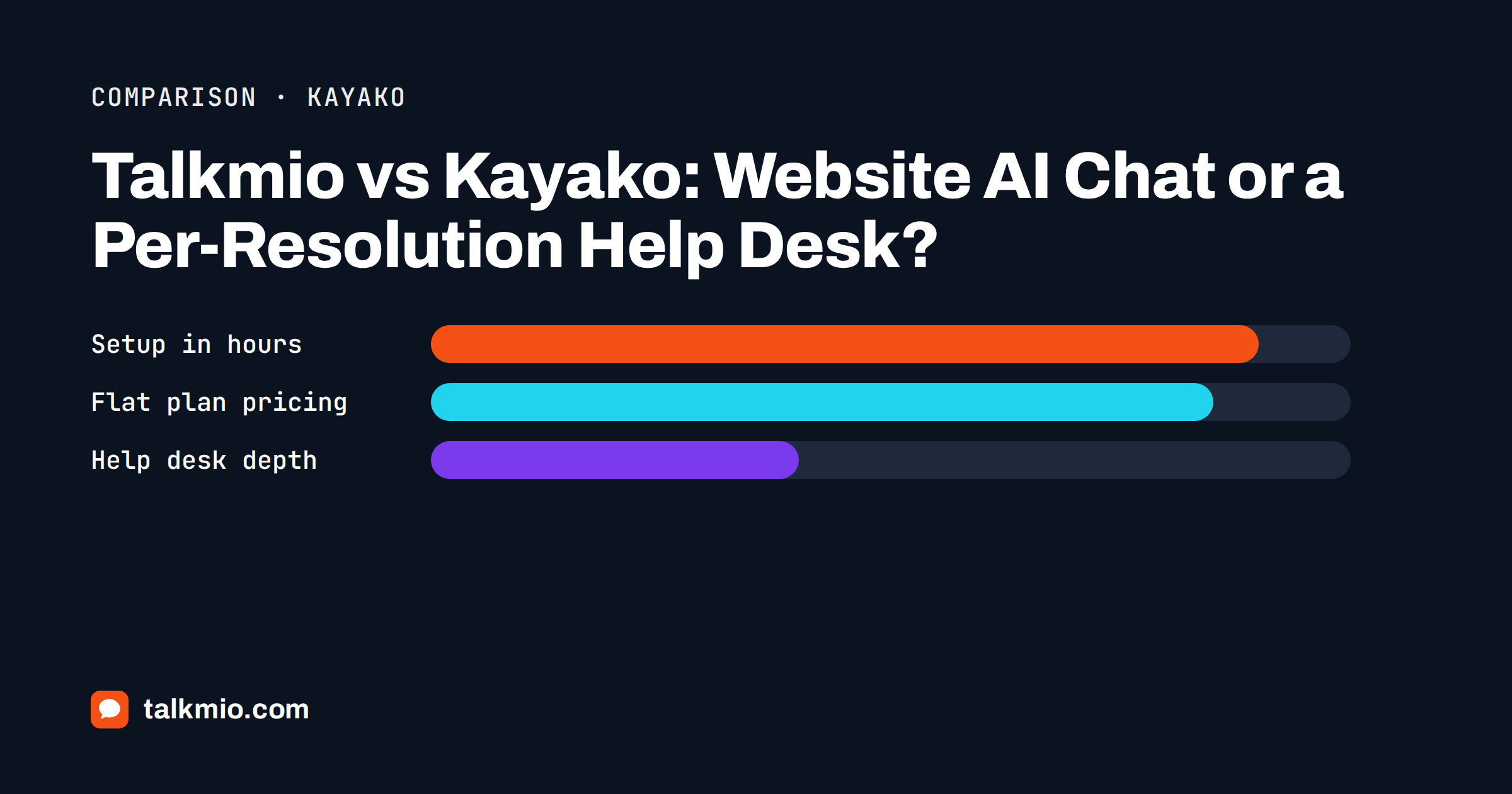
Talkmio vs Kayako is a comparison between two tools that both answer customers with AI but start from opposite ends. Kayako describes itself as an AI help desk platform, implemented for you by its own team, with an AI agent called Kay that can act in your systems and is priced per resolved ticket. Talkmio is an AI live chat for websites, with a shared Inbox, tickets and a free plan, built so that a small team can answer visitors from its own content in an afternoon. This article sets out where each is stronger, so you can choose without a sales call.
We make Talkmio, so weigh our view accordingly. We describe Kayako from its public website as we read it in October 2026, we say plainly where it does more than we do, and we quote only the figures it publishes. Check the vendor’s own pages before you decide, because plans and prices change.
Talkmio vs Kayako in Short
Choose Talkmio if your main problem is that visitors on your website have questions and nobody is there to answer them. Mio, the assistant, reads your website, FAQ and documents and answers in the visitor’s language, and a person takes over when needed. Choose Kayako if your main problem is a large support operation with a backlog, many tickets and systems to act on, and you want a vendor team to design and deploy the AI with you. Some companies end up with both: a simple chat on the website and a help desk behind it.
| Area | Talkmio | Kayako |
|---|---|---|
| Starting point | AI live chat for websites | AI help desk platform |
| Main users | Small businesses and small support teams | Support teams with many tickets and a backlog |
| How you start | Create an account, paste one snippet or install the WordPress plugin | Book a strategy session, then a phased rollout by its team |
| AI model of work | Mio answers only from your site, FAQ and documents | Kay triages, drafts, answers and can take actions through connected systems |
| AI pricing | Included in flat plans with a monthly number of AI answers | Published as one dollar per resolved ticket |
| Platform pricing | Public: Free, Pro, Ultimate and Enterprise plans | Not listed; talk to an expert |
| Website chat widget | Core product on every plan | Live chat widget in the full platform |
| Free plan | Yes, 1 operator and 1 website | No free plan listed |
What Kayako Does Better
Kayako is built for operations that have outgrown a simple chat. Its public pages describe a full help desk with a unified inbox, a ticketing system, a knowledge base, a live chat widget, automation rules and reporting, and an AI agent that can sit on top of the help desk you already use. Kay is described as an agent that can triage tickets, draft replies, create users, issue refunds and update data, using integrations such as Stripe, Shopify, Salesforce and HubSpot, and any system with an API.
The second advantage is that Kayako sells deployment as well as software. It describes a phased rollout in which triage comes first, answers second and autonomous resolution last, delivered by implementation engineers and a dedicated success manager. If your team has no time to configure an AI agent and you have the budget, that service is worth a lot. Talkmio does not integrate with your back office, does not process refunds and does not run multi-step actions in other tools, and we would rather say so than have you find out after you pay. Our general guide on how an AI chatbot, live chat and a help desk fit together explains where each category stops.
What Talkmio Does Better
Talkmio is built for one visible job: the person on your website with a question. You create an account, add your site, paste one snippet before the closing body tag or install the WordPress plugin and let Mio read your pages. Mio reads your website, FAQ and uploaded files (PDF, DOCX, TXT, MD, CSV and HTML) and answers only from that content, so it never invents prices or policies. When it cannot answer, when the visitor asks for a person, complains or asks about an order, the conversation goes to your team with a needs-human badge, a browser notification and, if nobody is online, an e-mail and a push notification on the mobile app.
The second advantage is time to value. You do not need a strategy session to try it, and the Free plan includes one operator, one website, 50 AI answers a month, 50 tickets a month and 20 knowledge base pages, with no card. You can judge Mio on your own real questions in an afternoon.
The third is language. Mio replies in the visitor’s language, including Lithuanian, English, German, Polish, Russian, Spanish and French and more than thirty others, and the chat window is translated as well. Our guide on multilingual live chat explains what to check before you rely on it.
Pricing: Per Resolution or Flat Plan
The biggest practical difference in Talkmio vs Kayako is how you pay. Kayako publishes a price for its AI agent: one dollar for each ticket that Kay resolves without a human, with no seat fees and no setup fees, and no charge for escalations or partial resolutions. That model is attractive when you have high volume and want the cost to follow the result. Its page does not list a price for the full platform, which it describes as available after a conversation with an expert, so we cannot compare that part.
Talkmio plans are flat and public. As of October 2026, Free is €0, Pro is €19 a month (€190 a year) with three operators, three websites, 1,000 AI answers, the e-mail channel and no Talkmio branding, and Ultimate is €49 a month (€490 a year) with ten operators, ten websites, 5,000 AI answers, Facebook, Instagram and WhatsApp, report export and API access. Larger Enterprise plans exist for bigger volumes. Yearly billing gives two months free, and you can pay with PayPal or bank transfer. To compare fairly, estimate how many conversations a month you expect, how many your AI would resolve alone and what you would pay under each model.
Setup and Maintenance Compared
In Talkmio vs Kayako terms, the first rewards speed and the second rewards depth. Kayako’s approach is a project: a strategy session, training on your tickets, a phased plan and targets agreed in writing. That is a sensible investment for a big team. For a company with two people answering support, it can be more process than the problem needs.
Talkmio asks for less. Maintenance is mostly content: when a price or a policy changes, edit the page or the question and answer pair and use the re-read option so Mio picks it up. Business instructions tell Mio what you sell, the tone to use and what it must never promise, for example “never quote delivery dates, hand order questions to the team”, and Try Mio lets you test answers before launch and shows which knowledge pieces were used. The widget’s colour, position, assistant name, welcome and offline texts, pre-chat form, language and business hours are set in one place, and changes apply within five minutes.
Live Chat and Tickets in Each Product
Both products can turn a conversation into a ticket, but the weight is different. In Talkmio the Inbox has filters for All, Mine, Unassigned, Unanswered, Mio replied and Closed, with tabs for chats and tickets, quick replies, internal notes, assignment, priority and status. Every conversation can become a numbered ticket. On Pro and above you also get a Talkmio e-mail address in Settings, then E-mail channel, so that forwarded customer e-mails become tickets and replies go back by e-mail in the same thread. That is enough for a small team. If you need several departments, complex routing or deep reporting, a full help desk like Kayako is the better tool. Our article on tickets versus live chat shows when each is the right container.
One Customer Question, Two Ways to Answer It
A concrete example shows the difference better than a feature list. A visitor on a shop’s website writes: “I ordered the wrong size. Can I exchange it?” With Talkmio, Mio checks your returns and exchange page. If the page explains how to exchange an item, Mio repeats the steps in the visitor’s language. Because the question is about a specific order, Mio hands the conversation to your team with the needs-human badge, and a person looks up the order and answers from the Inbox. Mio does not see the order and does not create the label.
With a platform like Kayako, its public pages describe an agent that can look up the order, offer the size in stock, create the exchange and send a return label, all inside the same conversation. That is a real advantage, and it comes with real work: connecting the systems, defining what the agent may do and watching the results. Whether the extra capability is worth it depends on how many such requests you handle each month. If it is twenty, a person with a good Inbox is fine. If it is twenty thousand, an agent that acts is a different category of tool.
Data and Hosting
Talkmio stores data on servers in the EU (Germany). Only the conversation text and relevant knowledge base excerpts go to the AI model provider, and you can export or delete your data at any time by writing to [email protected]. Kayako states on its site that it is SOC 2 compliant. Read the data protection pages of both vendors if you have strict requirements, and ask in writing where the answers matter.
Who Should Choose Which
Choose Talkmio if
- your main need is answering website visitors from your own content, in their language;
- you have a small team and want flat public prices and a free start;
- you want to be live in hours rather than weeks;
- you do not need an AI that takes actions in other systems.
Choose Kayako if
- you run a large support operation with a backlog and many tickets;
- you want an AI agent that can act in your billing, shop or CRM systems;
- you prefer to pay per resolved ticket and want the vendor to deploy the AI with you;
- you have the budget and the time for a phased project.
If you are comparing in this category, read our comparisons with Zendesk and Freshdesk, which follow the same format. The Kayako website shows its current features and pricing model, and the overview of help desk software explains the wider category.
Frequently Asked Questions
Is Talkmio an alternative to Kayako?
For small teams whose main need is website chat and simple tickets, yes. Talkmio gives you AI answers from your content, live chat, tickets, an e-mail channel on Pro and above, and flat plans. For a large support operation that wants an AI agent acting in other systems, Kayako is the stronger fit.
How does Kayako price its AI agent?
Its pricing page states one dollar per resolved ticket, with no seat fees or setup fees, and no charge for escalations or partial resolutions. It does not list a price for its full platform and asks you to talk to an expert, so check its site for current terms.
Can Talkmio issue refunds or update orders?
No. Mio answers questions from your website, FAQ and uploaded documents, and hands over to your team when it cannot answer or when a visitor asks about a specific order. It does not take actions in your shop or billing systems. If you need that, a platform like Kayako is closer to the need.
In Talkmio vs Kayako, which is easier to set up?
Talkmio is usually quicker. You create an account, paste one snippet or install the WordPress plugin, add your website to the knowledge base and test with Try Mio. Kayako describes a guided, phased rollout by its team, which suits a larger project with more systems to connect.
Does Mio invent answers when it is not sure?
No. Mio answers only from your website, FAQ and uploaded documents and never invents prices or policies. When it cannot answer, when the visitor asks for a person, complains or asks about an order, it hands over to your team, who see the whole conversation in the Inbox.
How much does Talkmio cost compared with Kayako?
Talkmio has a free plan, Pro at €19 a month and Ultimate at €49 a month, with seats included up to each plan’s limit. Kayako publishes a per-resolution price for its AI agent but not for the full platform. Estimate your monthly volume and price both before deciding.
The Bottom Line
Talkmio vs Kayako comes down to where your support pain is. If it is visitors on your website with unanswered questions, choose Talkmio and let Mio handle the routine ones in their own language. If it is a large queue of tickets that needs an AI agent working inside your systems, choose Kayako. Count your conversations, list the features you cannot live without and test with real questions. Start free with Talkmio and see how many of your visitors’ questions Mio can answer on its own.