
 Lietuviškai
 Deutsch
 Français
 Русский
 Español
 Polski
 Italiano
 Українська
 Čeština
 Português
 日本語
 Latviešu valoda
 Eesti
 Magyar
 Bahasa Indonesia
 Türkçe
 हिन्दी
 Ελληνικά
 العربية
 ไทย
 Tiếng Việt
 Română
 Bahasa Melayu
 বাংলা
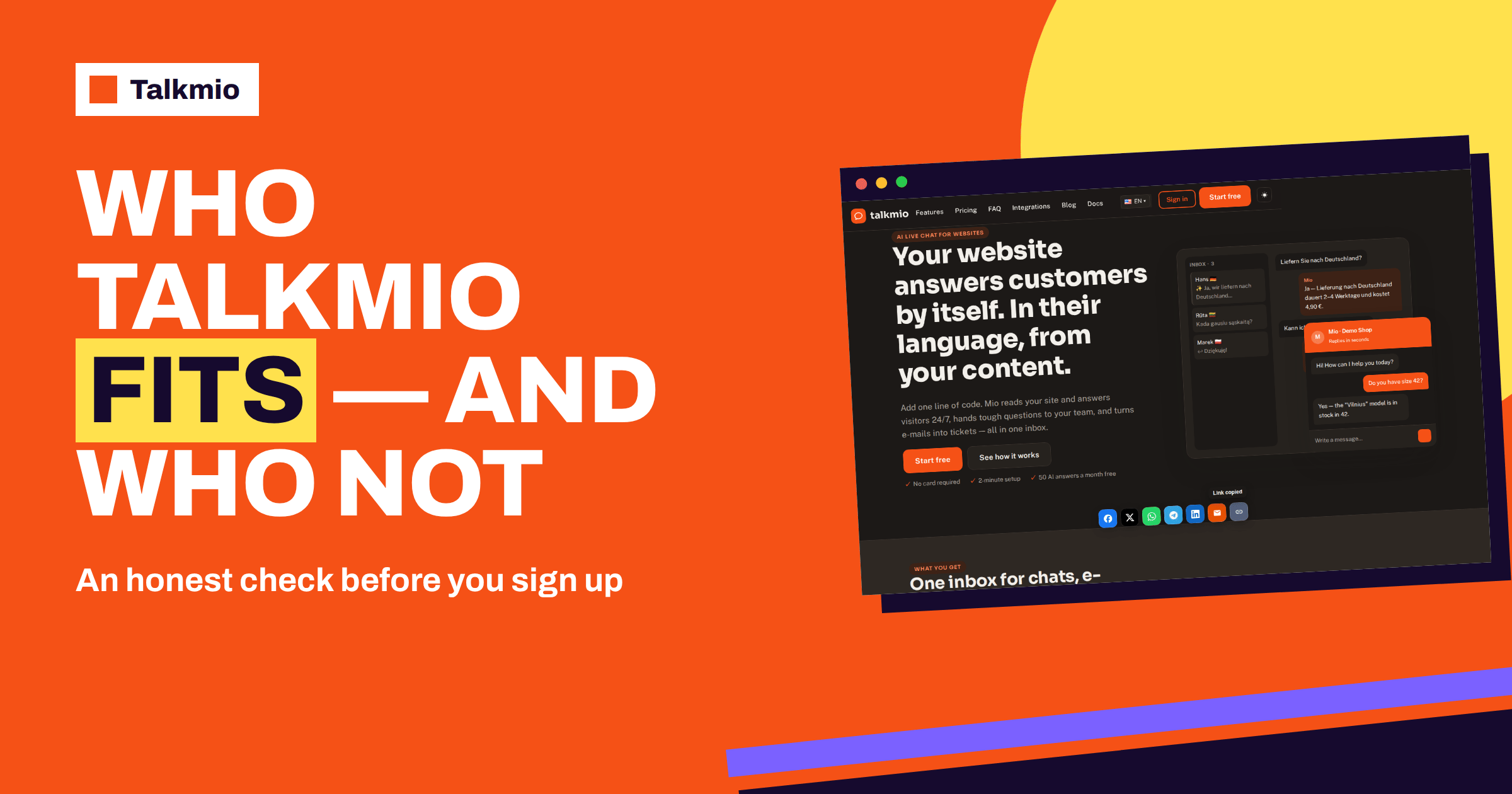
Is Talkmio right for you? The honest answer depends on what you need from a website chat, and this guide is written to help you decide, including when the answer is no. Talkmio is an AI live chat for websites. Its assistant, Mio, reads your website, FAQ and uploaded documents and answers only from that content, hands the chat to your team when it cannot answer, and gives your people an Inbox with tickets, live visitors, contacts and reports. That is a clear set of strengths, and a clear set of boundaries. Below you will find who gets the most from it, who should look elsewhere, ten questions to test the fit and a one-afternoon trial that costs nothing.
Everything here is based on the live documentation and pricing page. Where a capability is not described there, the guide says that it is not described, and that you should ask support, instead of claiming that it exists or that it does not.
What Talkmio Is, in Plain Words
It helps to start with a short description. You add one snippet to your website, or install the WordPress plugin, and a chat bubble appears. Visitors write in their own language, and Mio answers from the content you gave it, without inventing prices or policies. When Mio cannot answer, when the visitor asks for a person, when the visitor complains or when the visitor asks about a specific order, the conversation goes to your team with the full history. Your team works in an Inbox with filters, internal notes, assignment, priorities, statuses and tickets. There are live visitors, contacts, reports, a mobile app and, on paid plans, an e-mail channel, social channels, export and API access.
There is a free plan with one operator, one website and 50 AI answers a month, and paid plans from €19 a month. Data is stored on servers in the EU (Germany). That is the product. The rest of this guide is about how well it matches your situation.
When Talkmio Fits Best
Talkmio tends to fit businesses with the following profile.
- Your website already answers most questions. Mio is only as good as the content it reads. If your pages state prices, delivery, policies and services, Mio can use them.
- The same questions repeat. A chat with an AI assistant pays off when people ask the same things again and again.
- You are a small or medium team. The plans start with one operator and grow to three, ten and beyond, with flat monthly prices instead of per-seat pricing that rises with every colleague.
- Your visitors speak several languages. Mio replies in the visitor’s language, including Lithuanian, English, German, Polish, Russian, Spanish and French, and 30+ others.
- You want a person to take over cleanly. Hand-offs arrive with a badge, history and notifications, including push on the mobile app.
- You want a quick start. One snippet, a short list of integrations and a free plan let you test in an afternoon.
- EU data storage matters to you. The documentation says data is stored in the EU (Germany) and can be exported or deleted at any time.
- You value honesty from the assistant. Mio answers from your content and hands over when it cannot, instead of guessing.
When You Should Look Elsewhere
A fit guide is only useful if it also says where the product stops. Consider other tools if any of the following describes your main need.
- You need the assistant to act in your systems. Mio answers from content and hands over order questions. The documentation does not describe looking up an order, taking a booking or processing a payment inside the chat. If that is central, ask support, and check what the API access on Ultimate and above allows.
- You need phone or voice support. The documentation describes chat, tickets, e-mail and social channels, not a phone system.
- You want a no-code bot builder with branching flows. Talkmio is built around an assistant that answers from content, not around designing conversation trees.
- You need a full help desk with advanced automation. Tickets exist, with priority and status, but if you need complex rules, service levels by customer or a large help-centre product, compare dedicated help desk tools.
- Your website has little written content. Without content, Mio has little to answer from, and you will do much of the work yourself.
- You need features that the pages do not list. Single sign-on, special compliance certificates or custom hosting are not described, so ask before you commit.
None of these is a flaw; they are boundaries. A tool that tries to do everything usually does some things badly. Our guide to how to choose live chat software shows how to weigh such boundaries against your needs. The word fit matters here: a good product that does not match your need is still the wrong product.
Is Talkmio Right for You? Ten Questions to Ask
Answer these honestly. The table shows what a good sign looks like and when to ask support.
| Question | A good sign for Talkmio | Ask support if |
|---|---|---|
| Is most of what visitors ask already on my website? | Yes | Most answers live only in people’s heads |
| How many people will answer chats? | One to ten | Dozens, with complex roles |
| How many websites do I run? | One to ten | More than the plan lists |
| Which languages do visitors use? | Common languages in the list | A rare language that is critical |
| Do I need social channels? | Facebook, Instagram or WhatsApp on Ultimate | Another channel is essential |
| Do I need e-mail turned into tickets? | Yes, from Pro | You need many mailboxes or special routing |
| Do I need to act in other systems? | Not really, or the API is enough | Deep integrations are central |
| How much volume will I have? | Within the AI answers of a plan | Far beyond the largest plan |
| Where must data be stored? | The EU (Germany) is fine | You need another region or contract terms |
| What is my budget? | Fits a flat plan | You need custom pricing |
How Talkmio Compares With Other Kinds of Tools
Many buyers compare tools of different kinds without noticing. A short map helps.
- Classic live chat: a window where people answer visitors. Talkmio includes this, with an AI assistant in front.
- Chatbot builders: platforms for designing bots and flows. They offer more freedom and more work. Our comparison with Chatbase shows the difference between a chatbot builder and a ready chat with an Inbox.
- Help desks: ticketing systems with a large feature set. Our comparison with Zendesk shows how a full help desk differs.
- Chat and marketing suites: products with automation and campaigns, such as the one compared in Talkmio vs Tidio.
If you are unsure whether you need live chat or tickets, our guide to tickets versus live chat explains the difference. Talkmio gives you both, in one Inbox. For general background on the idea, see online chat.
Four Typical Buyers and How the Fit Looks for Each
Profiles make the abstract list concrete. A freelancer with one website and a handful of services wants to answer questions while working on projects. The free plan covers it, the hand-offs arrive as e-mails and push notifications, and the main work is writing a clear services page. The fit is very good.
A small online shop with two part-time colleagues wants to answer delivery and returns questions around the clock and to keep a record. Pro matches the number of people and adds the e-mail channel for the support mailbox. Order questions are handed to people, which is what the shop wants. The fit is good, provided that the delivery and returns pages are clear.
A growing company with ten agents, three websites and customers on WhatsApp needs more than a website chat. Ultimate lists the social channels, reports export and API access, and ten seats. The fit is good for the chat side, but the company should ask support about the depth of the API before it plans integrations with other systems.
A large service organisation with a phone centre, complex workflows and strict single sign-on requirements has a different need. Talkmio’s pages describe none of those, and the company would do better to look at a dedicated platform or to ask support detailed questions first. Asking is quick and free. Whether Talkmio is right for you, or for your company, is a question you can settle in a week, and it is better settled before the contract than after it.
What Your Website Needs Before Talkmio Can Help
The best predictor of success is not the tool but the content. Check three things on your own site before you start. First, are your prices, delivery, returns, services and contact details stated in clear sentences? Second, do your pages agree with each other? Contradictions produce confusing answers. Third, can you add what is missing in an afternoon, as pages, question and answer pairs, free text or files such as PDF and DOCX up to 15 MB? If the answer to all three is yes, you are ready. If not, spend a day on the content first, whichever chat tool you choose.
Test the Fit in One Afternoon for Free
You do not need to guess. The free plan lets you test everything that matters, without a card. Create an account, add your website, let Mio read it, and ask your twenty most common questions in Try Mio, which shows the answer, the knowledge pieces used and the time taken. Count how many answers are right, how many are vague and how many are missing. Then install the chat on a test page or in a private window and ask for a person, to see the hand-off. At the end of the afternoon you will know three things: how good the answers are on your content, how the hand-off feels and how much work the content still needs. That is better evidence for the question “is Talkmio right for you” than any review, including this one. The pricing page shows what the paid plans add, and the 14-day trial on them lets you test the rest.
Red Flags in Any Chat Tool
Whatever tool you choose, watch for five warning signs. A promise that the assistant never makes mistakes. A price that depends on hidden per-conversation charges that you cannot predict. A free trial that needs a long contract. An assistant that answers from the open internet instead of your content. No clear way for a person to take over. Talkmio’s documented design, answering from your own content, handing over in defined situations and showing a plain list of plan limits, is built to avoid these, but check each point yourself in your own trial.
Frequently Asked Questions
Who gets the most from Talkmio?
Small and medium businesses whose websites already state their prices, policies and services, who receive repeated questions and want a person to take over cleanly. It suits teams of one to ten people, visitors in several languages and owners who want a quick start.
Who should look elsewhere?
Teams that need the assistant to act in other systems, such as looking up orders or taking bookings inside the chat, those who need phone support, branching bot flows, a large help desk or features that the pages do not list. Ask support about anything the documentation does not describe.
Does Talkmio work if my website has little content?
It works, but Mio can only answer from the content you give it. You can add pages, question and answer pairs, free text and files such as PDF and DOCX. With very little content, expect to spend a day writing before the answers are useful.
How can I test Talkmio without risk?
Use the free plan, which needs no card. Add your website, ask twenty common questions in Try Mio, install the chat and test a hand-off in a private window. Paid plans offer a 14-day trial if you want to test more features.
Is Talkmio only for English-language websites?
No. Mio replies in the language the visitor writes in, including Lithuanian, English, German, Polish, Russian, Spanish and French, and 30+ others, and can find answers written in another language. Test your own languages in Try Mio before you rely on them.
What if my needs grow?
The plans grow with you: Pro has three operators and three websites, Ultimate has ten of each, and the Enterprise plans go up to 500. Your knowledge base, settings and conversations stay in the same account when you change plans.
The Bottom Line
Is Talkmio right for you? It is a strong fit if your website already holds the answers, your questions repeat and you want a person to take over cleanly, and a weaker fit if you need the assistant to act in other systems, to handle phone calls or to run complex flows. Do not decide from a review: test it on your own content in one afternoon. Start free with Talkmio, ask your twenty common questions in Try Mio and let the answers decide.