
 Lietuviškai
 Deutsch
 Français
 Русский
 Español
 Polski
 Italiano
 Українська
 Čeština
 Português
 日本語
 Latviešu valoda
 Eesti
 Magyar
 Bahasa Indonesia
 Türkçe
 हिन्दी
 Ελληνικά
 العربية
 ไทย
 Tiếng Việt
 Română
 Bahasa Melayu
 বাংলা
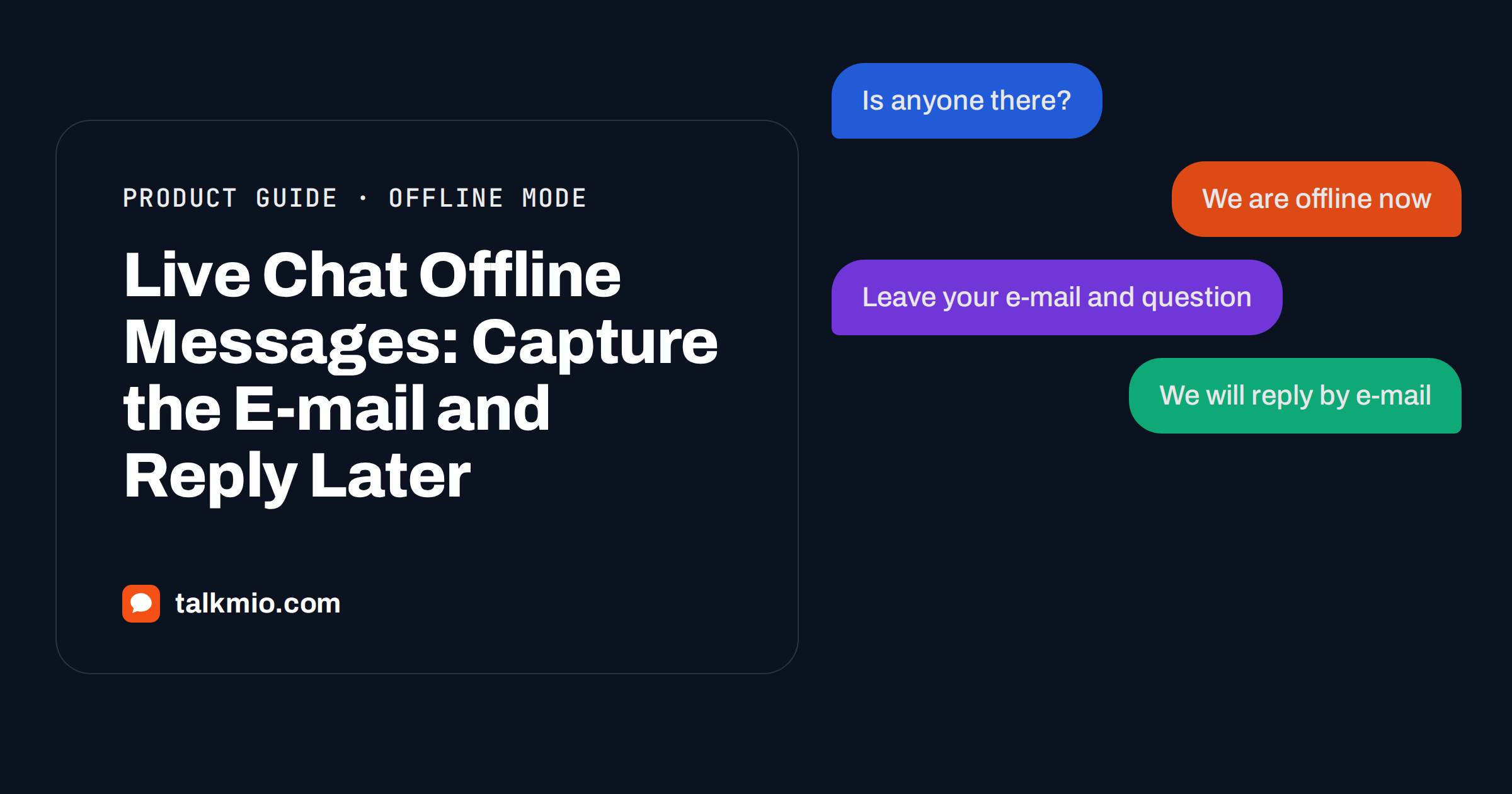
Live chat offline messages decide what happens to the visitor who arrives when nobody is at the desk. If the widget simply disappears, the visitor leaves and may never come back. If it shows a dead input box, the visitor types a question and nobody answers. If it asks for an e-mail address and promises a reply, you keep the lead. This guide explains how live chat offline messages work in Talkmio: what the visitor sees, what Mio can still answer, how your later reply reaches the visitor and how to write offline texts that keep the promise.
Talkmio is an AI live chat for websites. Its assistant, Mio, reads your website, FAQ and uploaded documents and answers only from that content. Because Mio can answer from your content, an offline team does not mean an unanswered visitor. For everything else, Talkmio gathers an e-mail and keeps the conversation open for your team.
How Live Chat Offline Messages Work in Talkmio
The behaviour is simple and described in the Talkmio documentation. When your whole team is offline, visitors are asked for an e-mail before their first message. Your later reply from the Inbox then goes out as an e-mail. Each team member sets a status of Online, Away or Offline, and the widget reacts to the status of the team as a whole.
That small design choice matters. A visitor who knows that the answer will arrive by e-mail does not wait on the page, and you have a way to reach them. Without the e-mail, an offline chat is a one-way street. The wider habit of e-mail as an asynchronous channel is familiar to almost everyone, and the idea of business hours is just as old, which is why this route feels natural.
What Mio Does While You Are Away
Offline does not mean silent. Mio answers from your website, FAQ and documents in the visitor’s language. A visitor who asks about opening hours, delivery or prices at midnight can receive an answer at once if your content covers it. The questions that Mio cannot answer, as well as requests for a person, complaints and questions about a specific order, are handed to your team. The conversation gets a needs-human badge, and you receive a notification: a browser notification in the Inbox if someone is online and, if nobody is online, an e-mail and a push notification in the mobile app.
This split gives you three types of after-hours conversation, and each one needs a different design.
| Type | Example | What happens |
|---|---|---|
| Covered by your content | “Do you deliver on Sundays?” | Mio answers at once |
| Needs a person | “I want to change my order” | Handed over, e-mail captured, reply by e-mail |
| Not a good fit for chat | “I need an urgent phone call” | Offline text points to phone or e-mail |
Writing the Offline Text
In the website settings you can change the welcome and offline texts, the pre-chat form and the business hours. The offline text is the most important sentence on your site after midnight. It should say three things: that the team is offline, when the visitor can expect a reply and how it will arrive. Compare two versions.
- Weak: “We are currently unavailable.”
- Better: “Our team is offline now. Leave your e-mail and question, and we will reply by e-mail on the next working morning.”
The better text turns a dead end into an arrangement. Do not promise a time that you cannot meet. If you cannot reply on weekends, say so, and use business hours so that the text appears at the right times. Changes apply within five minutes. Our guide to live chat greeting messages offers examples of welcome texts that also fit offline use.
Setting Your Status the Smart Way
Statuses decide whether the widget acts online or offline, so keep them honest. Agents set their own status, and the widget follows the team. Use Online when someone is watching the Inbox. Use Away for short breaks. Use Offline when nobody will see a message for hours. If an agent leaves a browser tab open and forgets, the visitor may wait for an answer that never comes, so build a closing routine into your day. Our article on operator status in live chat describes habits that prevent this.
For small teams, the Talkmio mobile app helps. It shows the inbox, live visitors and your status, and sends push notifications for new messages, hand-offs and tickets, so an owner can check an urgent chat from a phone without sitting at a desk.
Replying the Next Morning
The first hour of the working day is the busiest for offline messages. Use the Inbox filters to find conversations without a reply: Unanswered shows chats waiting for you, and Mine and Unassigned help share the load. Open each chat and read the history before writing. The visitor’s question, the e-mail they left and anything Mio already said are in the same place.
- Greet the visitor and thank them for their patience.
- Answer the question in the first sentence.
- Add a next step: a link, a form or a clear question.
- Press Suggest if you want a draft from your knowledge base, then edit it.
- Send. The reply goes out as an e-mail from the Inbox.
- Mark the conversation Pending or Solved, so that the list stays clean.
Use quick replies, inserted with a slash in the reply box, for standard messages. Our guide to canned responses in live chat shows how to make a small, useful library.
Response Targets and the Overdue Badge
Well-run live chat offline messages depend on a promise you can keep. Think of the target as part of the same promise that your offline text makes, and keep both in line.
An offline promise is only as good as your follow-through. In Settings, set a response time target. Conversations without a first reply within that time get an overdue badge, which is a quiet reminder to the team. Choose a target that you can meet most days, not the one you wish to meet. If the team is offline overnight, the target should account for that time, or the badge will appear on every overnight chat and lose its meaning. Review the numbers each week in the reports, which show first-reply time and busiest hours.
Training the Team for the Morning Round
The morning round is where offline messages win or lose. Give the team a simple routine: open the Inbox, filter for Unanswered, sort by what is oldest and answer those first. Assign each chat to one person so that two colleagues do not write to the same visitor. Add an internal note whenever you promise something, and set the status to Pending when you wait for the visitor. At the end of the round, nothing should remain unanswered from the night. A team that does this for two weeks stops dreading the night-time backlog, and visitors notice the difference in the speed of the first answer.
Common Mistakes With Offline Messages
- Promising an instant reply. If the team is offline, say when the reply will come.
- Forgetting the weekend. A Friday night message may wait until Monday. Say it.
- Not reading Mio’s earlier answer. Check what Mio told the visitor before you reply, so you do not contradict it.
- Letting the mailbox become the system. Keep the conversation in the Inbox so that notes, assignment and statuses stay attached.
- Collecting an e-mail and never using it. Remember privacy: use the address only for the reply and your stated purpose.
On privacy, Talkmio stores data on servers in the EU (Germany), and you can export or delete your data at any time by writing to support. Our guide to GDPR and live chat explains what to tell visitors.
Designing Your After-Hours Flow
A good offline flow is designed, not left to chance. Start by looking at when your visitors arrive. The reports show busiest hours in your time zone and the countries your visitors come from. If many visitors come from a time zone far from yours, offline messages will be a large share of your chats, and the content that Mio uses becomes even more important. If most come during your working day, offline messages are the exception, and you can keep the flow light.
Then decide what a good result looks like for each type of question. For simple questions, a good result is an instant answer from Mio. For requests that need a person, a good result is a collected e-mail and a reply within a stated time. For urgent matters that chat cannot solve, such as a service outage or a safety problem, a good result is a clear pointer to a phone number or another channel in the offline text. Write all three on one sheet, and let everyone on the team see it.
Examples for Different Businesses
A web shop
After hours, shoppers ask about delivery times, stock and returns. Mio answers what the published pages cover. Questions about a specific order are handed over, the visitor leaves an e-mail and the team replies in the morning with the status from the order system. Mio does not see orders, so the human reply is essential.
A software company
Visitors in other time zones ask about plans, integrations and security. Mio answers from the documentation. A request for a demo or a custom contract is handed over, and the e-mail captured in the chat allows a personal reply. Convert such chats to numbered tickets so that nothing disappears.
A clinic or service business
Visitors ask about appointments, prices and preparation. Mio answers the general questions and hands over anything personal. The offline text should state that the chat is not for emergencies and should show the emergency number. Our guide to live chat for medical clinics covers this in more detail.
Measuring Your Offline Performance
Talkmio reports conversations per day, the share answered by Mio alone, hand-offs, first-reply time, ratings, channels and countries. To judge offline handling, look at three numbers. The first is the share answered by Mio alone: a high number means your content covers many after-hours questions. The second is first-reply time on handed-over chats: it shows how quickly you reply the next morning. The third is the ratings, which show whether visitors feel well treated. If ratings fall in the early morning, the overnight backlog is probably too large, and you may need to adjust staffing or the offline promise.
Frequently Asked Questions
What does a visitor see when my team is offline?
When your whole team is offline, the visitor is asked for an e-mail before their first message. Mio still answers what your content covers, and everything else waits for your team. Your later reply from the Inbox goes out to the visitor as an e-mail.
Does Mio answer questions when nobody is online?
Yes. Mio answers from your website, FAQ and documents in the visitor’s language at any hour. If it cannot answer, or if the visitor asks for a person or asks about a specific order, the chat is handed over and waits for your team.
How will I know that someone left a message?
The conversation gets a needs-human badge. If nobody is online, Talkmio sends an e-mail and a push notification to the mobile app. When someone is online, a browser notification appears in the Inbox. You can also filter the Inbox for unanswered chats.
Can I change the offline text?
Yes. In the website settings you can edit the welcome and offline texts, the pre-chat form and business hours. Write what a visitor can expect and when. Changes apply within five minutes, so test the text from a private window.
Can I reply from my phone?
Yes. The Talkmio mobile app for iOS and Android shows the inbox, conversations and live visitors, and sends push notifications for new messages, hand-offs and tickets. Sign in with your Talkmio e-mail and password to answer from anywhere.
Do offline messages become tickets?
Every conversation can become a numbered ticket with a priority and status. If an offline message needs follow-up over several days, convert it to a ticket in the conversation header, and keep track of its status and assignment there.
The Bottom Line
Live chat offline messages are a small feature with a large effect: the visitor is asked for an e-mail, Mio answers what your content covers and your reply goes out as an e-mail the next morning. Write an honest offline text, keep your status accurate, set a response target and answer the unanswered chats first. Start free with Talkmio and stop losing the visitors who arrive after closing time.