
 Lietuviškai
 Deutsch
 Français
 Русский
 Español
 Polski
 Italiano
 Українська
 Čeština
 Português
 日本語
 Latviešu valoda
 Eesti
 Magyar
 Bahasa Indonesia
 Türkçe
 हिन्दी
 Ελληνικά
 العربية
 ไทย
 Tiếng Việt
 Română
 Bahasa Melayu
 বাংলা
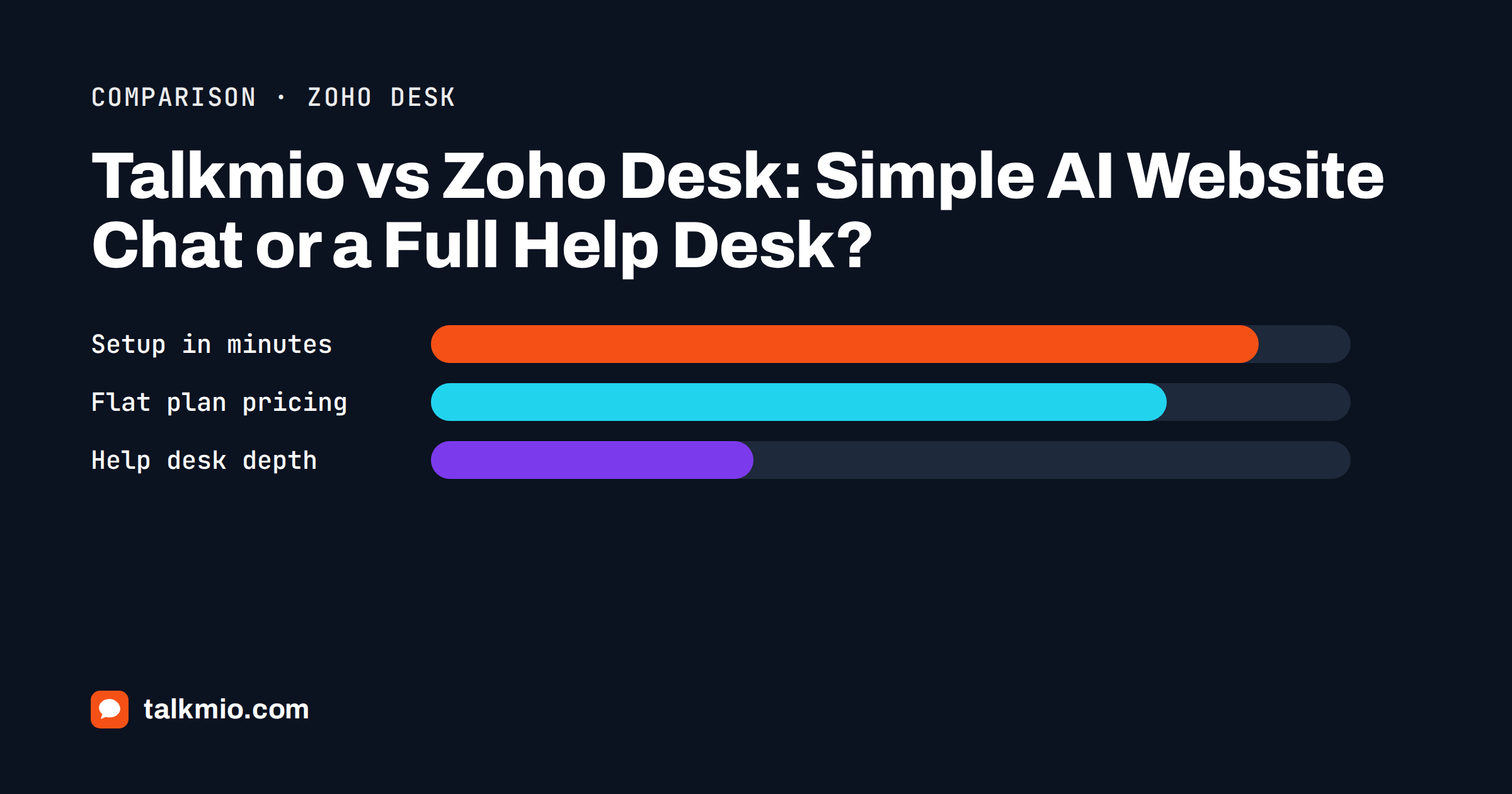
Talkmio vs Zoho Desk is not a fight between two similar tools. Zoho Desk is a full help desk from a large business software family, built for ticket queues, automation rules, several departments and many channels. Talkmio is an AI live chat for websites with tickets and a shared Inbox, built so that a small team can answer visitors from its own content within hours. This comparison explains where each one is stronger, what they cost to run and which kind of team should choose which.
We are the makers of Talkmio, so read this with that in mind. We say plainly where Zoho Desk is better, we describe its editions from its public pricing page as we read it in October 2026, and we avoid quoting prices that vary by region and change often. Check the vendor’s page before you decide.
Talkmio vs Zoho Desk in One Paragraph
Choose Talkmio if your main need is to answer website visitors quickly, in their own language, from your own pages, with a person taking over when needed, and you want public plans that include your whole small team. Choose Zoho Desk if you need a complete ticketing system with workflows, multiple departments, service level rules, phone support, a community forum or a link to a wider business suite. Many companies start with the first and grow into the second.
| Area | Talkmio | Zoho Desk |
|---|---|---|
| Main purpose | AI live chat and tickets for websites | Full help desk and ticketing |
| Free plan | Yes: 1 operator, 1 website, 50 AI answers a month | Yes: e-mail ticketing for up to three agents |
| Live chat widget | On every plan | From the Standard edition, with a fuller chat product available higher up |
| AI from your own content | Core feature, answers only from your content | Answer bot and AI agents, with a bring-your-own-key option on some editions |
| Phone support | No | From the Professional edition |
| Community forum | No | Yes, from Standard |
| Automation rules and workflows | Basic: assignment, priority and status | Extensive, with workflows and escalation matrices |
| Pricing model | Flat plan with seats included | Per agent per month by edition |
| Setup effort | Hours | Days to weeks for a full configuration |
What Zoho Desk Does Better
Be honest about this first, because it decides most cases. A help desk system is, after all, a different category from a website chat. Zoho Desk is a mature help desk. Its public pricing page lists custom reports and dashboards, multi-level escalations, workflow rules, round-robin and skill-based assignment, parent and child tickets, a multilingual help center, a sandbox for testing new processes, telephony with IVR and custom modules. It also sits inside a family of business tools, so a company that already runs its sales and finance in the same family gets a natural connection between customer records and support tickets.
That depth matters when support is a department rather than a side task. If you have several teams, different brands, strict service level targets, a phone line or a need for a customer portal and community, Talkmio does not replace those features. We do not offer voice, a community forum or an advanced workflow builder, and we would rather say so than let you find out after you subscribe.
What Talkmio Does Better
Talkmio is built around one job: turning your website into a place where visitors get an answer immediately. Mio reads your website, FAQ and uploaded documents (PDF, DOCX, TXT, MD, CSV and HTML), and answers only from that content. It never invents prices or policies. When it cannot answer, when the visitor asks for a person, complains or asks about a specific order, it hands the chat over to your team, and the conversation arrives in the Inbox with the full history and a needs-human badge.
The second advantage is how little you need to set up. You create an account, add your website, paste one snippet or install the WordPress plugin and let Mio read your pages. A shop or a services business can be live in an afternoon, and the free plan lets you test with real questions before you pay. The third is predictability: Talkmio plans are flat, and the operator seats are included up to the limit of the plan, so adding a colleague inside that limit does not change the bill.
Channels and Live Chat
Zoho Desk is strong on channels. Its public pages list e-mail, web forms, social media, instant messaging apps such as WhatsApp, Instagram, Messenger, Telegram, WeChat and Line, phone, a self-service widget and a live chat feature. Live chat in the product comes in two layers: a messaging widget you can embed in your site, and a fuller chat product from the same vendor on the top edition, with bots, visitor tracking and conversation routing.
Talkmio keeps the list shorter. The website widget is on every plan. On Pro and above there is an e-mail channel, so forwarded support mail becomes numbered tickets and replies go back by e-mail in the same thread. On Ultimate and above you can connect Facebook, Instagram and WhatsApp Business. That covers most small businesses, but not phone, SMS or a forum. If those matter, your shortlist should start with a help desk.
AI Compared: Answer Bot, AI Agents and Mio
Both products use AI, and both want you to feed it content. In Zoho Desk, the answer bot responds from articles in your knowledge base, and its newer AI agent features can use a bring-your-own-key model or the vendor’s model with a monthly allowance of free tokens on some editions. The help desk then offers AI-assisted features for agents, such as summaries and suggested replies, on higher editions.
In Talkmio the AI is the starting point rather than an add-on. Business instructions tell Mio what you sell, the tone to use and what it must never promise. Try Mio shows the answer, the knowledge pieces used and how long it took before you go live. Agents get help too: the suggest button drafts a reply from your knowledge base, translate turns a draft into the visitor’s language and polish fixes grammar and tone. Our guides on how an AI chatbot works with live chat and a help desk and on grounded answers explain why answering only from your content matters for trust.
Pricing Models: Per Agent or Flat Plan
Zoho Desk charges per agent per month, and the price rises with the edition. Its pricing page shows a yearly-billing figure per user, usually displayed in your local currency, and it lets you choose a free trial. That model is fair for large teams, because you pay for the people who use it. It becomes expensive when features you need sit in a higher edition and when the team grows.
Talkmio plans are flat. As of October 2026, Free is €0 with one operator, one website and 50 AI answers a month. Pro is €19 a month (€190 a year) with three operators, three websites, 1,000 AI answers, the e-mail channel and no Talkmio branding. Ultimate is €49 a month (€490 a year) with ten operators, ten websites, 5,000 AI answers, Facebook, Instagram and WhatsApp, report export and API access. Larger Enterprise plans exist for bigger volumes. VAT of 21% is added at checkout, and you can pay with PayPal or bank transfer. The honest way to compare is to count your agents, list the features you cannot live without and price both. Our guide to the cost of an AI live chat agent helps with the arithmetic.
Setup, Learning Curve and Maintenance
A help desk rewards the time you put into it. You design ticket fields, rules, views, templates, escalation paths and reports. That is valuable when you have a process, and it is a burden when you do not yet have one. Talkmio asks for far less: a knowledge base, a few business instructions, widget settings and a team. If you outgrow it, the conversations and contacts you collected show you what the larger process needs to cover.
Maintenance differs too. With a help desk, the work is keeping rules and templates in line with your business. With Talkmio, the work is keeping your content accurate: when prices or policies change, edit the page or the question and answer pair and re-read the source, and Mio gives the new answer. Read our note on keeping the knowledge base up to date for a simple routine.
Data, Hosting and Language
Talkmio stores data on servers in the EU (Germany), sends only conversation text and relevant knowledge base excerpts to the AI model provider, and lets you export or delete your data at any time. Mio replies in the visitor’s language, including Lithuanian, English, German, Polish, Russian, Spanish and French and more than thirty others, and the widget is translated as well. Zoho publishes data centre regions on its own pages, and a multilingual help center in more than forty languages is part of its Professional edition. If you have strict residency needs, read both vendors’ documentation and ask in writing.
Who Should Choose Which
Choose Talkmio if
- your priority is answering website visitors quickly from your own content;
- you have a small team and want a public, flat price with seats included;
- you want to start free and test with real questions;
- you do not need phone support, a forum or complex workflow rules.
Choose Zoho Desk if
- support is a department with several teams, brands or service level rules;
- you need phone, a community forum, a customer portal or custom modules;
- you already use other products from the same vendor;
- you have the time and budget to configure the system properly.
Some teams use both: Talkmio on the website for instant answers and a help desk behind it for complex cases. If you are building a shortlist, our comparisons with Zendesk and Freshdesk follow the same format, and the product page for Zoho Desk shows its current editions in detail.
Frequently Asked Questions
Is Talkmio an alternative to Zoho Desk?
For small teams whose main need is website chat, yes. Talkmio gives you AI answers, live chat, tickets and an Inbox with flat plans. For companies that need phone, a forum, deep workflow rules or several departments, Zoho Desk is the better category of product, and Talkmio is not a replacement.
Does Zoho Desk have live chat?
Yes. Its public pricing page lists a live chat widget from the Standard edition, and a fuller chat product with bots and visitor tracking on the top edition. Talkmio includes the website chat widget on every plan, including Free, with Mio answering from your content.
Which is cheaper for a three-person team?
It depends on the editions you need. Zoho Desk is priced per agent per month, so cost scales with the team. Talkmio Pro is a flat €19 a month with three operators, and Ultimate is €49 with ten. Price your exact needs on both public pages before deciding.
Can Talkmio create tickets from e-mail?
Yes, on Pro and above. You get a Talkmio e-mail address in Settings, forward your support mailbox to it and customer e-mails become numbered tickets. Replies from the Inbox go back by e-mail in the same thread, so customers see a normal conversation.
Can I use Talkmio with a help desk I already have?
Yes. Many teams place Talkmio on the website to answer common questions and collect e-mail when the team is offline, while complex cases continue in an existing help desk. Consider the cost of keeping two systems before choosing this setup.
Does Mio invent answers?
Mio answers only from your website, FAQ and uploaded documents, and it never invents prices or policies. If it cannot find an answer, it hands the conversation to your team. Use Try Mio before launch to check which knowledge pieces each answer used.
The Bottom Line
Talkmio vs Zoho Desk comes down to size and purpose. If you want your website to answer visitors from your own content this week, at a public flat price, choose Talkmio. If you run support as a department with many channels, rules and teams, choose Zoho Desk. Count your agents, list the features you need and test with real questions. Start free with Talkmio and see how many of your visitors’ questions Mio can answer on its own.