
 Lietuviškai
 Deutsch
 Français
 Русский
 Español
 Polski
 Italiano
 Українська
 Čeština
 Português
 日本語
日本語 Latviešu valoda
 Eesti
Eesti Magyar
 Bahasa Indonesia
 Türkçe
 हिन्दी
 Ελληνικά
 العربية
 ไทย
ไทย Tiếng Việt
 Română
 Bahasa Melayu
 বাংলা
বাংলা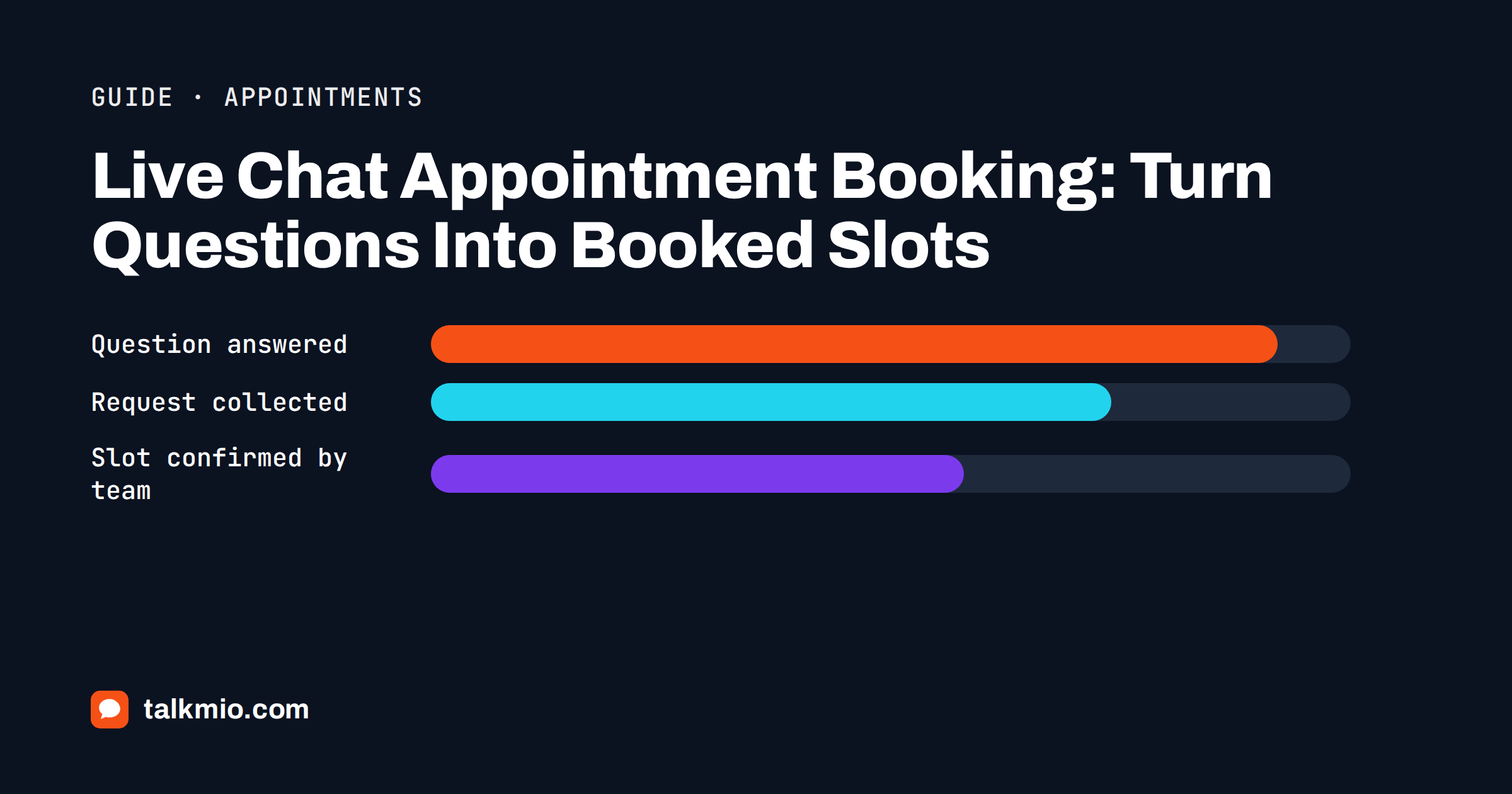
Live chat appointment booking sounds simple: a visitor asks “can I come on Thursday?” and the chat books the slot. In real businesses it is less tidy. Calendars live in separate tools, staff have different skills, some services need a deposit and some visitors only want to know what to bring. This guide explains how to use live chat to move visitors from a question to a booked appointment, how to do it honestly when the chat is not connected to your calendar, and how to keep your team in control of the final confirmation.
Talkmio helps with the part that costs most time: the conversation before the booking. Its AI assistant, Mio, reads your website, FAQ and documents, answers only from that content and hands the chat to a person when a booking needs a decision. It does not invent opening hours, prices or availability.
Why Live Chat Appointment Booking Matters
Most appointments are lost before anyone decides not to book. Online appointment scheduling software removes the friction of the slot itself, but it does not answer the questions around it. The visitor has a question, cannot find the answer, does not want to phone and closes the tab. Salons, clinics, tutors, consultants, garages, photographers and repair shops all share the pattern: the booking itself takes a minute, but the doubts around it take much longer.
A chat next to the booking page or the service list catches those doubts. How long does it take? What does it cost? Do I need to bring anything? Can I reschedule? Each answer removes a reason to leave. Our article on chat-to-lead conversion rate explains how to measure the effect on your own site.
Three Ways Chat Can Handle a Booking
Before you write anything, decide what role the chat plays. There are three honest models, and they suit different businesses.
| Model | How it works | Best for |
|---|---|---|
| Answer and link | Mio answers questions and sends the visitor to your booking page or form | Businesses with an online booking tool |
| Collect and confirm | The visitor gives name, service and preferred times; your team confirms by e-mail or phone | Small teams with manual calendars |
| Hand over live | When the team is online, a person takes the chat and books while talking | High-value or complex appointments |
Most businesses combine the first two and add the third for important customers. What matters is that the chat never claims a slot is booked when nobody has actually booked it.
Answer First, Then Send to the Calendar
The simplest and most reliable approach is to let the chat answer and then point to the booking page. Publish the information that visitors need before they book: services and durations, prices or starting prices, location and parking, what to bring, how to cancel or reschedule and what happens if they arrive late. Put these on pages Mio can read.
When the visitor is ready, Mio can give the booking link or describe the form. Write a clear instruction for this step, for example: “when a visitor wants to book, give the booking page link and ask whether they would like a person to help”. That second part matters because some visitors want reassurance from a human before they commit. Our guide to live chat on pricing pages shows how to place the chat where decisions happen.
Collecting Requests When You Book by Hand
Many small businesses have no booking software. Their calendar is a diary, a shared spreadsheet or a phone. For them, chat can still do the early work: gather the details so that the person who confirms does not need to ask again.
A short optional pre-chat form can ask for a name and an e-mail address, and the first reply can ask for the service, the preferred days and times, and a phone number if the visitor wants a call. Keep it short; every extra question costs responses. Our article on pre-chat form length explains where the balance lies.
Then be transparent. Write the reply so that the visitor knows what happens next: “We have your request. A colleague will confirm the time by e-mail today.” If the team is offline, visitors are asked for an e-mail before the first message and your reply from the Inbox goes out as an e-mail, so the confirmation can be written once, in full, with the date, time, address and what to bring.
What Mio Should and Should Not Say
An assistant that reads your pages knows your opening hours, your services and your policies. It does not see your diary. That is the key limit to write down in the business instructions: “never say that a time slot is available or booked; explain how to book and hand the chat to the team for confirmation”.
Other rules help too. Mio should not promise discounts for first-time clients unless your pages say so, should not give medical, legal or financial advice in place of the specialist, and should not guess the length of a service that your page does not describe. Test these rules with Try Mio by asking tricky questions: “Is there a slot tomorrow at ten?”, “Can you fit me in today?”, “Can I get a discount if I book three?”. The answer should be a polite explanation of the process and a hand-off, not a made-up yes.
Reminders, Rescheduling and No-Shows
Chat is useful after the booking as well. Visitors write to cancel, reschedule or ask for directions. Publish your cancellation and rescheduling policy in plain words, including any notice period and fee, and let Mio quote it. If the visitor wants to change an existing appointment, that is a question about a specific booking, which Mio hands to a person.
No-shows are a business problem that clear communication reduces. Include the practical details in your confirmation e-mail, such as the address, the entrance, the parking and a phone number. Customers who know exactly where to go and how to cancel are more likely to arrive or to cancel in time. Review the questions in the Inbox once a month and add answers for the ones that repeat.
How Appointment Chat Looks in Different Businesses
The same approach adapts to very different services, and it helps to picture your own. A hair salon mostly needs answers about services, durations and prices, and a link to the booking page; the chat rarely needs a person unless a client asks about a colour change or an allergy. A physiotherapy or dental practice needs more care: visitors ask about first visits, referrals and costs, and some describe symptoms. The assistant should explain how the practice works, never comment on a condition and hand urgent or medical questions to staff.
A tutoring business has seasonal peaks around exams and the start of term, with questions about levels, group sizes and trial lessons. A consultant or an agency often wants a qualified request: company, need and budget range, collected before a call is booked. A photographer wants date, place and type of shoot before quoting. In each case the pattern is the same: publish the facts, let Mio answer, collect what the person who confirms needs and make the next step obvious.
Whatever the business, review the real conversations after the first two weeks. You will find questions you did not expect, such as parking, accessibility, children or pets, and each one is a paragraph to add to your site. The Inbox search by text makes this quick, and the answers you write once will serve every later visitor.
Staffing the Chat Around Appointments
A chat that books appointments has peaks. Mornings after a weekend, lunchtimes and early evenings are typically busy, because that is when people think about their schedules. The Reports section shows busiest hours in your time zone, conversations per day and the share answered by Mio alone, so you can plan who watches the Inbox and when.
Use assignment and status sensibly. Assign booking requests to the person who owns the calendar, set a higher priority for urgent ones and use internal notes to record promises, such as “offered Thursday 15:00, waiting for reply”. If you work with several people, our guide to routing chats to the right agent shows practical patterns.
Privacy, Deposits and Sensitive Details
Appointments often involve personal details, and some involve sensitive ones, such as health, family or finance. Ask for the minimum needed to arrange the time. Do not collect medical details, payment card numbers or identity documents through chat, and tell agents never to ask for them. If a deposit is required, send the visitor to your payment page rather than taking details in the conversation.
Talkmio stores data on servers in the EU (Germany), and only the conversation text and relevant knowledge base excerpts go to the AI model provider. You can export or delete data at any time. Mention the chat in your privacy notice and explain how long you keep booking conversations. Our GDPR and live chat guide covers the checklist, and your adviser can confirm local rules.
Setup Checklist
- Publish services, durations, prices, location, what to bring and the cancellation policy.
- Choose the model: answer and link, collect and confirm, or live hand-over.
- Add your website as a source in Mio AI and write instructions that forbid claiming a slot is booked.
- Test the tricky questions in Try Mio before going live.
- Decide who owns the calendar and who watches the Inbox at each time of day.
- Write one confirmation reply that contains the date, address and what to bring.
Install is a single snippet before the closing body tag, or the Talkmio WordPress plugin with a site key. The documentation explains both, and the widget settings let you adjust colours, position and business hours.
Frequently Asked Questions
Can Mio book an appointment directly in my calendar?
No. Mio answers from your website and documents and cannot see or change your calendar. It can explain how to book, give your booking link and collect a request that your team confirms. Add an instruction that it must never say a slot is available or booked.
How do I stop the chat promising times I cannot offer?
Write a clear rule in the business instructions: never state availability, always explain the process and hand the chat to the team for confirmation. Then test it in Try Mio with questions such as whether there is a slot tomorrow. The reply should be an explanation and a hand-off.
What happens when someone asks to book outside opening hours?
Mio can answer routine questions at any time. If your whole team is offline, the visitor is asked for an e-mail before the first message, and your later reply from the Inbox goes out as an e-mail. Write that reply with the proposed time, address and what to bring.
Should I collect the visitor’s phone number in the chat?
Only if you need it and the visitor agrees. A name and an e-mail address are usually enough to confirm an appointment. Keep any pre-chat form short and optional, and explain in your privacy notice why you ask. Never collect payment cards or sensitive documents through chat.
Can the chat handle cancellations and rescheduling?
It can explain your policy, notice period and fees from your pages. Changing a specific booking is a question about an individual appointment, so Mio hands it to a person. Assign it to whoever owns the calendar and add an internal note with the agreed change.
Which plan do I need for appointment chat?
The Free plan gives one operator, one website and 50 AI answers a month, which is enough to test the idea. Paid plans add more seats, websites and AI answers; the current prices and limits are on the Talkmio pricing page. Start free, check the volume in Reports and upgrade only when you need it.
The Bottom Line
Live chat appointment booking works when the chat does what it can do honestly: answer the questions around a booking, collect a clean request and hand the confirmation to the person who owns the calendar. Talkmio provides the assistant and the Inbox; you provide accurate pages and a clear process. Start with services, durations and a cancellation policy. Create a free Talkmio account and let Mio answer the questions that keep visitors from booking.