
 Lietuviškai
 Deutsch
 Français
 Русский
 Español
 Polski
 Italiano
 Українська
 Čeština
 Português
 日本語
日本語 Latviešu valoda
 Eesti
Eesti Magyar
 Bahasa Indonesia
 Türkçe
 हिन्दी
 Ελληνικά
 العربية
 ไทย
ไทย Tiếng Việt
 Română
 Bahasa Melayu
 বাংলা
বাংলা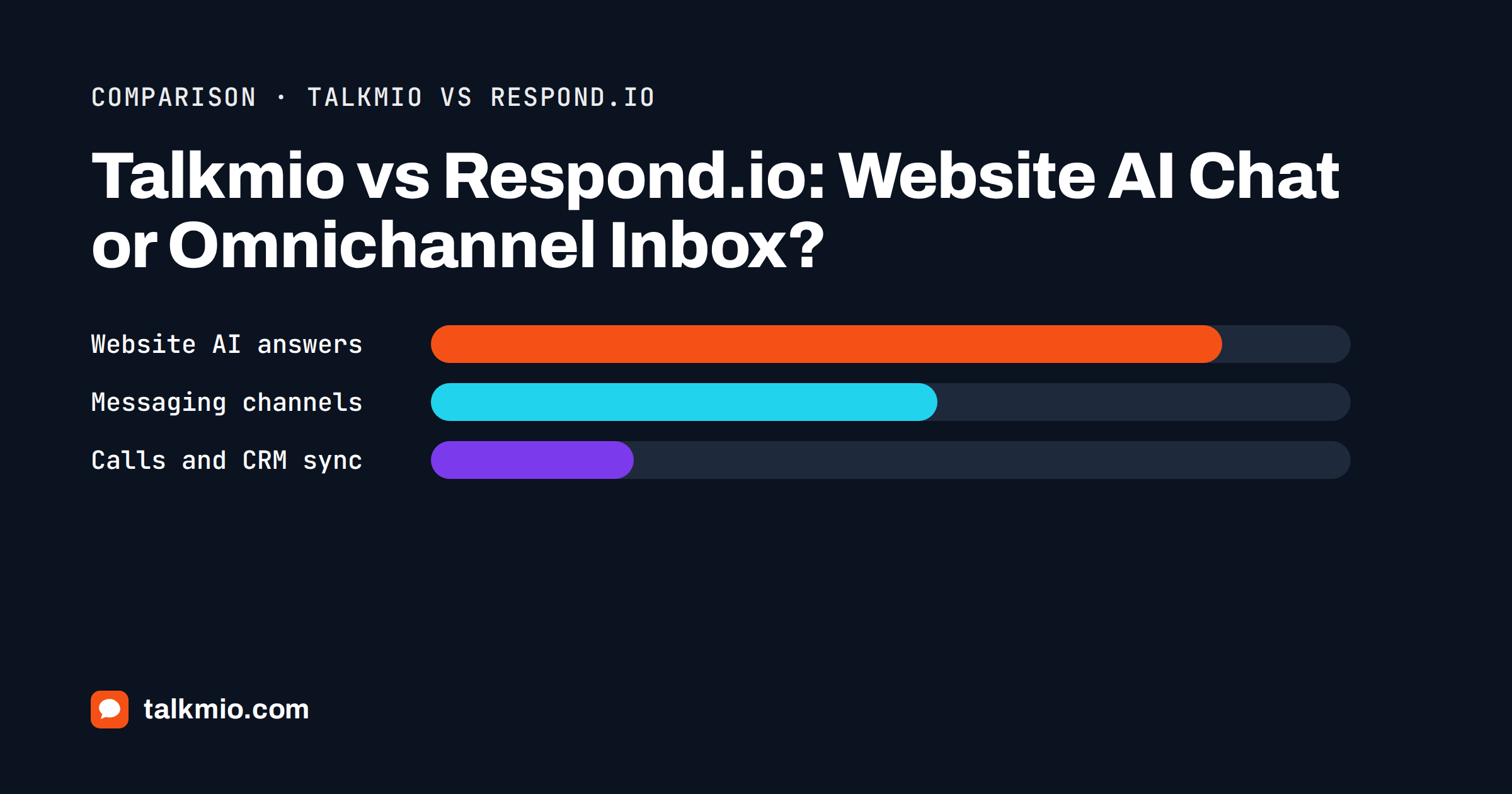
Talkmio vs Respond.io is a comparison between two tools that both give a team a shared inbox and both offer AI answers, but start from different places. Talkmio starts at your website: a chat bubble, an AI assistant called Mio that answers from your own pages, and tickets for everything that needs a person. Respond.io starts at messaging channels: WhatsApp, Messenger, TikTok and other apps, brought into one team inbox with workflows, routing and CRM sync. Which one fits depends on where your customers actually write to you.
We make Talkmio, so read this with that in mind. We describe Respond.io from its public website, name what it does better, and tell you when it is the better choice. If most of your conversations begin on a website, the case for Talkmio is simple. If most begin in WhatsApp or on social ads, it is probably Respond.io.
Talkmio vs Respond.io in One Paragraph
Talkmio is a website-first AI live chat with tickets, live visitors and an e-mail channel, priced from a free plan upward and set up by pasting one snippet. Respond.io describes itself as a customer conversation platform that unifies chats, calls and e-mails from many channels in a team inbox, with AI agents, lead management, broadcasts and CRM connections. The first is lighter and narrower. The second is broader and meant for teams that run sales or support through messaging apps at volume.
Where Each Tool Starts
Talkmio: the website visitor
A visitor opens your site, sees the chat bubble and asks a question. Mio reads your website, your FAQ and uploaded documents (PDF, DOCX, TXT, MD, CSV, HTML) and answers only from that content, in the visitor’s language. When it cannot answer, when the visitor asks for a person, complains or asks about a specific order, the conversation goes to your team with a “needs human” badge. The documentation describes the whole flow, from the Inbox to tickets and reports.
Respond.io: the messaging conversation
Respond.io’s own homepage frames the problem differently: customers ask on chat, call for details and confirm by e-mail, and the platform keeps that history in one thread. It lists WhatsApp chats, TikTok ads, Facebook messages and store visits as places leads come from, and it offers WhatsApp Business Calls, Messenger Calls and VoIP in the same thread. That is a messaging-operations product, closer to a lightweight CRM than to a website widget.
Feature Comparison
| Area | Talkmio | Respond.io |
|---|---|---|
| Main entry point | Website chat widget | Messaging channels, with a website capture option |
| AI answers | Mio, grounded in your site and documents | AI agents for enquiries, qualification and routing |
| WhatsApp, Messenger, Instagram | On the Ultimate plan and above | Core strength |
| Voice and VoIP calls | No | Yes, as described on its site |
| Tickets with priority and status | Yes, numbered tickets | Conversation assignment and workflows |
| E-mail channel | Pro and above (Talkmio address, threads kept) | E-mail in the same thread |
| Live visitors on your site | Yes, country, page, device, source | Not a headline feature |
| Broadcasts and campaigns | No | Yes, targeted broadcasts and reminders |
| CRM synchronisation | API access on Ultimate | CRM connections are a headline feature |
| Free plan | Yes, no card | Free trial |
Read the table as a map of focus, not a scorecard. Where Talkmio says “No”, that is a gap you should weigh. Where Respond.io is marked as a strength, it genuinely is one.
Channels: Website First or Messaging First
Most small and mid-sized sites get their first enquiry from a visitor who is already on a page. That visitor is looking at a price, a delivery policy or a booking form, and the best moment to answer is while they are there. A website chat sees which page they are on and answers from that page’s content. Talkmio also shows live visitors, so a team can start the conversation proactively; the widget opens on the visitor’s side within 30 seconds.
Messaging-first businesses are different. A clinic that takes bookings through WhatsApp, a travel seller who gets leads from social ads, a shop that runs promotions through messaging apps: their customers rarely visit the website first. For them the inbox, the channel connections and the follow-up tooling matter more than a widget. That is the ground Respond.io is built for, and a website chat tool will not replace it.
Talkmio does connect Facebook Messenger, Instagram and WhatsApp Business on the Ultimate plan, so the two products overlap there. Messages arrive in the same Inbox, Mio answers them like website chats and your replies go back to the same channel. If you want a deeper comparison of the channel route, our guide to WhatsApp and Instagram live chat goes through the setup and the limits.
AI: Grounded Answers or Conversation Agents
Both products pitch AI as a way to handle more conversations without adding staff. The difference is the job description. Mio is a question-answering assistant bound to your content: it never invents prices or policies, and the Try Mio screen shows which knowledge pieces produced an answer. Respond.io talks about AI agents that answer enquiries, qualify leads, recommend products, manage bookings and share payment details, which is a wider remit with more moving parts to configure and supervise.
A wider remit is useful when the conversation is the sale. It also means more rules to write and more behaviour to test. A narrower assistant is easier to trust on a support site, because the question “can it make something up?” has a short answer. For the grounding principle behind that design, see why AI chatbots should be grounded in your website.
Team Inbox, Tickets and Reporting
Both give agents a shared inbox with assignment and notes. Talkmio’s Inbox has filters (All, Mine, Unassigned, Unanswered, Mio replied, Closed), internal notes, quick replies, priority from Low to Urgent and status from Open to Closed, plus a first-reply target that flags overdue conversations. Reports cover conversations per day, the share answered by Mio alone, hand-offs, first-reply time, ratings, busiest hours and team performance, with CSV export on the Ultimate plan.
Respond.io adds the sales layer: lead management, routing rules, in-chat CSAT surveys and analytics that connect channels and ads to outcomes. If your team measures success in leads won, that layer is the point. If it measures success in questions answered and tickets closed, Talkmio’s reporting covers the numbers a support team reads daily.
Pricing Logic
Talkmio prices by plan: Free at €0, Pro at €19 a month (€190 a year), Ultimate at €49 a month (€490 a year), and larger Enterprise tiers above that. Each plan states operators, websites, AI answers a month, knowledge base pages and history. Check the live pricing page for the current numbers.
Respond.io’s pricing page describes a Starter plan for teams who handle chats themselves and a Growth plan that adds automation and AI, with monthly active contacts becoming relevant from Growth upward. That model scales with how many people you talk to, which can be sensible for messaging businesses and harder to predict for a seasonal one. Always compare against your own volume rather than a headline price.
Who Should Pick Which
- Choose Talkmio if visitors start on your website, you want answers grounded in your own pages, you need tickets and an e-mail channel, and you prefer a free start and a two-minute install.
- Choose Respond.io if WhatsApp and social messaging are your main channels, you need calls, broadcasts and CRM sync, and you run conversations as a sales pipeline.
- Consider both only if you truly have two separate jobs: website support and a messaging-led sales operation. Two inboxes cost attention, so do this deliberately.
A quick way to decide is to count last month’s conversations by origin. If more than half began on the website, start with a website tool. If more than half began in a messaging app, start with a messaging tool. For the wider field of options, our guide to choosing live chat software lists the questions worth asking any vendor, and the W3C accessibility introduction is a useful reference when you test any widget on your own pages.
Questions to Ask Before You Commit
Whichever way you lean, a short list of questions removes most of the doubt. Write the answers down for each tool you try.
- Where did the last fifty conversations start: a page on your site, a WhatsApp number, a social ad or an e-mail?
- Who answers, and how many people? A solo owner needs a light tool, a team of ten needs assignment, notes and clear status.
- What happens outside office hours? Talkmio asks for an e-mail when the team is offline and sends your later reply by e-mail; check what the other tool does.
- Which reports will you read every week? Pick the tool whose default reports already match them.
- What will it cost at twice your current volume, and is that price easy to predict?
Teams often discover that their first answer is wrong: they believed they were messaging-first, but the numbers show most contacts arrive on the website, or the other way round. Let the data decide before the demo does.
Switching and Trial Advice
Do not decide from feature lists alone. Run a one-week trial with real questions. For Talkmio that means adding your site, letting Mio read it and testing the answers with Try Mio before going live. For a messaging platform it means connecting one real channel and checking how a conversation flows from first message to resolution. Keep notes on what you needed that the tool did not have.
If you later move, keep your history. Talkmio lets you export or delete your data at any time, and Contacts keeps everyone who ever wrote to you with their conversation history. Whatever you choose, treat the first month as a test and write down the three questions customers ask most; the tool that answers those best is the right one. You can also read the vendor’s own description on the Respond.io website before you decide.
Frequently Asked Questions
Is Respond.io a live chat tool for websites?
Respond.io is primarily a messaging platform that brings WhatsApp, social and other channels into one inbox, and it lists capturing leads from a website among its entry points. Its centre of gravity is messaging operations rather than a website assistant. Check its current website chat options against your needs before assuming it replaces a widget.
Does Talkmio support WhatsApp like Respond.io does?
Yes, on the Ultimate plan and above. Talkmio connects Facebook Messenger, Instagram and WhatsApp Business, so messages arrive in the same Inbox and Mio can answer them. It does not offer voice calls or broadcast campaigns, so messaging-led sales teams may still prefer a dedicated messaging platform.
Which is cheaper for a small team?
It depends on volume and channels. Talkmio has a free plan with one operator, one website and 50 AI answers a month, and Pro costs €19 a month. Respond.io prices by plan and, from the Growth tier, by monthly active contacts. Compare both against your real conversation count, not the headline price.
Can Mio qualify leads or book appointments?
Mio answers questions from your content and hands the chat to your team when a person is needed. It does not run booking flows or lead scoring. You can write business instructions that tell Mio when to pass a visitor on, for example for quotes, and your team then continues the conversation from the Inbox.
What does Respond.io do that Talkmio does not?
Based on its public site, Respond.io offers voice and VoIP calls, broadcasts and promotions, renewal reminders, in-chat surveys and CRM connections across many messaging channels. Talkmio is narrower by design: website chat, tickets, an e-mail channel and three social channels on the Ultimate plan.
Can I try Talkmio before deciding?
Yes. The Free plan needs no card and gives you one operator, one website and 50 AI answers a month, enough to test Mio on real questions. Paid plans start with a 14-day trial, and when a plan ends the account returns to Free without anything being deleted.
The Bottom Line
Talkmio vs Respond.io is mostly a question of origin. If your customers meet you on your website, Talkmio gives you grounded AI answers, tickets and a quick install at a small price. If they meet you in WhatsApp and on social platforms, Respond.io is built for that world and does things Talkmio does not. Count your conversations by source, trial the tool that matches, and keep the choice simple. Create a free Talkmio account and let Mio answer a few of your real questions.