
 Lietuviškai
 Deutsch
 Français
 Русский
 Español
 Polski
 Italiano
 Українська
 Čeština
 Português
 日本語
日本語 Latviešu valoda
 Eesti
Eesti Magyar
 Bahasa Indonesia
 Türkçe
 हिन्दी
 Ελληνικά
 العربية
 ไทย
ไทย Tiếng Việt
 Română
 Bahasa Melayu
 বাংলা
বাংলা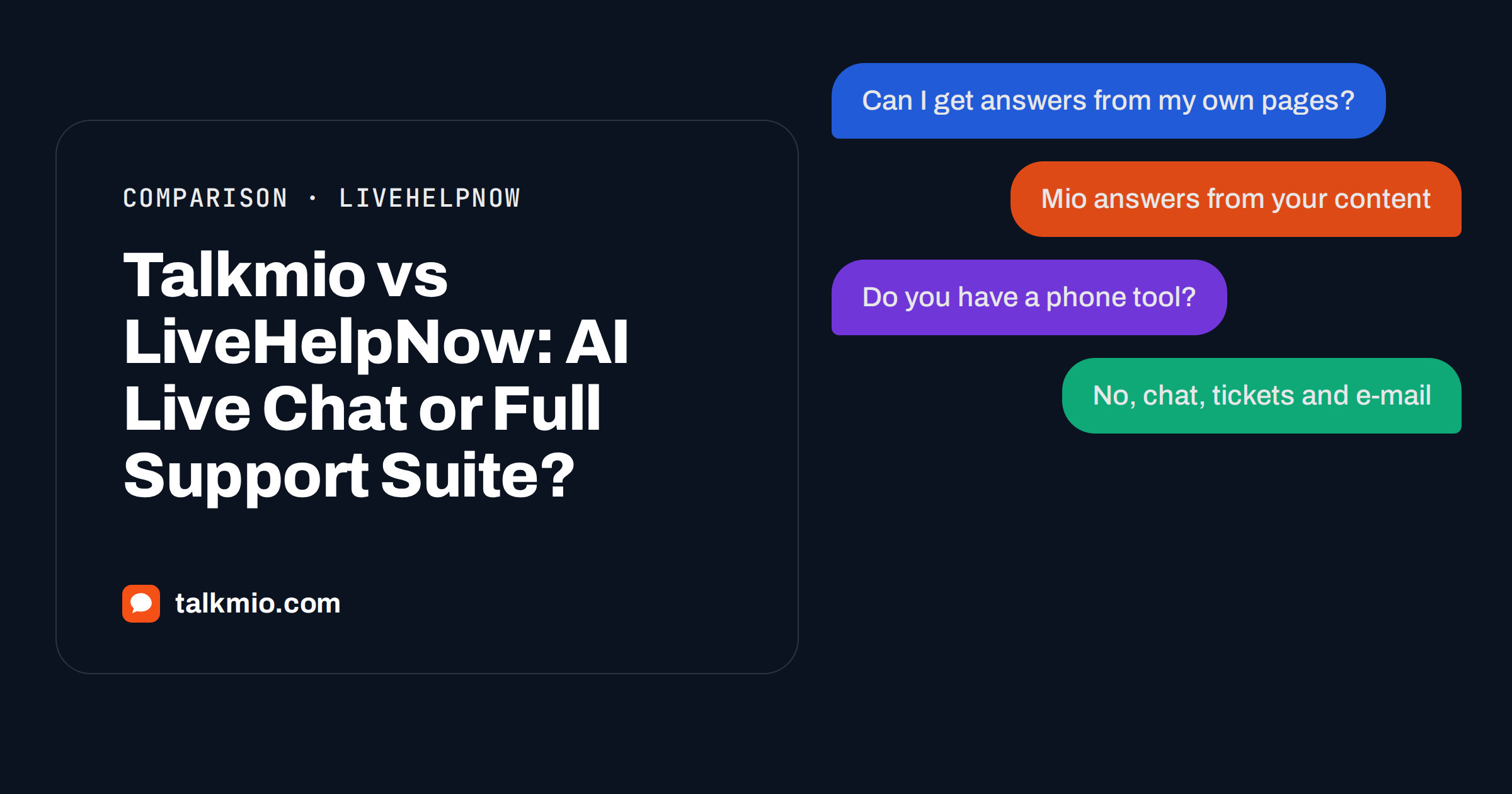
Talkmio vs LiveHelpNow comes down to what you want to buy. LiveHelpNow is a broad customer support suite with live chat, a knowledge base portal, ticketing and phone tools. Talkmio is a focused AI live chat with an inbox, tickets and live visitors, where the AI assistant Mio answers from your own content on every plan, including Free.
This comparison uses the public pricing pages of both products, read in October 2026, and the live Talkmio documentation. Where LiveHelpNow is stronger, we say so. Prices change, so treat the numbers as a snapshot and confirm them before you buy.
Talkmio vs LiveHelpNow at a Glance
The two products overlap on live chat and a shared inbox, then diverge. LiveHelpNow bundles a support portal, surveys, forms and workforce tools into tiered plans and sells customer-facing AI as separate add-ons. Talkmio keeps one simpler product and puts the AI assistant into every plan.
| Area | Talkmio | LiveHelpNow |
|---|---|---|
| Entry price | Free plan, then Pro at 19 euros a month | Essential from 39 US dollars a month |
| Customer-facing AI answers | Included on every plan, 50 a month on Free | Add-on from 99 US dollars a month on Professional or Premium |
| Live chat and shared inbox | Yes, with tickets and live visitors | Yes |
| Knowledge base portal for customers | No public portal; the knowledge base trains Mio | Yes, support portal with unlimited articles |
| Phone and call logging | No | Yes, on Professional and above |
| Workforce management | No | Yes, on Professional and above |
| E-mail channel to tickets | Pro and above | Ticketing on Professional and above |
| Facebook, Instagram, WhatsApp | Ultimate and above | Social channel support listed from Essential |
| Remove vendor branding | Pro and above | Premium |
| Mobile app | iOS and Android | Check the vendor for current apps |
The table shows the pattern. LiveHelpNow wins on breadth: a customer portal, phone integration and workforce features. Talkmio wins on how quickly a small team gets an AI that answers from its own pages.
Pricing Compared: What You Actually Pay
LiveHelpNow lists three tiers on its pricing page. Essential starts at 39 US dollars a month and includes live chat, a knowledge base, a support portal, surveys, canned responses, secure forms, conversion tracking, social channel support, basic automations and basic reporting, limited to one chat domain and one knowledge base. Professional starts at 59 US dollars and adds ticketing, workforce management features, advanced automations, performance dashboards, data export, call logging and Zoom phone integration. Premium starts at 79 US dollars and adds onboarding, a monthly success call, priority support and removal of LiveHelpNow branding.
The page treats AI as a separate layer. An internal agent assist level is included. Customer-facing AI answers grounded in your knowledge base are sold as Knowledge AI, from 99 US dollars a month on top of Professional or Premium, with 2,000 AI answers on Professional and 5,000 on Premium. Autonomous conversational AI starts at 499 US dollars a month. The page does not show one combined price, so add the plan and the add-on yourself when you compare.
Talkmio publishes everything on one pricing page in euros. Free costs nothing for 1 operator, 1 website and 50 AI answers a month. Pro costs 19 euros a month or 190 euros a year, with 3 operators, 3 websites and 1000 AI answers. Ultimate costs 49 euros a month or 490 euros a year, with 10 operators, 10 websites and 5000 AI answers. Larger Enterprise plans exist for bigger teams. VAT of 21 percent is added at checkout.
A fair way to compare the cost
Do not compare the lowest headline prices. Decide first whether you need customer-facing AI. If you do, compare Talkmio Pro or Ultimate with LiveHelpNow Professional plus Knowledge AI. If you only want human live chat and a customer portal, the comparison is Talkmio Free or Pro against LiveHelpNow Essential, and the portal may be worth the difference.
How the AI Works in Each Product
Both products describe AI that answers from your knowledge base. The difference is how it is packaged and what happens at the edge.
Mio reads your website, FAQ and uploaded documents such as PDF, DOCX, TXT, MD, CSV and HTML, and answers only from that content. It never invents prices or policies. When it cannot answer from your material, when the visitor asks for a person, complains or asks about a specific order, Mio hands the chat to your team. The conversation gets a needs-human badge, you receive a browser notification in the Inbox and, if nobody is online, an e-mail and a push notification on the mobile app. Once a person replies, Mio stays out of the conversation.
You can test the behaviour before launch with Try Mio, which shows the answer, the knowledge pieces used and the time taken. For the reasoning behind this design, read our guide on grounded AI chatbot answers.
LiveHelpNow describes its Knowledge AI as customer-facing, knowledge-base-grounded answers working alongside automations and workflows. Its higher tier is built for autonomous conversations. If you want an AI that runs complex workflows end to end, that tier points in that direction, and Talkmio does not claim to match it. Talkmio is designed for answering questions from your content and handing over cleanly.
Where LiveHelpNow Is Stronger
- A customer-facing support portal. Customers can browse unlimited articles by themselves. Talkmio uses your content to train Mio, but it does not host a public help centre.
- Phone support tools. Call logging and Zoom phone integration for routing and tracking are listed from Professional. Talkmio has no phone features.
- Workforce management. If you schedule agents against forecast volume, LiveHelpNow lists features for that. Talkmio offers busiest-hours reports, not scheduling.
- Surveys and secure forms. Both appear in the Essential plan.
- Hands-on onboarding. Premium includes onboarding and a monthly success call.
Where Talkmio Is Stronger
- AI in every plan. Mio answers on the Free plan, so you can see the value before paying anything.
- Lower starting cost. You can run a real chat for nothing, and the first paid step is 19 euros a month.
- Multilingual replies. Mio replies in the visitor’s language, including Lithuanian, English, German, Polish, Russian, Spanish, French and 30 or more others, and the chat window is translated too.
- Live visitors. You see country, city, page, device, browser and source, and can start a chat yourself.
- Simple installation. One snippet before the closing body tag, or the WordPress plugin. See our guide to adding live chat to any website.
Features Side by Side in Daily Use
Inbox and team work
Talkmio’s Inbox filters conversations by All, Mine, Unassigned, Unanswered, Mio replied and Closed, with tabs for chats and tickets. You can assign a team member, set priority from Low to Urgent and move a conversation through Open, Pending, Solved and Closed. Internal notes stay visible to your team only. The reply box offers quick replies, a Suggest button that drafts an answer from your knowledge base, Translate and Polish.
Tickets and e-mail
Every Talkmio conversation can become a numbered ticket. On Pro and above you get a Talkmio e-mail address, and forwarded support mail becomes tickets with replies going back in the same thread. LiveHelpNow lists ticketing from Professional.
Reports
Talkmio reports show conversations per day, the share answered by Mio alone, hand-offs, first-reply time, ratings, busiest hours, channels, countries and team performance, with CSV export on the Ultimate plan and above. LiveHelpNow lists performance dashboards and KPI reporting on Professional.
Setup, Migration and Testing Before You Switch
Moving between chat tools is mostly a question of content and habits, not code. Whichever way you are leaning, follow the same order so the comparison is fair.
- Export what you already have. Collect your best articles, FAQ, price lists and return policy. These feed Mio’s knowledge base, and they are what a LiveHelpNow portal would hold as well.
- Install Talkmio next to your current chat on a test page, or on a staging site. The Free plan allows 1 website, which is enough for a trial.
- Ask real questions. Take twenty questions from your last month of conversations and ask Mio each one in Try Mio. Record which answers are right, which are missing and which should have been handed to a person.
- Measure hand-offs. A good AI chat does not answer everything. It answers what your content covers and passes the rest on quickly. The Reports page shows the share answered by Mio alone and the number of hand-offs.
- Decide with numbers. If Mio covers most routine questions, the extra features of a larger suite matter less. If your main need is a customer portal or phone routing, the test will show that too.
Speed of replies matters more than the tool
Whatever you choose, visitors judge a chat by how quickly it answers. The Nielsen Norman Group’s guidance on live chat user experience stresses minimising waits, especially on mobile, and not making people repeat what they already said. Both of these are easier when an AI handles the first answer and a person receives the full history on hand-off, which is how Talkmio’s Inbox works.
Privacy and data questions to ask any vendor
Ask where conversations are stored, who can read them, how long they are kept and how you can export or delete them. Talkmio sends only the conversation text and relevant knowledge base excerpts to its AI model provider, uses visitor IP, country and device data to show context in your Inbox, and lets you export or delete your data at any time by writing to support. Ask LiveHelpNow the same questions and compare the answers in writing. Our article on GDPR and live chat lists what to check.
Who Should Choose Which
Choose LiveHelpNow if your support operation is a classic help desk: you want a public knowledge portal, call logging, workforce features and a vendor that holds your hand during onboarding, and you accept a higher price for the bundle.
Choose Talkmio if you run a small or growing team, you want an AI assistant that answers from your own pages from day one, and you value a clear price in euros and a free plan to test with. It also suits teams who sell in several languages, because Mio replies in the visitor’s language without separate setups.
If you are unsure, run a two-week test. Put Talkmio on a site with the Free plan, count how many conversations Mio handles alone and how many it hands over, and compare that with what a portal or phone tool would add. Our guide on how to choose live chat software gives a checklist for the decision.
Frequently Asked Questions
Is Talkmio cheaper than LiveHelpNow?
At the entry level, yes. Talkmio has a Free plan and Pro costs 19 euros a month, while LiveHelpNow Essential starts at 39 US dollars a month. Customer-facing AI on LiveHelpNow is an add-on from 99 US dollars a month on Professional or Premium. Currencies differ and prices change, so check both pricing pages before deciding.
Does LiveHelpNow have AI answers like Mio?
LiveHelpNow lists Knowledge AI, described as customer-facing answers grounded in your knowledge base, from 99 US dollars a month on Professional or Premium, plus a higher conversational AI tier. Mio is included on every Talkmio plan and answers only from your website and uploaded documents, handing over to your team when it cannot.
Which product has a customer help portal?
LiveHelpNow includes a support portal with unlimited knowledge base articles from its Essential plan. Talkmio does not host a public help centre. Its knowledge base exists to teach Mio, which answers visitors inside the chat. If a public portal matters to you, LiveHelpNow is the stronger fit.
Can Talkmio handle phone calls like LiveHelpNow?
No. LiveHelpNow lists call logging and Zoom phone integration from its Professional plan. Talkmio focuses on live chat, tickets, e-mail and, on Ultimate and above, Facebook, Instagram and WhatsApp channels. If phone routing is central to your support, choose a product that covers it.
How fast can I try Talkmio next to my current chat?
You create a free account, add your website, paste one snippet before the closing body tag or install the WordPress plugin, and add your site to Mio’s knowledge base. Most setups take about two minutes, and Try Mio lets you test answers before visitors see them.
Does Talkmio support several languages?
Yes. Mio replies in the language the visitor writes in, including Lithuanian, English, German, Polish, Russian, Spanish and French plus 30 or more others, and the chat window itself is translated. Questions in one language can find answers written in another, for example a Lithuanian question and an English FAQ.
The Bottom Line
LiveHelpNow is the better choice when you need a full support suite with a public portal, phone tools and workforce features. Talkmio is the better choice when you want live chat with an AI assistant that answers from your own content from the first day, at a lower and clearer price. Test the free plan before you commit to either. Create a free Talkmio account and see how many questions Mio answers on its own this week.